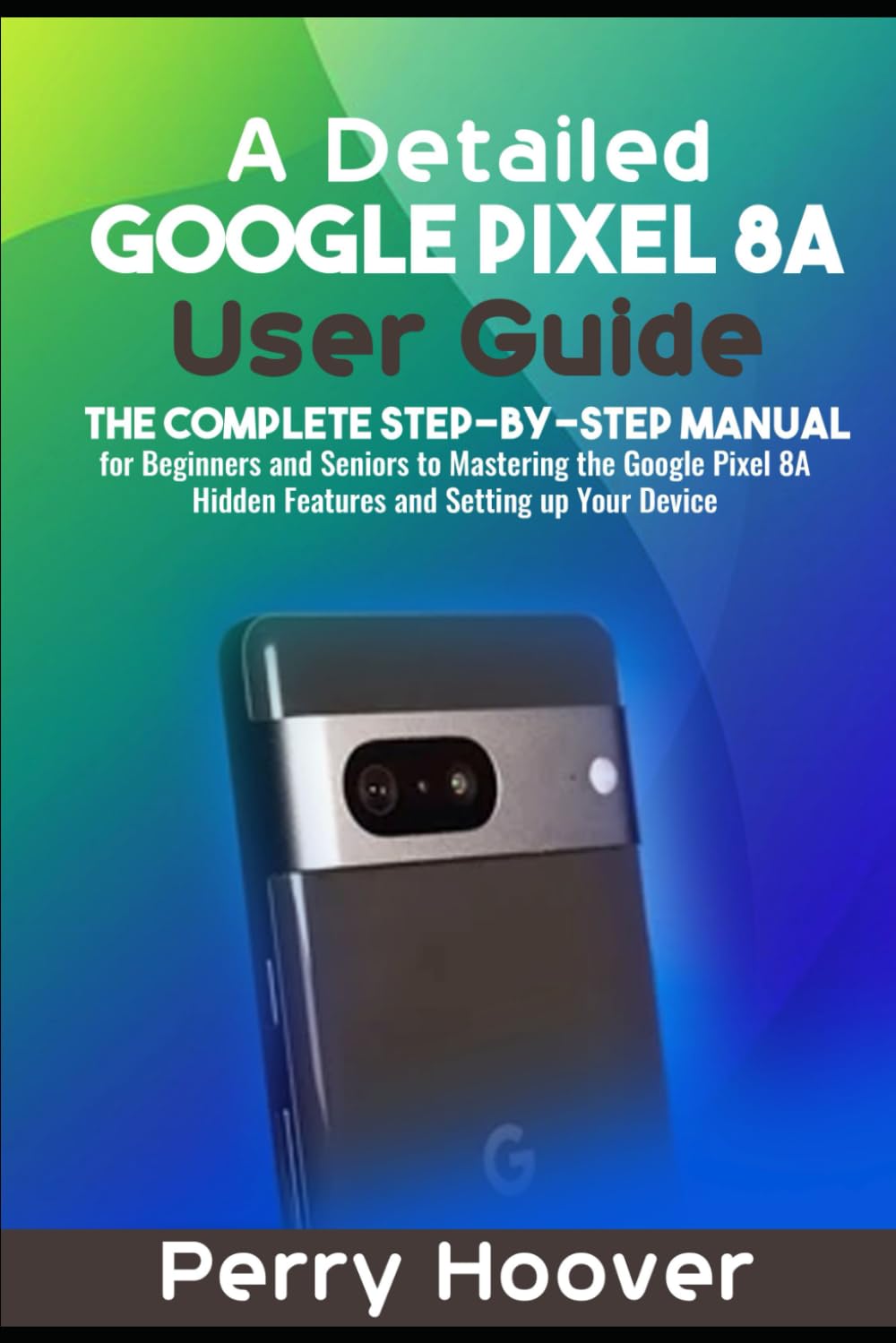
A Detailed Google Pixel 8A User Guide: The Complete Step-by-Step Manual for Beginners and Seniors to Mastering the Google Pixel 8A Hidden Features and
$15.95
by Perry Hoover



The Pixel 8a , recently released by Google , comes with a 6.1-inch FHD+ OLED HDR display. It features a refresh rate of 120Hz, a resolution of 2400 x 1080, a peak brightness of up to 2000 nits, and is safeguarded by Corning Gorilla Glass 3. With the Google Tensor G3 processor and Titan M2 security chip, it comes equipped with 8GB of LPDDR5X RAM and either 128GB or 256GB of UFS 3.1 storage. The device is compatible with Android 14 and will receive updates for OS, security, and new features for a duration of 7 years. It supports dual SIM (nano + eSIM) and boasts a 64MP main camera and 13MP Ultra-Wide camera. The 4492mAh battery supports 18W fast charging and Qi wireless charging, with adaptive battery technology for optimized power use. This book provides users with the necessary information to learn about all the functions and features of the phone. It will also help you set up and use your device effectively and efficiently, like a pro. It also walks you through every aspect of your Google Pixel experience, from setting it up to mastering advanced features. Each section is user-friendly with clear instructions and helpful images. Here's what you'll learn from this book: New Features - How to turn on your device - How to restart your device - How to restore Google Pixel 8a from Google backup - How to change Google Pixel 8a language - How to change time on your device - How to connect Google Pixel 8A to tv wirelessly - How to automatically forward text messages to another phone - How to make Google Pixel 8a run faster - How to charge your device without a charger - How to change the date on your device - How to screenshot on your device - Turn on Palm Timer in the Camera app - Set up your Do Not Disturb - Check out Magic Editor and other photo-editing tools - Turn on Circle to Search - Customize how your Pixel looks and sounds - Customize how your Pixel works - How to familiarize yourself with the dual-camera setup - How to take macro photos on the Google Pixel 8a - How to use Google One's free VPN - How to activate Google's amazing Call Assist suite of features - How to always know what song is playing around you - How to save battery with Adaptive settings - How to never miss a notification using Notification History - How to make a gesture and save some time - How to create your own look by customizing your theme and lock screen - How to download and install apps - How to find apps - How to move apps - How to group apps - How to delete apps - How to turn on your Pixel's Clear Calling feature - How to use the earphones - How to change the volume or playing a video - How to get Google Assistant set up - How to charge your mobile device's battery - How to adjust the brightness and volume - Android 14 accessibility features - Other expected and rumored Android 14 features - Various things you can try out on your new device - How to set or change a screen lock - How to set up Face Unlock - How to change Face Unlock settings or face model - How to always require confirmation - How to disable or delete Face Unlock - How to fix problems with Face Unlock - Troubleshooting Your Device: Common Problems and Solutions - And many more.... This User Manual covers everything you need to know about the Google Pixel 8A !! So what are you waiting for? Scroll up and Click the Orange - BUY NOW WITH 1-CLICK BUTTON- on the top right corner and Download Now!!! You won’t regret you did See you inside!!!