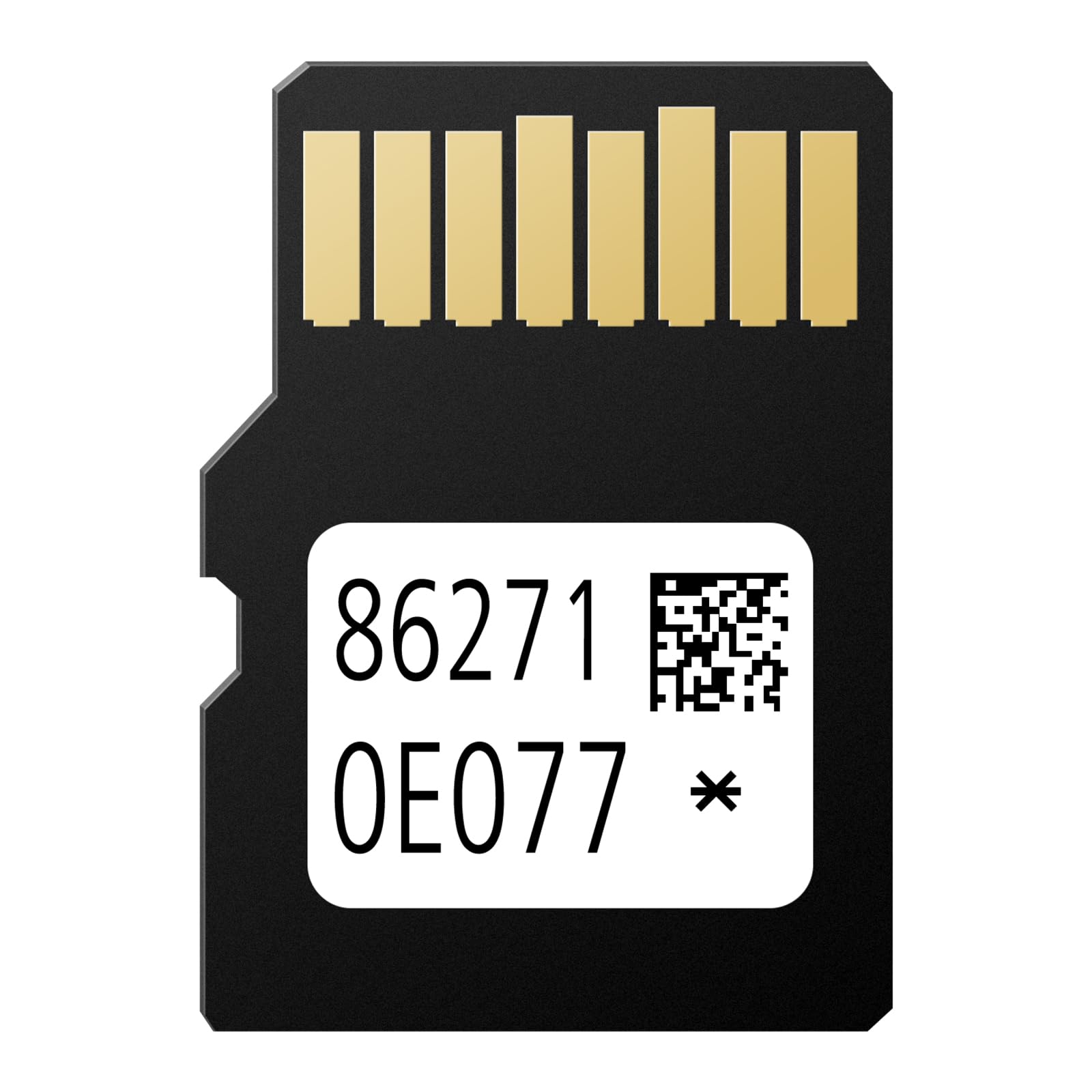



Navigation SD Card Vehicle Fit: (4 Runner 2014, 2015, 2016, 2017,2018, 2019,2020). (Avalon 2015, 2016, 2017, 2018). (Camry/Camry Hybrid 2014,2015,2016,2017). (Corolla 2014, 2015, 2016,2017, 2018). (Highlander/Highlander Hybrid 2014,2015,2016,2017,2018). (Mirai 2016,2017,2018) [ Navigation SD Card Vehicle Fit ] - (Rav4 2014,2015,2016,2017,2018). (Sequoia 2014,2015,2016,2017,2018). (Sienna 2015,2016,2017). (Tacoma 2014,2015,2016,2017,2018). (Tundra 2014,2015,2016,2017,2018). (Venza 2015,2016). (Prius 2016,2017,2018). (Prius C 2015,2016,2017,2018). (Prius V 2015,2016,2017) NOT work with 11.6" vertical screen. Not fit for Lexus Models!!! SD Navigation Card Map Data Dates Explanation: All navigation SD cards are technically 6-12 months behind the current road network. The "2025" navigation map card data is actually start from June. 2024 Must Ignition off at least 20 minites: MUST ignition/engine OFF at least 20 minites before insert new sd card Safe Installation: Turn engine OFF 20+ minutes → swap SD cards → restart for auto-update (10-20 mins). Never interrupt power during update Navigation SD Card Warning: DO NOT insert the SD navigation card into any non-vehicle device, as it will damage the map data SD Navigation Card Warning: Navigation SD cards do not support switching to another car after the first time of the SD card being inserted 2025 86271-0E077 Navigation SD Card Compatible with Toyota Tacoma Camry 4Runner RAV4 Corolla Highlander Tunder, Navigation Accessories Micro SD Card Update USA/Canada GPS Maps Parts number: 86271-0E077 Maps: 2025 Coverage: USA/Canada Navigation SD Card Vehicle Fit: Compatible with Toyota Models: For 4Runner, Tacoma, Tundra, Sequoia, RAV4, Corolla, Highlander, Hybrid (2014-2018); For Avalon (2015-2018); For Camry, Camry Hybrid (2014-2017); For Mirai (2016-2018); For Prius (2016-2018); For Prius C (2015-2018); For Prius V (2015-2017); For Sienna (2015-2017); For Venza (2015-2016) Superseded Part Number: 86271-0E076 86271-0E075 86271-0E074 86271-0E073 86271-0E072 86271-0E070 86271-0E071 86271-0E180 86271-0E181 86271-0E182 86271-0E183 86271-0E184 86271-0E185 86271-35010 86271-35011 86271-35012 86271-35013 86271-35014 86271-35015 86271-35020 86271-35021 86271-35022 SD Navigation Card Map Data Dates Explanation All navigation SD cards are technically 6-12 months behind the current road network. The "2025" navigation SD card is actually a snapshot of the road network from 2024 - this allows time for production, distribution, and marketing. SD Navigation Card Installation Step1: Ensure the ignition is off at least 10 minites before insert the new navigation sd card Step2::Open up the center console & find the SD card slot. Consult your Owner's Manual for assistance if needed Step3 :push the card slot and release it, insert the SD card label-side up Step 4:Keep the ignition on and do not turn off the engine until the navigation screen confirms the update is finished Step 5:If the car still doesn't recognize the SD card, remove it and retry or leave it inserted couple hours or overnight while the car is off. Note: Ensure your vehicle uses a micro card for Navigation. Navigation SD Card Warning DO NOT insert the SD navigation card into any non-vehicle device, as it will damage the map data. Navigation SD cards do not support switching to another car after the first time of the SD card being inserted.