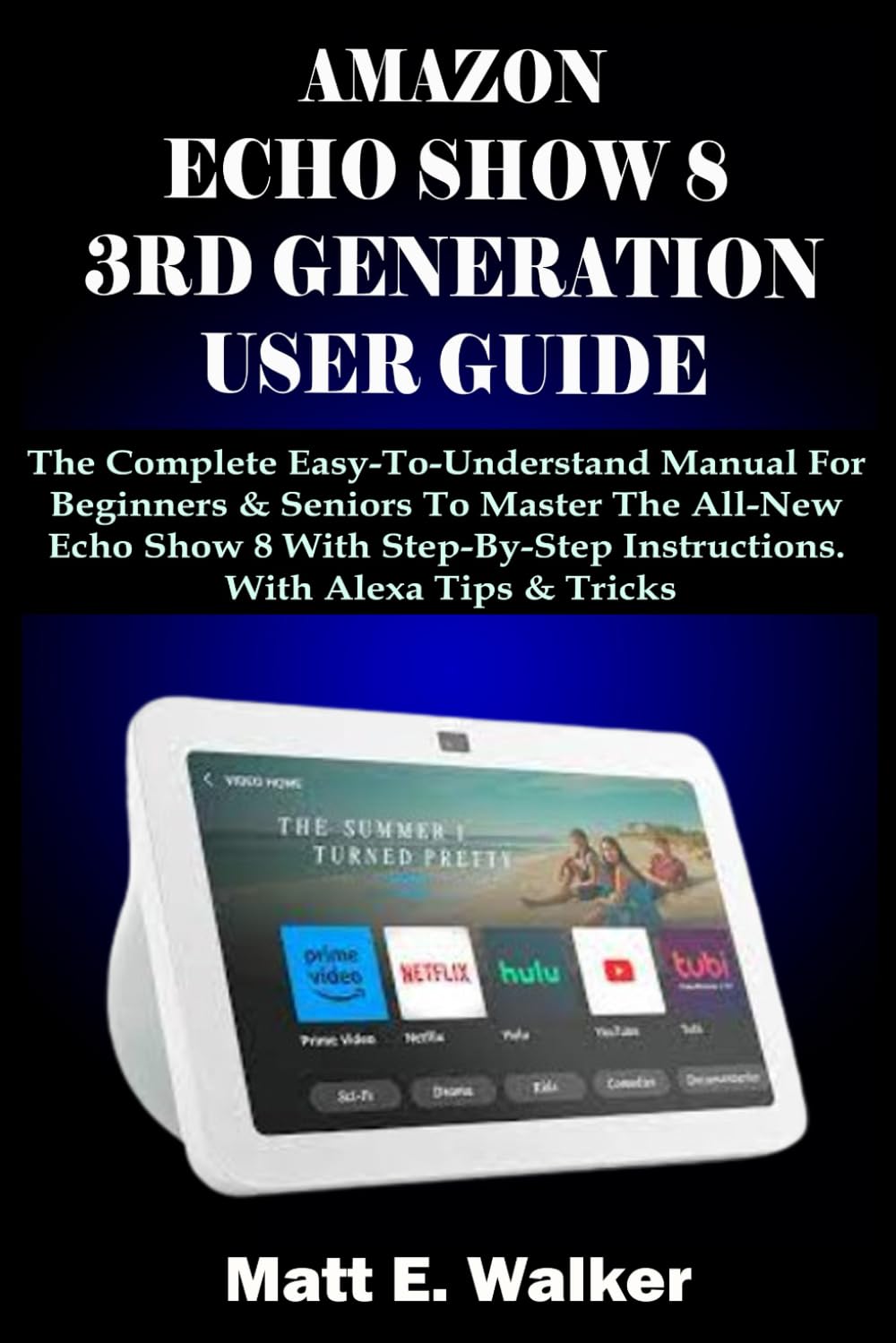
AMAZON ECHO SHOW 8 3RD GENERATION USER GUIDE: The Complete Easy-To-Understand Manual For Beginners & Seniors To Master The All-New Echo Show 8 With
$13.99
by Matt E. Walker



The latest third-generation Amazon Echo Show maintains the same modern style and incredibly clear visuals as its earlier models. Smart displays are really handy, especially if you've never used one before. In addition to supplementing the data provided by your digital assistant, smart displays may provide quick access to other information, such as the current weather and news headlines, and they also have a more extensive set of commands than the majority of mobile devices and tablets. The current iteration of Amazon's Echo Show 8, with its medium-sized screen, is the third version of the device. The size, affordability, and performance of earlier versions of the Echo Show 8 were all well-balanced. Exploring and understanding the amazing features of the AMAZON ECHO SHOW 8 3 rd Generation can be confusing even for many professionals. But have no fear. This book got you covered. This easy-to-understand manual is specially made for Beginners and Seniors who want to correctly master their AMAZON ECHO SHOW 8 3RD GENERATION without stress. This comprehensive manual presents all you need to know about your new AMAZON ECHO SHOW 8 in simple and clear terms. Here is a preview of what you will learn in this book: How To Set Up Echo Show 8 - How To Connect Your iPhone to An Alexa-Enabled Device - How To Connect Alexa To Wifi - How To Enhance Your Echo Show With Facebook Images - How To Make Your Echo Show Into A Digital Picture Frame - How To Modify Alexa’s Wake Phrase - How To Customize Alexa's Speech On Mobile Devices Or Echo Show - How To Change The Time On An Amazon Echo Show With A Display - How To Use Night Mode On Echo Show 8 - How To Use Guest Connect On Amazon Echo 8 - How To Set Up Your Printer To Work With Alexa - How To Use Whisper Mode On Amazon Echo 8 - How To Enable And Disable Amazon Sidewalk On Echo Show 8 - How To Access Your Alexa Energy Dashboard - How To Use Uber And Lyft On Amazon Echo - How To Set Up Multiple Users - How To Set Up Voice ID - How To Use The Alexa Drop-In Feature - How To Make Phone Calls With Alexa - How To Make Video Call - How To Import Contact - How To Use The Messaging Features On Alexa - How To Enable Skype On Amazon Echo Show 8 - How To Get Local Information - How To Use Amazon Flash Briefing - How To Delete Your Alexa History And Recordings - How To Use Alexa Guard To Monitor Your Home For Free - How To Set Up Reminders, Alarms, Timers And Lists With Alexa - How To Shop On Amazon With Alexa Voice Shopping - How To Listen To Music - Tips And Tricks You Will Need Everyday TAP THE BUY NOW BUTTON TO GET YOUR COPY NOW