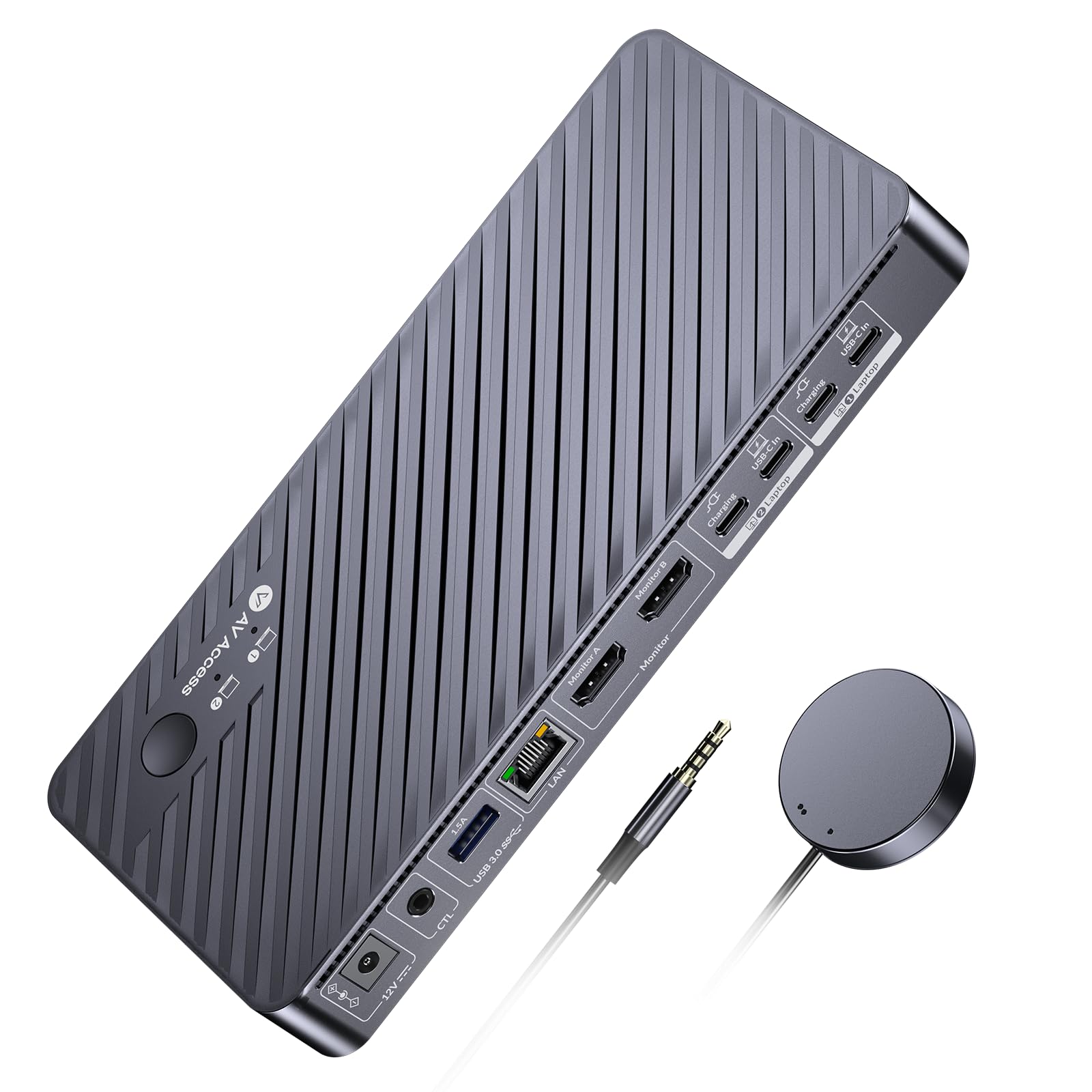
AV Access Docking Station KVM Switch 2 Monitors 2 Laptops, 4K KVM Switch Dual HDMI Monitor, 100W PD for Each PC, 1G Ethernet, EDID Emulation, Ideal
$199.99
by V AV Access



【Dual Screens, Double Productivity】This dual-monitor KVM switch (2×HDMI outputs) allows you to effortlessly connect 2 monitors to 2 laptops, enabling seamless switching between work and personal laptops to enhance productivity. 🚩Note: Mac OS can’t output extended dual screens. 【Powerful 11-in-1 Docking Station】 With this KVM switch docking station, you can expand your workspace with a variety of shared ports between 2 laptops, including 3x USB 3.0, 2x USB 2.0, 1x USB-C, 1x 1G Ethernet, 1x 3.5mm headset, 1x SD card slot and 2x HDMI output. Build a powerful workstation at home with ease. 【1G Ethernet for 2 Laptops】 The KVM switch for 2 laptops features a single Gigabit LAN port that seamlessly provides stable, high-speed internet to 2 laptops. It ensures that 2 laptops can access the Internet at the same time, no matter which laptop you switch to. 【USB-C MST & 100W Charging】 Each USB-C (MST) input port is designed with an adjacent USB-C charging port for dual 4K video output, 5Gbp/s data transmission, and simultaneous 100W laptop charging (original laptop power adapter required). 🚩Note: Certain USB-C laptops, especially those with integrated graphics, may not support dual 4K video output. Verify your laptop's video output capabilities. 【Effortless and Fast Switching】 This KVM switch for 2 laptops and 2 monitors features EDID emulation and automatic PC wake-up functions, so you can switch between your laptops in just 2-3 seconds. Use the front panel button or the included wired remote controller to switch effortlessly. 【4K UHD & Smooth Gaming】 Enjoy crystal-clear visuals with support for up to 4K@60Hz. The 4K KVM switch dual monitor also supports 2560x1440@144Hz and 1080P@240Hz/165Hz, delivering a fluid, lag-free experience in high-speed racing games. 🚩【Important Notes】MacOS doesn’t support USB-C MST (multi-stream transport), so two duplicate contents will be displayed. Please connect your laptop's original adapter to the USB-C port marked with “Charging” for reverse charging.