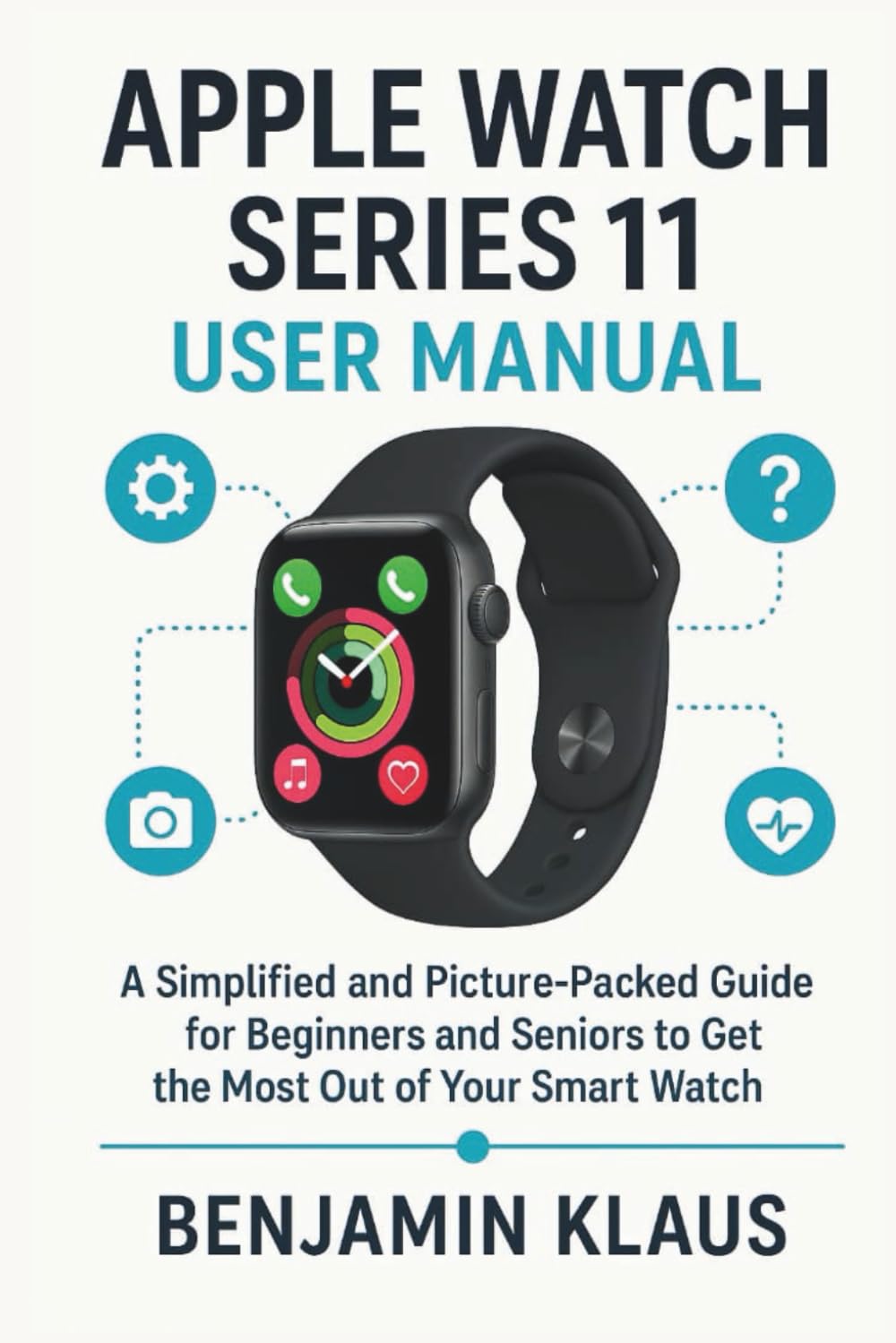
Apple Watch Series 11 User Manual: A Simplified and picture packed Guide For Beginners and Seniors To Get The Most Out Of Your Smart Watch
$22.99
by Benjamin Klaus



Imagine you pick up your Apple Watch Series 11 and feel excited—but also a little uncertain. What if you never unlock its full potential? What if you feel stuck with only the basics? This book is here to change that. From the moment I first strapped on a smartwatch, I was puzzled by menus, notifications, and health metrics. I bought one hoping it would simplify my life, but instead I spent weeks fumbling, consulting forums, and feeling frustrated. I realized that what I, and many others, really needed was a clear, gentle, picture-rich guide made for everyday people—not tech experts. That’s why I wrote this book for you. It’s your companion, step by step, as you transform your Apple Watch into something you rely on, understand, and enjoy. Imagine glancing at your wrist and instantly getting exactly what you need—your heart rate, messages, calendar alerts, or a silent alarm that nudges you to move. Picture yourself navigating apps, tracking workouts, paying with Apple Pay, or using Siri—all without anxiety or guesswork. You’ll go from “I don’t know how to do that” to “I use this every day.” More than that, you’ll feel confident. You’ll see your watch not as a gadget but as a helpful companion that adapts to you. What makes this book different is how it solves your problems. No tech jargon, no leaps of logic, no missing steps. You’ll be guided in a calm, human voice—each lesson built for clarity. You’ll see photos and prompts that show exactly what to do. You won’t need to wonder what a menu means or whether it’s safe to try something new. Every chapter turns confusion into simplicity and fear into confidence. What you’ll learn inside Unbox & set up your Apple Watch Series 11 without feeling overwhelmed - Navigate with ease using touch, the Digital Crown, gestures, and Siri—until it feels second nature - Health essentials: monitor heart health, use ECG and blood-oxygen sensors, track sleep, and activate Fall Detection - Fitness, done right: close your Activity Rings, record workouts (walking, running, swimming…), and use GPS routes. - Stay connected with Apple Pay, email, music, cellular or Wi-Fi, and Walkie-Talkie. - Make it yours: customize watch faces, apps, settings, accessibility for seniors, and notification control - Fix common issues: troubleshoot freezes, reset the watch, update software, save battery, and clean your device - Discover more: hidden shortcuts, fun features, safety & privacy tips, and essential apps to try - Works together: use Apple Watch with iPhone, Mac, AirPods, HomeKit devices, and more By the time you finish, you won’t just “own” an Apple Watch—you’ll use it freely, with clarity and confidence. If you’re ready to stop feeling lost and start enjoying your Apple Watch every day, this is the guide you’ve been waiting for. Click on the order now button to get Your Copy immediately . Disclaimer: Apple Watch is a trademark of Apple Inc. This book is an independent publication and is not affiliated with or endorsed by Apple Inc.