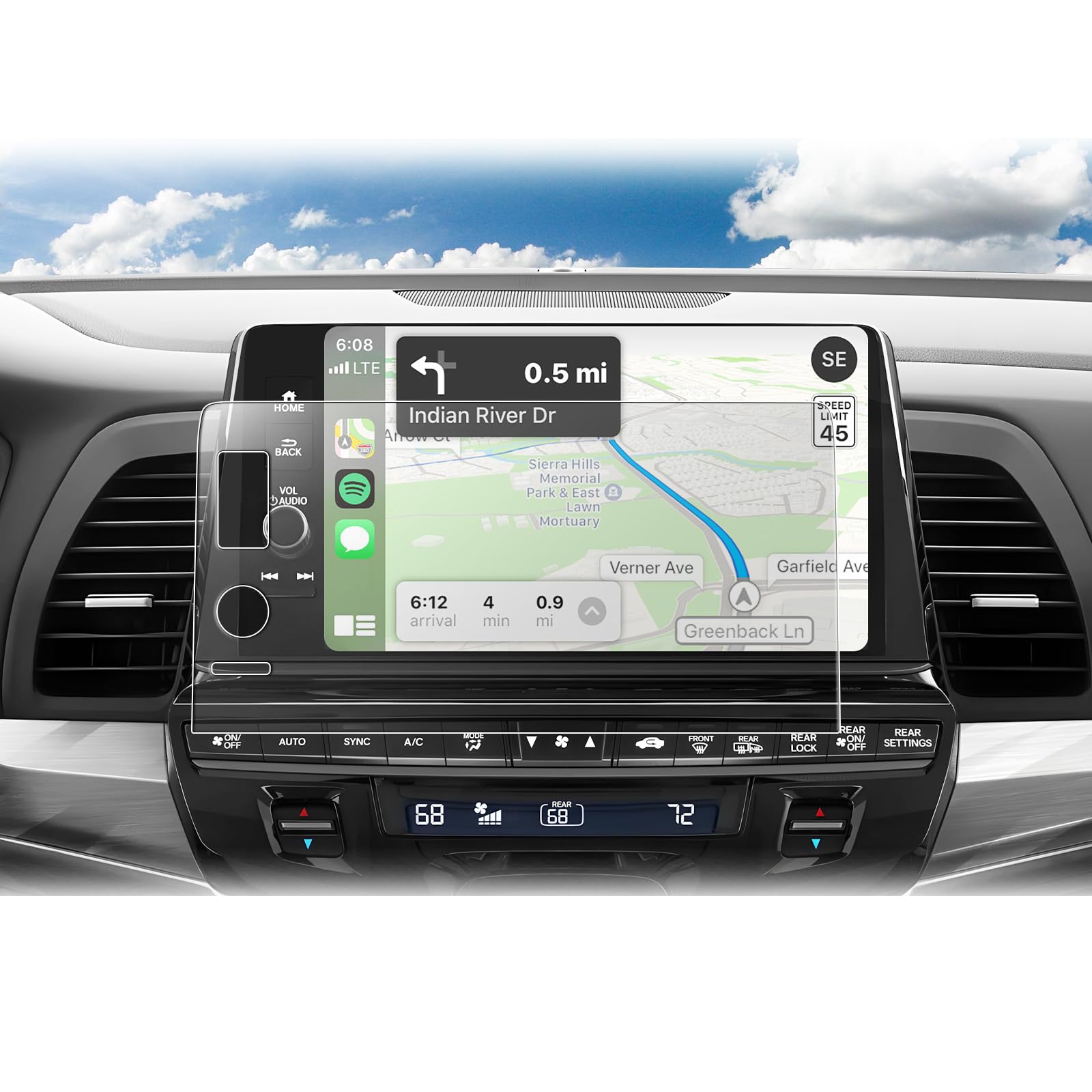
【Compatible with】:compatible with 2025 2026 Honda Odyssey (EX-L/Sport-L/Touring/Elite) 9"navigation display touchscreen 【Anti-Reflection】: Our 2025 2026 Odyssey screen protector adopts AR Nano -coating technology, has low Reflectivity,high transmittance.Odyssey anti-reflection protector help your screen refusal strong light and reflection,promises the daily driving will not be bothered by strong light.lets your drive much more enjoyable 【Ultra HD】: [Upgraded] for 2025 2026 Honda Odyssey screen protector is premium Anti-Reflection Ultra-Clear Nano Protective Film,AR Optical Transparent, let you feel HDR Original screen experience,Ultra High Transparency,made you enjoy the original clarity without any additional 【Scratch Resistant】: Our anti-reflection Nano screen protector foils designed for 2025 2026 Honda Odyssey 9 inch navigation display , oleophobic and waterproof,touch sensitive,HDR Original screen experience perfect fit.protects your screen from daily scratches, dust and scrapes, lessen smudges and fingerprints 【Touch Sensitive】: Compatible with 2025 2026 Honda Odyssey 9" touch screen, 2025 Odyssey 9-inch Anti-Reflection screen protector provides flawless touch screen accuracy, 0.23mm thickness, lightweight slender,an natural screen touch, more comfortable 【Easy Installation】:BIBIBO For 2025 2026 Honda Odyssey 9 "screen protector is very easy to install,Clean the screen surface with a damp cloth, then dry the screen with a dry cloth.Remove dust from the screen by dust removal sticker.Peel off the film covering the protective film, align the PET film with the navigation screen.Use the card in one direction to remove the bubbles
Compatible with: 2025 2026 Honda Odyssey (EX-L/Sport-L/Touring/Elite) 9 Inch Navigation Display
Package Included:
2X Navigation Screen Protector
1x Installation Tool Kits
1x User's Guide
Installation Steps:
1.Compare the protector with your navigation screen
2.Clean the screen: Open the tool kits,Use the wet wipe to clean firstly,then use the micro fiber cloth to clean again.
2.Use the dust removal sticker to eliminate the surface dust to ensure the screen totally clean.
3.Use the positioning labels to align the protector on the screen. Ensure that the position of the protector is correct.
4.Tear off the back of the protective film clockwise, gently use the micro fiber cloth to clean the screen,then install swipe from the center of the screen and wait for the protector to adsorb automatically.
5.Use the micro fiber cloth to clean the screen ,then install finished.