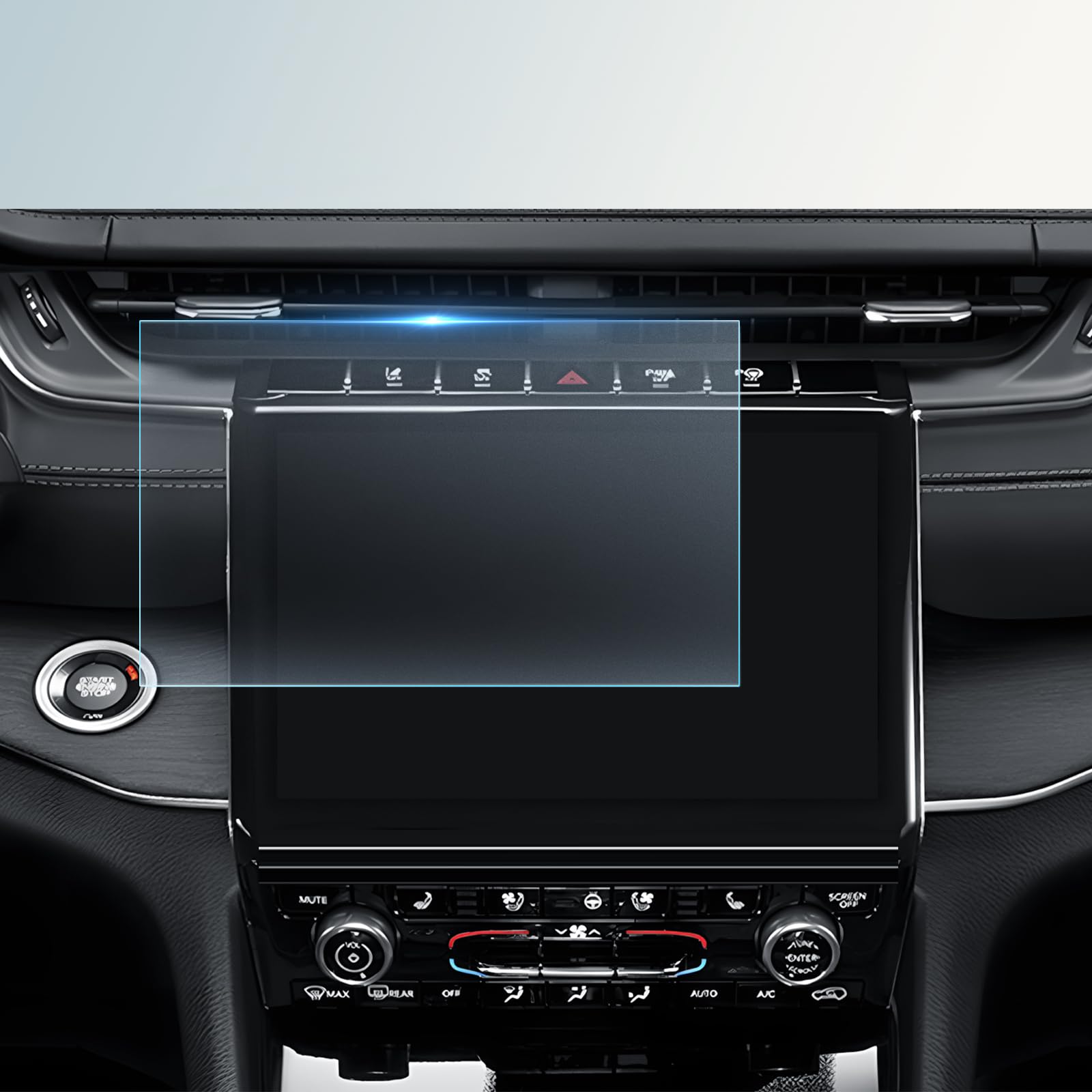
Compatible with: 2021 2022 2026 2024 2025 Jeep Grand Cherokee L (Limited/Overland/Summit/Summit Reserve) 10.1-inch toucnscreen (Frosted, Matte,Anti-Glare),2021 2022 2023 2024 Jeep Grand Cherokee L 10.1-inch Touch Screen, 2021 2022 2023 2024 Grand Cherokee L (Limited/Overland/Summit/Summit Reserve) 10.1-inch Touch Screen Custom Design: Tailored for 2021 2022 2023 2024 2025 Jeep Grand Cherokee L 10.1 inch touch screen infotainment,perfect fit 2021-2025 Grand Cherokee L 10.1"navigation display Frosted Matte Anti-Glare : Compatoble with 2021-2025 Jeep Grand Cherokee L anti-glare screen screen protector frosted matte finish,has low Reflectivity,Worry-free driving under strong light Tempered Glass: Upgraded for 2021 2022 2023 2024 2024 2025 Grand Cherokee L screen protector is made of high-quality tempered glass material has 9H High hardness,resist scratches offers exceptional protection and durability for you 2021-2025 Jeep Grand Cherokee L screen Ultra-Clear:Fit for 2021-2024 2025 Jeep Grand Cherokee L screen protector surface frosted matte,but it won’t decrease the visibility of the screen,can minimize glare,make your eyes more comfortablelet you drive with peace of mind Touch Sensitive:Compatible with 2021-2025 Jeep Grand Cherokee L accessories screen protector Thickness 0.2 -0.33mm makes your Grand Cherokee L screen as smooth as silk Easy To Use: for 2022-2024 2025 Grand Cherokee L accessories screen protector is light and thin, automatic adsorption,and it is convenient to touch and fits perfectly with the screen, screen protector for 2024 Grand Cherokee L easy to discharge air bubbles,anyone can stick it
Compatible with 2021-2025 Jeep Grand Cherokee L (Limited/Overland/Summit/Summit Reserve 10.1" Multimedia touchscreen
Features:
Anti-Glare,Scratch Resistant ,Ultra-Clear,Oil Resistant,Rounded Edge
Package Included:
1 x Navigation Screen Protector
1x Installation Tool Kits
1x User's Guide
Installation Steps:
1.Compare the protector with your navigation screen
2.Clean the screen: Open the tool kits,Use the wet wipe to clean firstly,then use the micro fiber cloth to clean again.
2.Use the dust removal sticker to eliminate the surface dust to ensure the screen totally clean.
3.Use the positioning labels to align the protector on the screen. Ensure that the position of the protector is correct.
4.Tear off the back of the protective film clockwise, gently use the micro fiber cloth to clean the screen,then install swipe from the center of the screen and wait for the protector to adsorb automatically.
5.Use the micro fiber cloth to clean the screen ,then install finished.