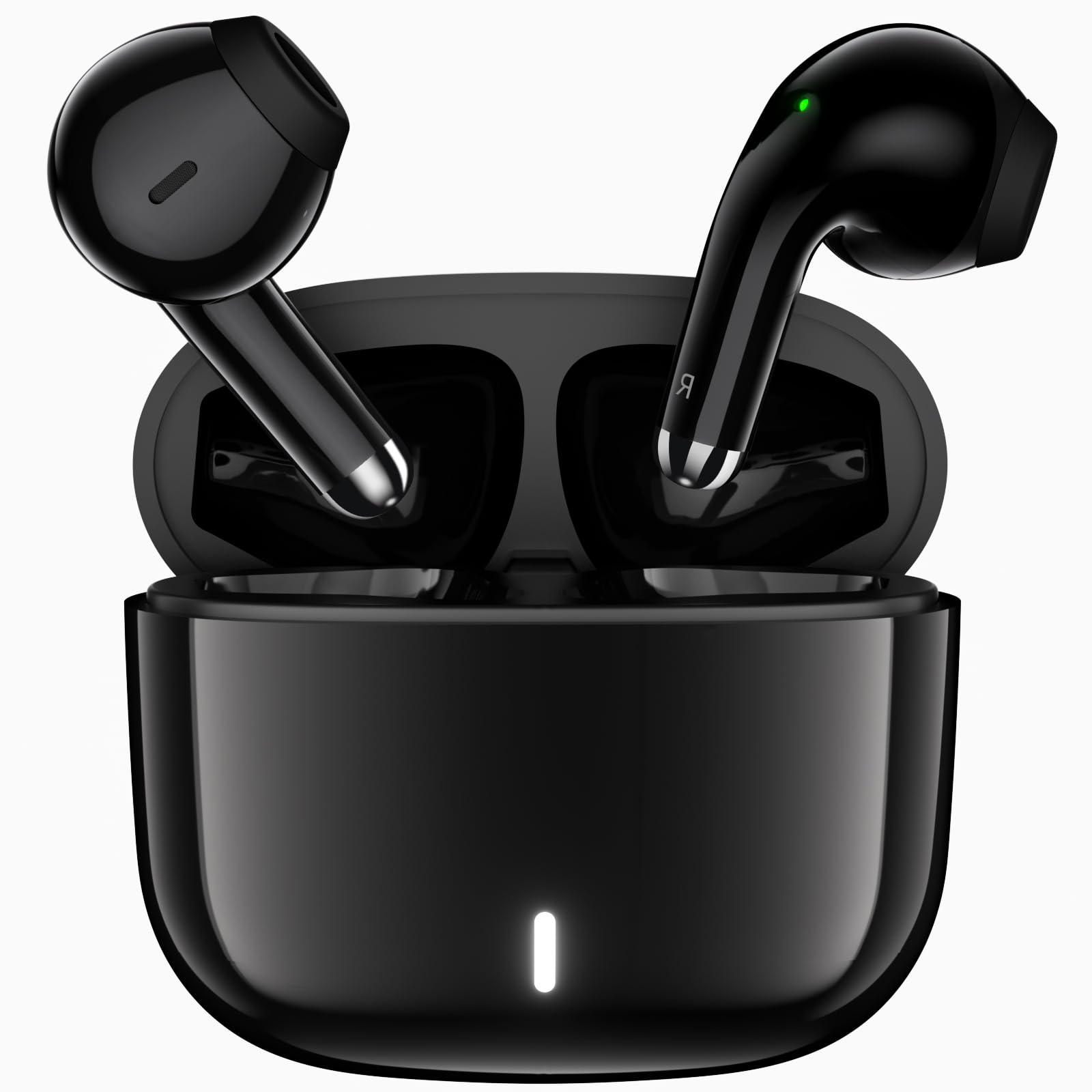



Touch Contol
Answer/Hang up Call: Click*2
Reject Call: Long Press
Play/Pause Song: Click*2
Previous Song: Left Earbud Long Press
Next Song: Right Earbud Long Press
Activate Siri: Left Earbud Click*3
Game Mode/Music Mode: Right Earbud Click*3
Turn on/off LED: Click*4
Compatibility
for iPhone 17 16 15 14 13 12 11 Pro Max Mini Plus Series, for iPhone SE/XR/XS/XS Max,/X/8/7/6/5
for iPad, for iPad Pro 2022/2021/2020, for iPad Air, for iPad Mini, for MacBook, for iMac
for Samsung Galaxy S25 S24 S23 Ultra,S23+,S23,S22 ULTRA,S22+,S22,S21,S21+, S21 FE,S21 Ultra,S20 FE, S20, S20 Ultra, S20+,Note 20,Note 20 Ultra, Note 10,Galaxy A17 A16 A15 A14 A12,A13,A54,A53,A52,,A51,A72,A71
for Google Pixel 10 9 8 7a,7 pro,7,6a,6 Pro, 6, 5, 5a, 4, 4xl, 4a, 3 xl, 3, 3a
for OnePlus 15 13 12 11,10t,10pro,Nord N200, 9, 9 Pro, Nord 2, 8, 8 Pro, 8T, 7, 6
for Moto G Power/G Play/G Stylus, Compatible with more Bluetooth Devices
Please Note:
If one ear buds does not work, try recharge the earbuds first. Then Reconnect the earbuds with the device. If still not work, try reset the earbuds and reconnet.
Steps to reset the earbuds:
1. Go to Bluetooth setting on device, delete the earbuds' Bluetooth name (original “A30”); then turn off Bluetooth function.
2. Put the earbuds back into the charging box; close the box.
3. Reopen the charging box; press and hold the button on it till red LED lights flashing 3 times. The connection record will be cleared.
If you have any questions or need any help about the earbuds, just contact APETOO Customer Service. We will try our best to help and solve any possible problems.