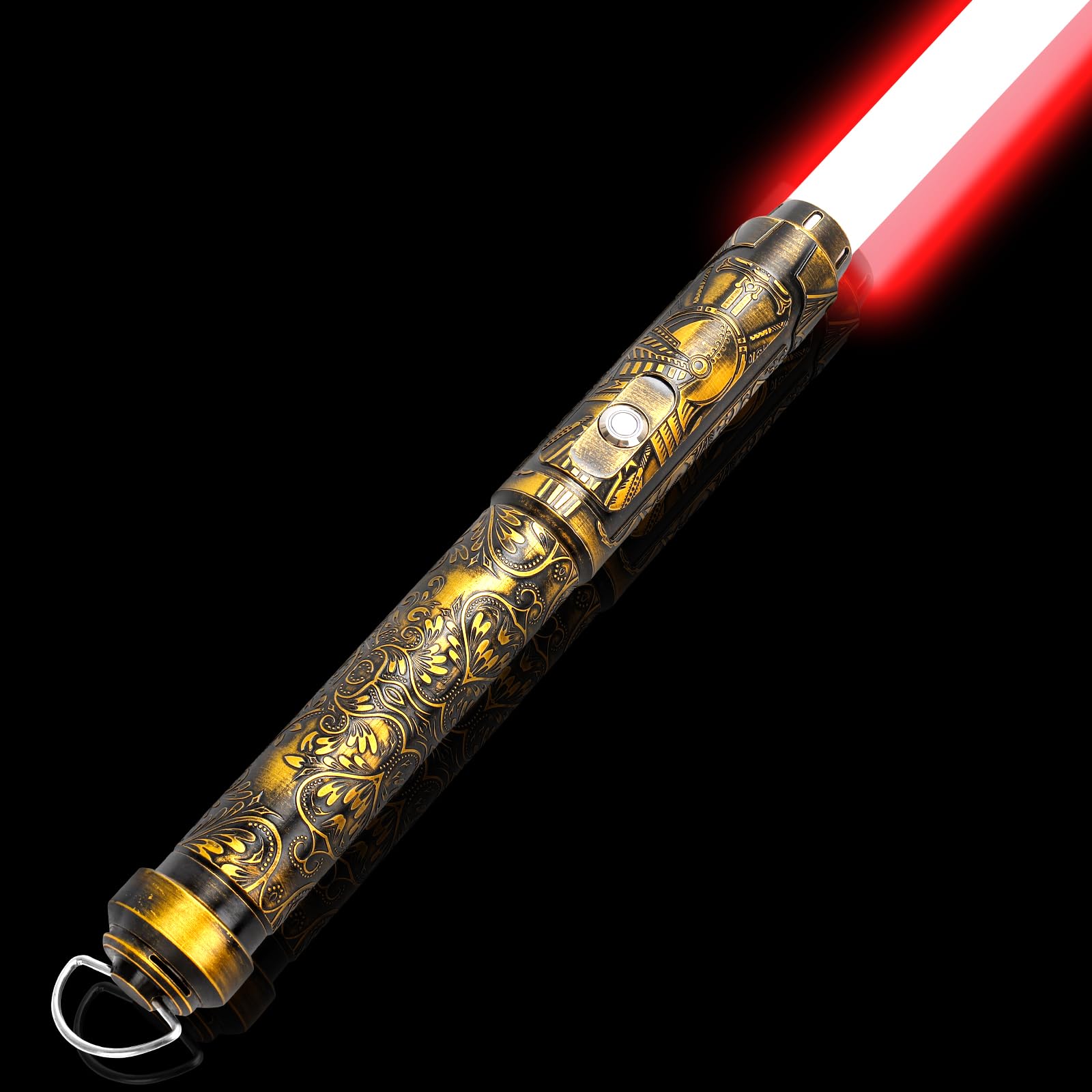



aluminum alloy Imported 🪐🪐[Upgrade Lightsaber]-Smooth Swing Sensitive, Flashes and emits real sound effects when colliding. looks stunning while swinging in the dark, When you swing it, it is like a real light up sword, bring you realistic combat experience and get you cross into the real movie. 💥💥[12 Colors + 16 Sounds Effects]-12 kinds of infinite color change,16 sound fonts effects style settings,3 volume settings (High, Low, Mute), 3 flame mode: full light mode, breathing mode, flash-on-clash mode and blaster function, it will change the color and make a sound effect when hitting, Choose your favorite color and sound effects to dueling. ⚔️⚔️[Metal Hilt Light Sabers For Heavy Dueling]-Metal aluminum Dueling lightsaber, equipped with high-impact and high-transparency PC Blade, Good solid weight, non-slip design makes it comfortable. The handle and light tube are detachable design, built-in shock-proof material, not easy to fold or bend, supporting you for real heavy dueling. 💡💡[Come with Screw+Allen Key]-please align the socket and tighten the screws for the connection and installation of the blade and handle. Incorrect installation may cause the lightsaber to not light up. If you have any questions about installation, or any problems with your lightsaber, please feel free to contact us we will provide you with the best service for a quicker resolution! ✨Feature✨ [Charging time] Cycle charging. Rechargeable Battery & Fast USB-C Charging Port, Use 5V 1A charger to charge & It will takes 2 hours for fully charged and play 4 hours. [Premium Baselit] RGB version, equipped with 32inch PC blade, 16 sound effects,12 preset blade colors,3 kinds Blade effects, 2000mAh lithium-ion battery. 💥Method of operation💥 General Mode 1. Short press 1 time ------ Open sword 2. Tap the button ------ Blaster 3. Hold the button until the button light flashes once ------ Lock up(power on status)/Adjusting volume(standby mode) 4. Hold the button until the button light flashes twice------ Switch colors(power on status)/Switch character sound effects(standby mode) 5. Hold the button until the button light flashes three times ------ Switch Mode (power on status)/Switch BGM(standby mode) 6. Hold the button until the button light flashes four times ------ Standby state 7. Hold the button until the button light flashes five times ------ Motion Control on 8. Hold the button until the button light flashes six times ------ Power off Motion Control Mode 1. Twist saber ------ turn on or off the blade 2. Blade up and hold the button then twist saber------ Switch Mode(power on status)/Switch character sound effects(standby mode) 3. Blade down and hold the button then twist saber------ Switch BGM(standby mode)/Switch Color(power on status)