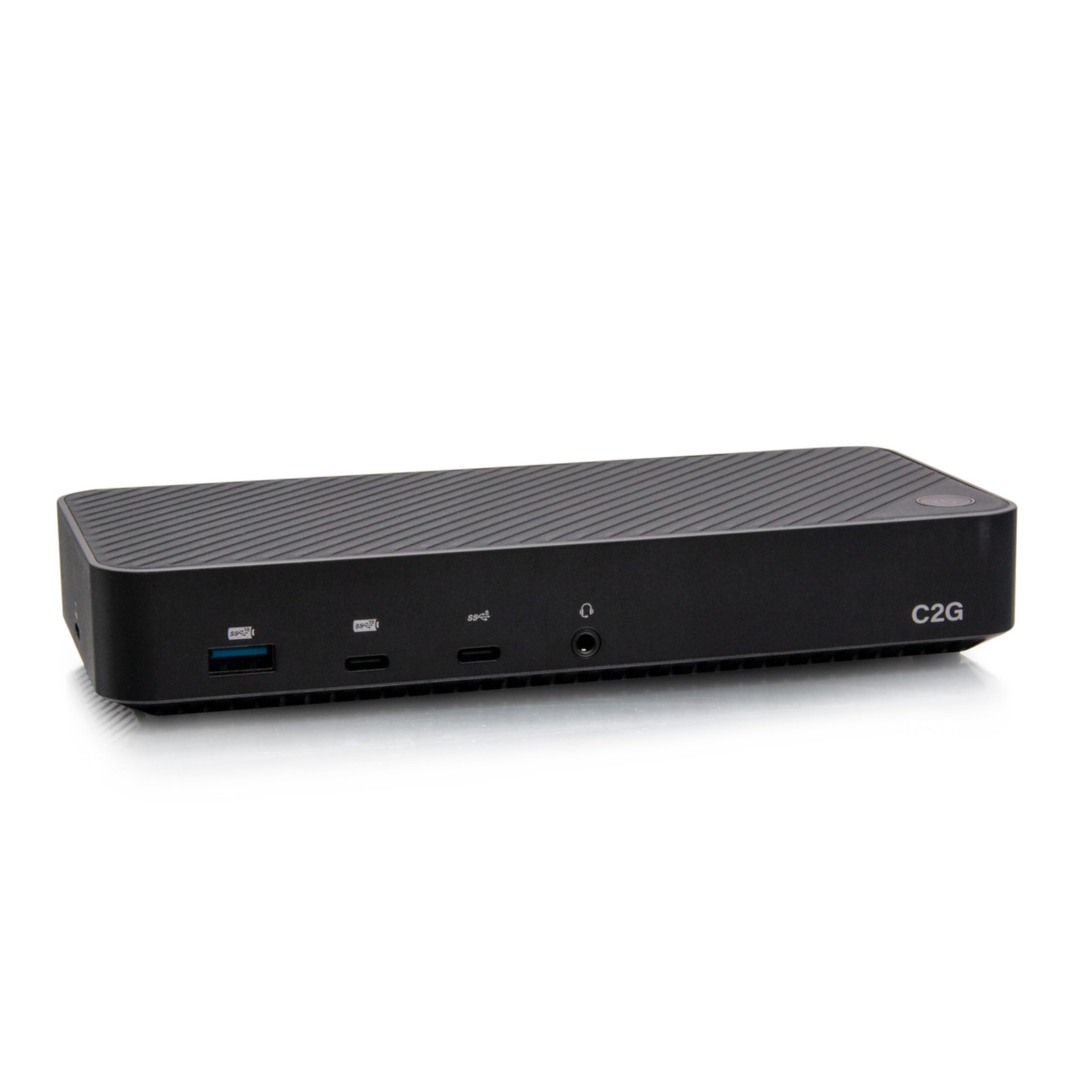



This docking station supports crisp, high definition images and video when connecting one, two, or three 4K displays. When connecting to the HDMI port labeled “DP Alt Mode”, be sure that the connected laptop supports DP alt mode. The front USB-A and USB-C 3.2 Gen 2 ports support BC 1.2 for quick mobile device charging and data transferring up to 10Gbps, while the two USB-A Gen 1 ports on the rear support 5Gbps data transfers. The Ethernet port allows for reliable internet connectivity with file transfer speeds up to 1000Mbps. The included 130W power supply keeps the connected laptop charged and ready to go with 100W power delivery while supporting connected devices, such as keyboards, mice, portable hard drives, and other peripherals. Laptops or tablets that require more than 100W may charge at lower speeds. The USB-C Hybrid Triple 4K Display Docking Station maximizes desktop space while providing a single cable solution for Windows, Mac OS devices (including M1X), and Chrome OS. Download and install the latest DisplayLink drivers Note: The latest DisplayLink drivers must be downloaded to support the first and second connected displays. To use the HDMI port labeled “DP Alt Mode”, the connected laptop must support DP alt mode.