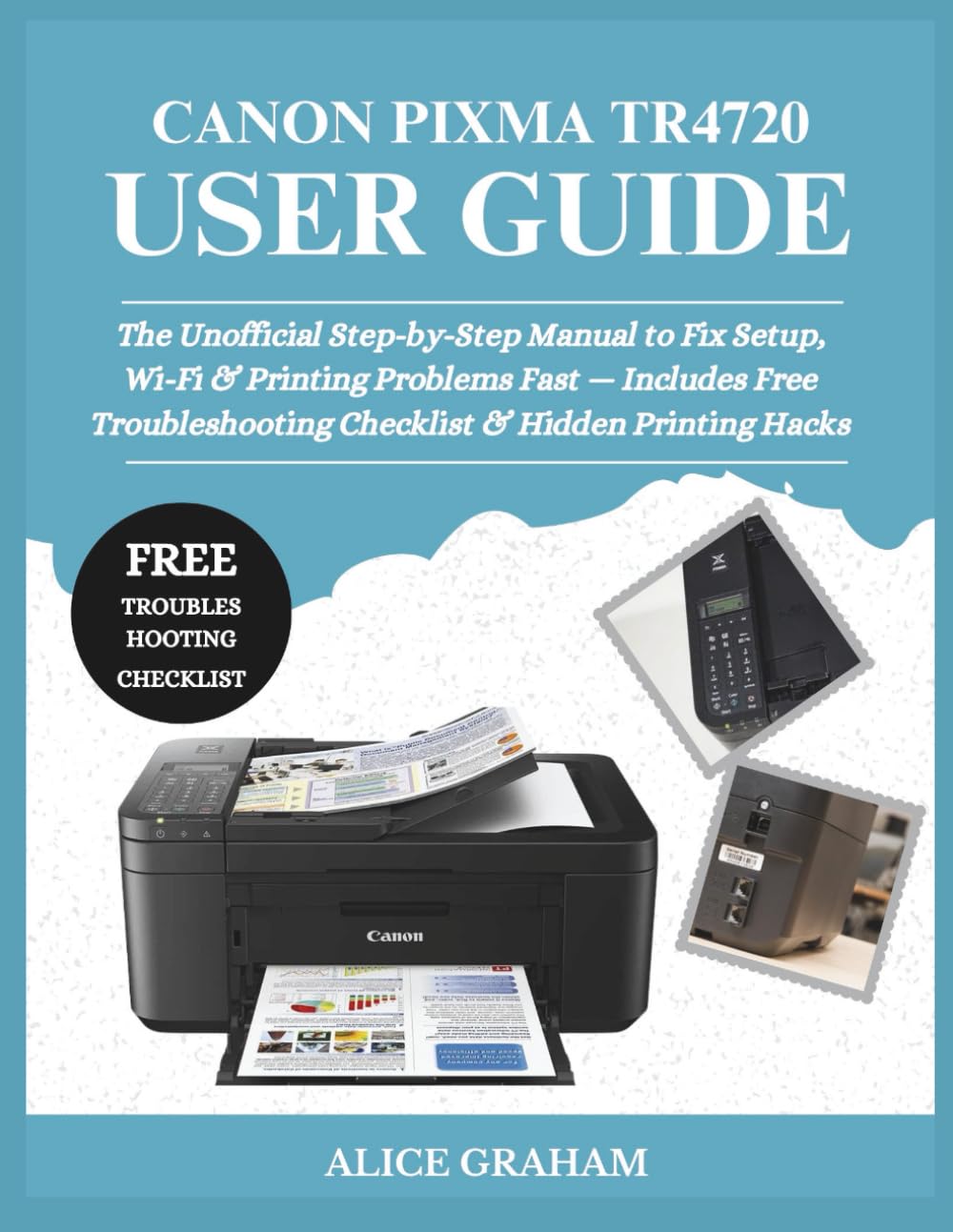
CANON PIXMA TR4720 USER GUIDE: The Unofficial Step-by-Step Manual to Fix Setup, Wi-Fi & Printing Problems Fast — Includes Free Troubleshooting ...
$17.99
by ALICE GRAHAM



Are you still struggling to connect your Canon Pixma TR4720 printer to Wi-Fi or fix those frustrating “not printing” errors? You’re not alone — thousands of users face the same issues daily. That’s why this Canon Pixma TR4720 User Guide was created — your all-in-one, step-by-step companion to mastering your printer without stress, confusion, or wasted ink. Inside this easy-to-follow user manual , you’ll discover: ✅ How to set up your Canon Pixma TR4720 in minutes — no tech skills needed ✅ Step-by-step fixes for Wi-Fi connection problems, paper jams, and printing errors ✅ Simple ink replacement instructions for PG-275 and CL-276 cartridges ✅ Hidden printing hacks to boost speed and ink efficiency ✅ Troubleshooting flowcharts and pictures that make each step visually clear Each section was written for real people , not tech experts — so you can finally print, scan, and fax with confidence. Imagine pressing “Print” and having it work — every single time. This book doesn’t just tell you what to do; it shows you how with visual guides and clear illustrations that take away the guesswork. Whether you’re a beginner or just tired of wasting ink and time, this unofficial user guide saves you frustration, money, and hours of searching online. Stop fighting with your printer — start using it the right way! Click “Buy Now” and get instant access to the only Canon Pixma TR4720 guide that walks you through setup, troubleshooting, and maintenance — step by step, image by image. ⚠️ DISCLAIMER: This book is an independent publication and is not affiliated with or endorsed by Canon Inc. It is written for educational and reference purposes only , providing simple, illustrated guidance for users.