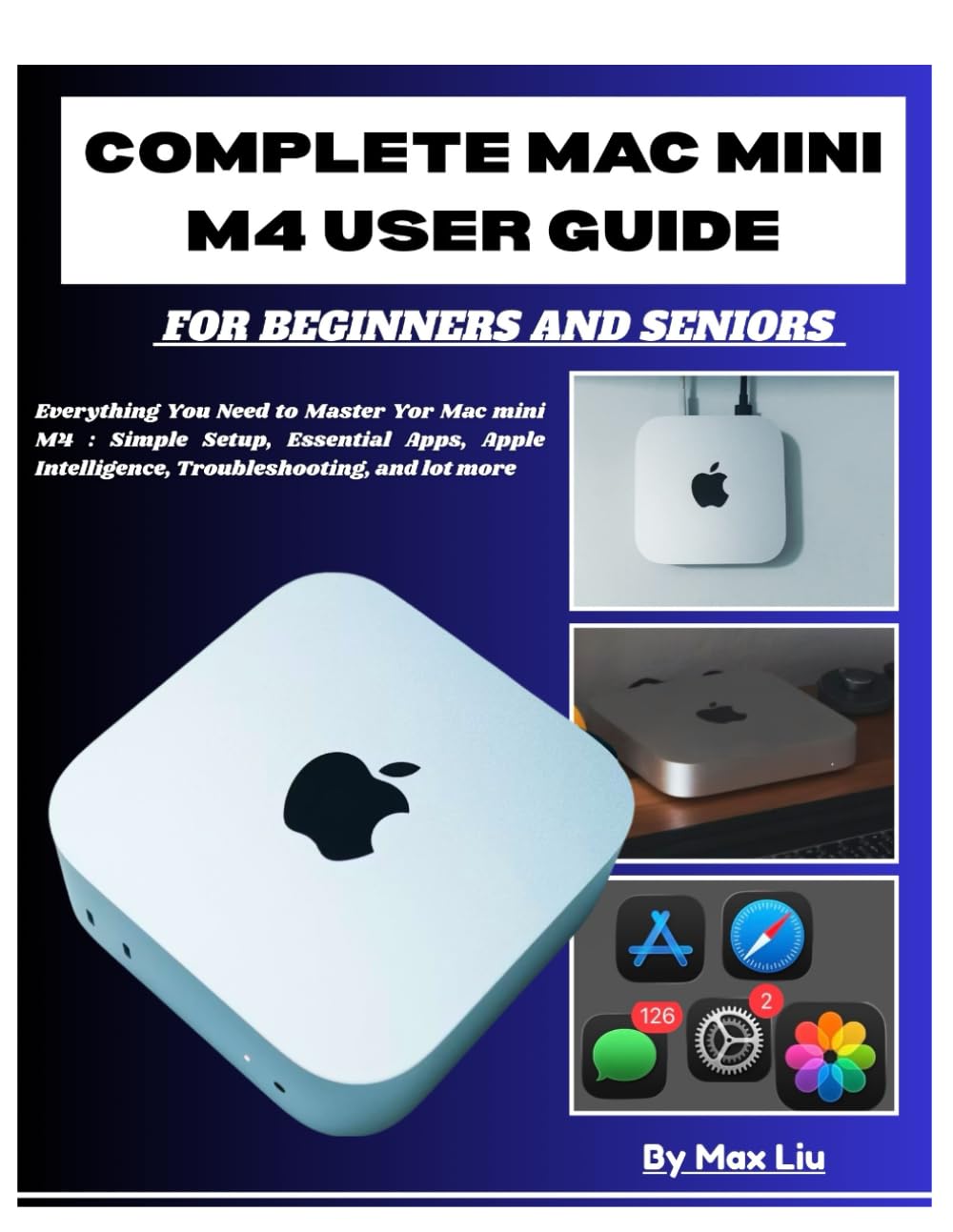



Your Mac mini M4 deserves better than guesswork. You just invested in one of the most powerful compact computers ever made….a machine that can edit 4K video, run AI features on-device, and power your creative work for years. But here's the problem: Apple's documentation is minimal, YouTube tutorials skip the basics, and most guides assume you already know what you're doing. This book is different. Written specifically for beginners, seniors, and anyone switching from Windows, this comprehensive guide walks you through every aspect of your Mac mini M4—from the first power-on to advanced workflows. No jargon. No condescension. Just clear, practical explanations that respect your intelligence while meeting you exactly where you are. What You'll Learn: • Set up your Mac mini (what's in the box, what you still need to buy) • Connect displays, keyboards, and mouse • Complete your first startup and initial setup • Navigate the desktop, menu bar, and Dock • Find and organize your files with Finder • Install and uninstall apps safely • Use Spotlight to find anything instantly • Customize your desktop and appearance • Browse the web with Safari • Sync with your iPhone and iPad • Apple Intelligence • Set up iCloud • Use Time Machine for automatic backups • Connect to Wi-Fi and Ethernet • Use Safe Mode for troubleshooting • Understand what the M4 chip actually does • Use keyboard shortcuts for tasks you repeat • Customize the menu bar • Know what you can and can't upgrade later AND LOT MORE!! Who This Book Is For: Complete beginners who've never touched a Mac Windows switchers confused by the different interface Seniors wanting clear, patient instruction Anyone who bought a Mac mini M4 and wants to actually use it confidently What Makes This Guide Special: Unlike generic Mac books, this focuses exclusively on the Mac mini M4 and macOS Sequoia. Every chapter builds on the last, teaching you not just what to click, but why things work the way they do. You'll develop real understanding, not just memorized steps. Includes practical examples, keyboard shortcuts, troubleshooting tips, and honest advice about what you can (and can't) upgrade. The appendices provide quick-reference guides for shortcuts, a comprehensive glossary, recommended apps, and curated resources for continued learning. Stop feeling lost. Start using your Mac mini with confidence. Scroll up and click "Buy Now" to transform your Mac mini from an expensive mystery into a powerful tool you actually understand.