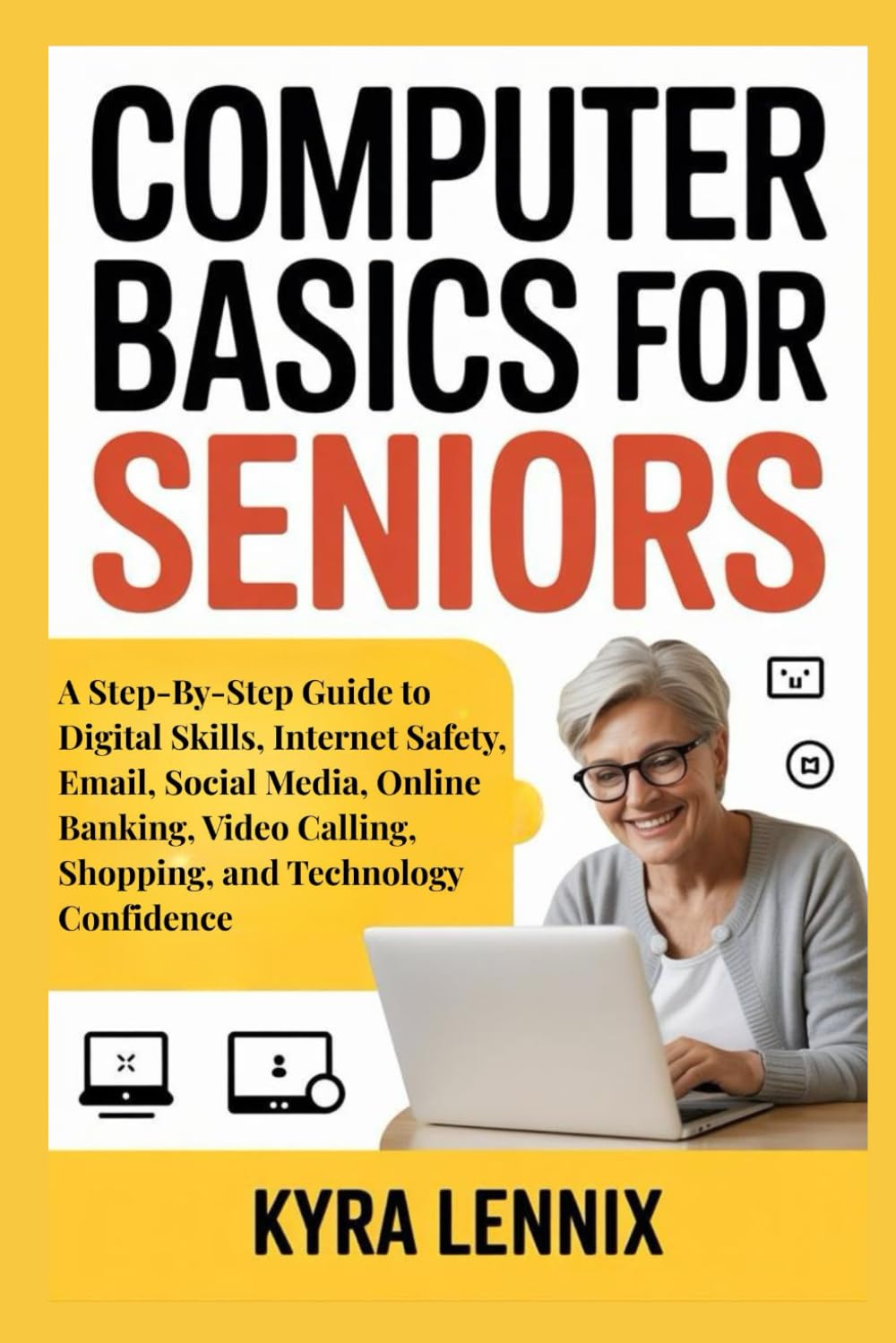
COMPUTER BASICS FOR SENIORS: A Step-By-Step Guide to Digital Skills, Internet Safety, Email, Social Media, Online Banking, Video Calling, Shopping,
$14.50
by Kyra Lennix



Rewrite your digital journey and break free from the frustration, confusion, or fear that comes with trying to keep up in today’s world. Open a new chapter where using a computer feels simple, enjoyable, and empowering, no matter your age or experience level. Do you often feel overwhelmed by technology? Are you confused by smartphones, emails, online banking, or social media? Do you worry about making mistakes, falling for scams, or “not doing it right”? If your answer is YES, this guide is your clear path to building confidence, safety, and ease with everyday digital skills. Many seniors feel left behind in a fast-moving digital world. It’s common to struggle with new devices, complex apps, and unfamiliar online processes. Those challenges can create fear, hesitation, and frustration that make technology feel harder than it truly is. But here’s the truth: You can learn these skills at your own pace, understand how everything works, and feel confident using technology to stay connected, informed, and independent. This book walks you through every essential skill step by step, using simple explanations, practical examples, and clear guidance designed specifically for seniors. Here’s a glimpse of what you’ll learn inside: How to operate computers, smartphones, and tablets with ease, even if you’re a complete beginner. How to stay safe online by recognizing scams, protecting your information, and avoiding common threats. How to set up and use email, including sending messages, attaching photos, and organizing your inbox. How to navigate social media without confusion, stay connected with family, and enjoy online communities. How online banking works and how to manage your finances securely from home. How to make smooth video calls with your children, grandchildren, friends, and doctors. How to shop online safely, find great deals, and avoid fraudulent websites. How to build real technology confidence so you can use digital tools without fear or frustration. This guide understands the challenges seniors face with computers and the internet. It offers patient, practical, and supportive instruction that makes learning feel easy instead of overwhelming. It’s normal to feel uncertain at first, but with the right guidance, you can master these skills and enjoy the convenience and connection that modern technology offers. This is your sign to take the first step toward confidence and independence in the digital age. Step into a smarter, easier, and more connected life today. Scroll up and click “Add to Cart” to get started.