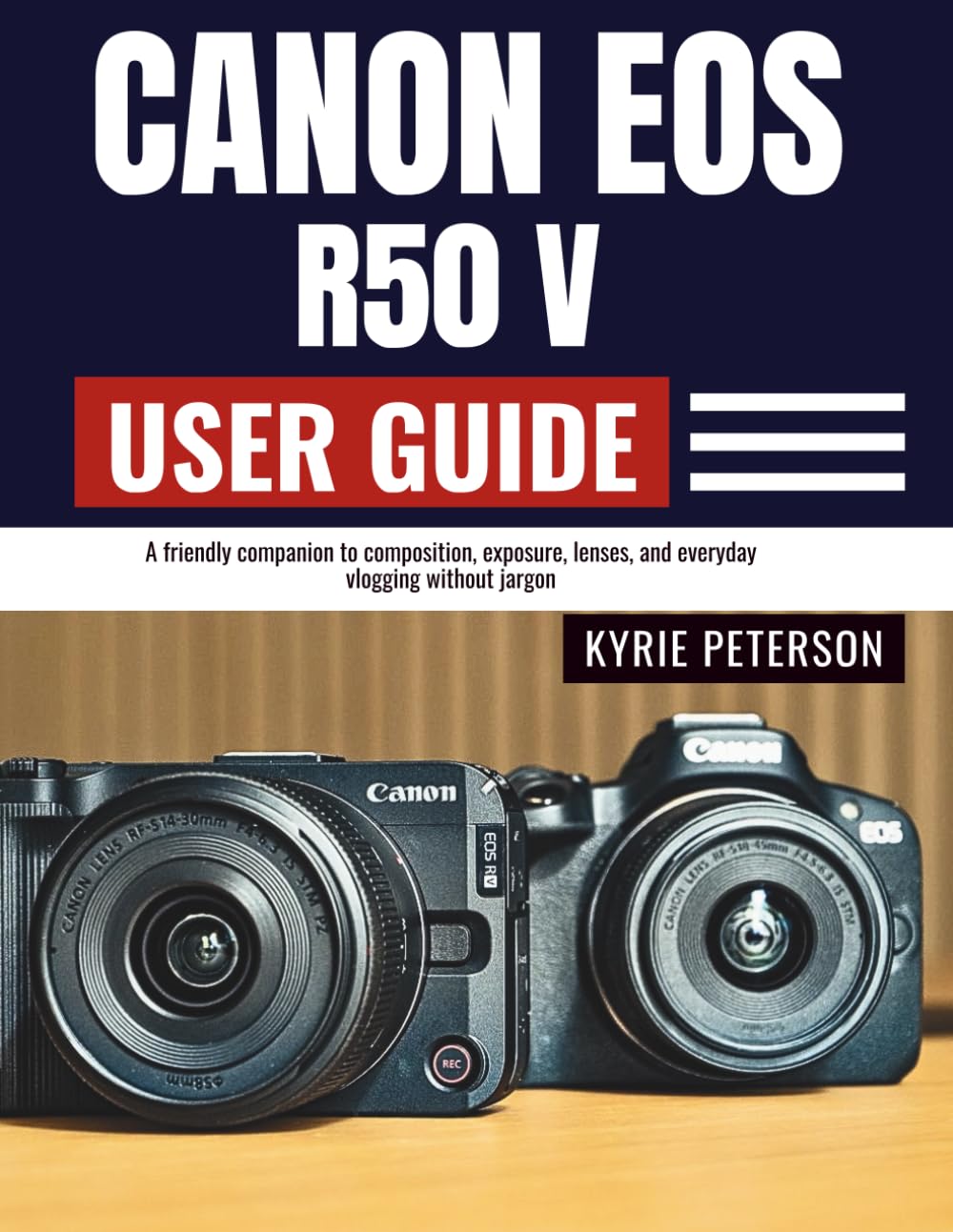
Canon EOS R50 V User Guide: A friendly companion to composition, exposure, lenses, and everyday vlogging without jargon.
$20.99
by Kyrie Peterson



DISCLAIMER This guide is an independent publication created for educational and reference purposes. It is not affiliated with, endorsed, or sponsored by Canon Inc. Product names, logos, and brands mentioned are the property of their respective owners. Every effort has been made to ensure accuracy at the time of writing; however, specifications, features, and firmware may change without notice. The author and publisher assume no responsibility for errors, omissions, or any damages arising from the use of the information in this guide. Readers are advised to use this material at their own discretion and always follow the official safety guidelines and instructions provided by the manufacturer. This guide does not replace the official product manual. This friendly companion walks you from unboxing to confident shooting with plain-English steps, tap-by-tap menus, and real-world checklists. You’ll learn what matters (and what doesn’t) so you can capture people, travel, products, and vlogs with repeatable results. Build three ready-to-use profiles—everyday stills, people & events, and walk-and-talk video—then save them as custom modes so your camera behaves the same way every time. Master autofocus that locks on eyes, exposure that protects highlights, color that looks right on any screen, and backups that keep your work safe. Open to any chapter and start shooting today—no engineering degree required. Clear callouts, mini-recipes, and troubleshooting cards make this the camera coach that fits in your bag. 📘 WHAT YOU WILL DISCOVER INSIDE 📦 Quick Start: From box to first sharp photo in minutes - 🎛️ Controls Made Simple: Buttons, dials, viewfinder & touch gestures - 📷 Exposure & Color: Aperture/shutter/ISO in practice, WB, picture styles - 🎯 Autofocus Mastery: Eye tracking, zones, back-button focus, low light tips - 🔁 Custom Setups: Save everyday, events, and vlog profiles for speed - 🎬 Video & Vlogging: Frame rates, focusing for video, stabilization, audio basics - 💡 Lighting: Soft vs. hard light, bounce flash, LEDs, balancing ambient - 🗂️ Media Management: RAW vs. JPEG/HEIF, imports, culling, versioning - 🎨 Color Management: Monitor calibration, export profiles, print/web sanity - 🔒 Backup Strategy: 3-2-1 rule, travel-safe redundancy, card habits - 🧰 Care & Updates: Sensor-safe cleaning, batteries/cards, firmware without fear - 🚑 Troubleshooting: Common messages, quick fixes, and when to seek service - 🧭 Fast Navigation: Icons, callouts, and field checklists for on-the-go use Swipe up and tap "BUY NOW" to add add this educational user guide to your cart now and keep it by your side as a practical, no-jargon coach. Start with the quick start, save your custom profiles, and watch your results level up on the very next shoot. ⭐⭐⭐⭐⭐ Camera Confidence, Minus the Jargon This user guide turns a complex camera into a friendly tool you'll trust on day one. The quick-start flow, clear menus, and ready-made presets for stills, events, and vlogging are outstanding. I especially value the field checklists and troubleshooting cards—real help when the pressure's on. -Jordan P., Photography Instructor ⭐⭐⭐⭐⭐ Autofocus & Exposure Made Practical Eye/face tracking, zone choices, and exposure compensation are explained with real-world steps, not theory. The book's "if X, do Y" approach boosted my keeper rate immediately, and the histogram/white balance tips keep skin tones natural in any light. -Lena C., Wedding & Portrait Photographer ⭐⭐⭐⭐⭐ Video & Vlog Playbook You'll Actually Use From frame rate and shutter rules to handheld stabilization, audio gain, and zebra use, the vlogging chapter is gold. The walk-and-talk profile, mic options, and wind-control tips deliver clean, watchable clips without extra gear. -Marco V., YouTube Producer & Videographer ⭐⭐⭐⭐⭐ Color, RAW Workflow, and Backups—Dialed In The media management guidance is professional yet simple: RAW vs. JPEG/HEIF demystified, color spaces made sane, and export recipes that survive social compression. The 3-2-1 backup plan and travel-safe routines are the calm, grown-up system every creator needs. -Priya S., Colorist & Post-Production Consultant ⭐⭐⭐⭐⭐ Lighting Clarity: From Bounce to LED Soft vs. hard light, direction, modifiers, and balanced exposure are explained with practical mini-recipes. The bounce flash pointers, ND/CPL filter guidance, and small-rig lighting setups noticeably improved my indoor photos and talking-head videos. -Ethan R., Commercial Photo Assistant ⭐⭐⭐⭐⭐ Custom Modes That Save Time on Real Shoots The book's everyday stills, people & events, and walk-and-talk profiles are smart and repeatable. Mapping buttons, building a "My Menu," and versioning settings across bodies turned my camera into a consistent, fast tool instead of a moving target. -Renee T., Event & Documentary Shooter ⭐⭐⭐⭐⭐ Troubleshooting You Can Trust in the Field Clear fixes for card errors, flicker, AF hunti