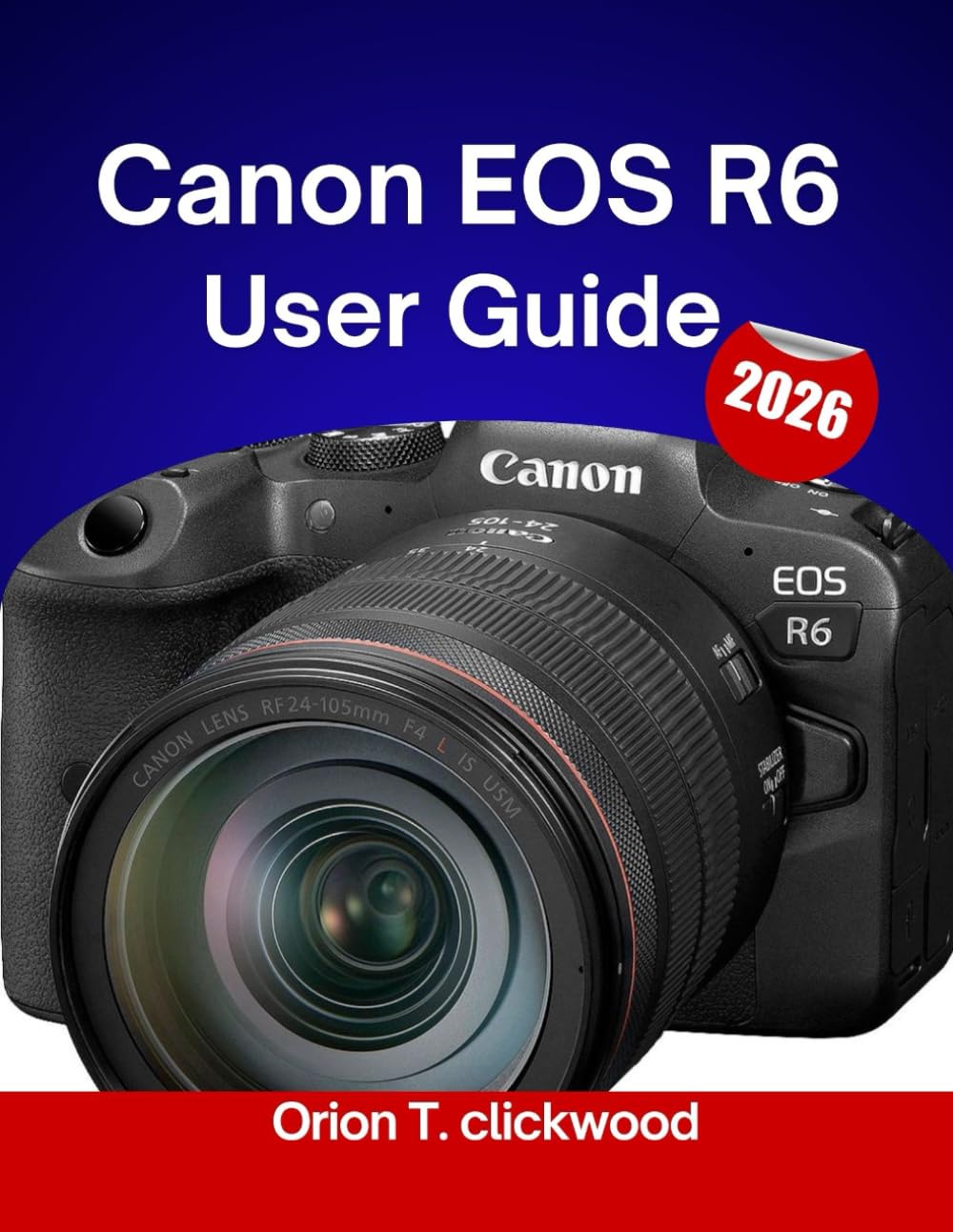
Canon EOS R6 User Guide 2026: Step-by-step tutorials for perfect focus, lighting adjustments, and dynamic image control.
$16.99
by Orion T. Clickwood



Canon EOS R6 User Guide 2026: The Comprehensive Manual for Effortless Photo Mastery Headline/Hook: Stop wrestling with confusing menus and start taking breathtaking photos. This is the step-by-step, conversational guide that transforms the complex Canon EOS R6 from a daunting piece of technology into an intuitive extension of your creative vision. Target Audience & Value Proposition: This manual is meticulously structured for two core audiences: The Absolute Beginner Photographer: Navigate past the basic 'A+' mode and build a rock-solid foundation in photography. We patiently explain the Exposure Triangle (Aperture, Shutter Speed, ISO) and demystify semi-automatic modes like Flexible-Priority (Fv) to ensure your early shooting is filled with confidence and success. - The Senior/Experienced DSLR User: Don't relearn photography—translate your decades of experience to the mirrorless future. Focus on advanced customization and workflow solutions . Learn to master the Custom Shooting Modes (C1, C2, C3) to instantly switch between personalized setups for portraits, wildlife, or low-light scenes with the turn of a dial. What You Will Master Inside: Unlock every revolutionary feature of the EOS R6 with practical, real-world tutorials designed to boost your keeper rate and streamline your process. 📸 Intelligent Autofocus Mastery (Chapter 3): Demystify the Dual Pixel CMOS AF II system and harness the power of Deep Learning Technology . - Achieve guaranteed sharp focus with tenacious Eye, Face, and Animal (dogs, cats, birds) tracking across the entire frame. - Learn to customize AF for different challenging scenarios. ⚡ Stabilization and Speed (Chapters 4 & 5): Utilize the game-changing 5-Axis In-Body Image Stabilization (IBIS) to gain up to 8 stops of correction , allowing you to confidently shoot handheld in low light without a tripod. - Master the blistering 20 fps Electronic Shutter for action, wildlife, and sports photography. 🎬 Video and Filmmaking Tools (Chapter 6): Get started with 4K 60 fps and Full HD 120 fps recording for stunning slow-motion effects. - Learn to utilize Canon Log and HDR PQ color profiles for professional-grade video editing. - Discover practical workarounds for overheating and recording limits. ⚙️ Effortless Workflow & Customization (Chapters 7, 9, & 10): Implement Dual SD Card Workflow for instant backups and peace of mind. - Master the Effortless Photo Workflow Skills by learning the simplest ways to connect via Wi-Fi/Bluetooth and transfer images to your smart devices for quick sharing and editing. - Set up your My Menu and Quick Control Settings for lightning-fast, personalized access to your most-used features. 💡 Advanced Techniques (Chapter 13): Genre-specific guides for Portraits, Landscapes, Sports, and Street Photography . - Specialized tutorials on Low-Light/Night Shooting , HDR , and Focus Bracketing . KDP Metadata Keyword Suggestions (To be entered in the 7 KDP backend keyword fields): Canon EOS R6 - R6 User Guide - Beginners Seniors Photography - Mirrorless Camera Manual - Dual Pixel AF IBIS - R6 Tips Tricks - Photography Workflow Call to Action: Ready to unlock the full potential of your Canon EOS R6 and start creating powerful images