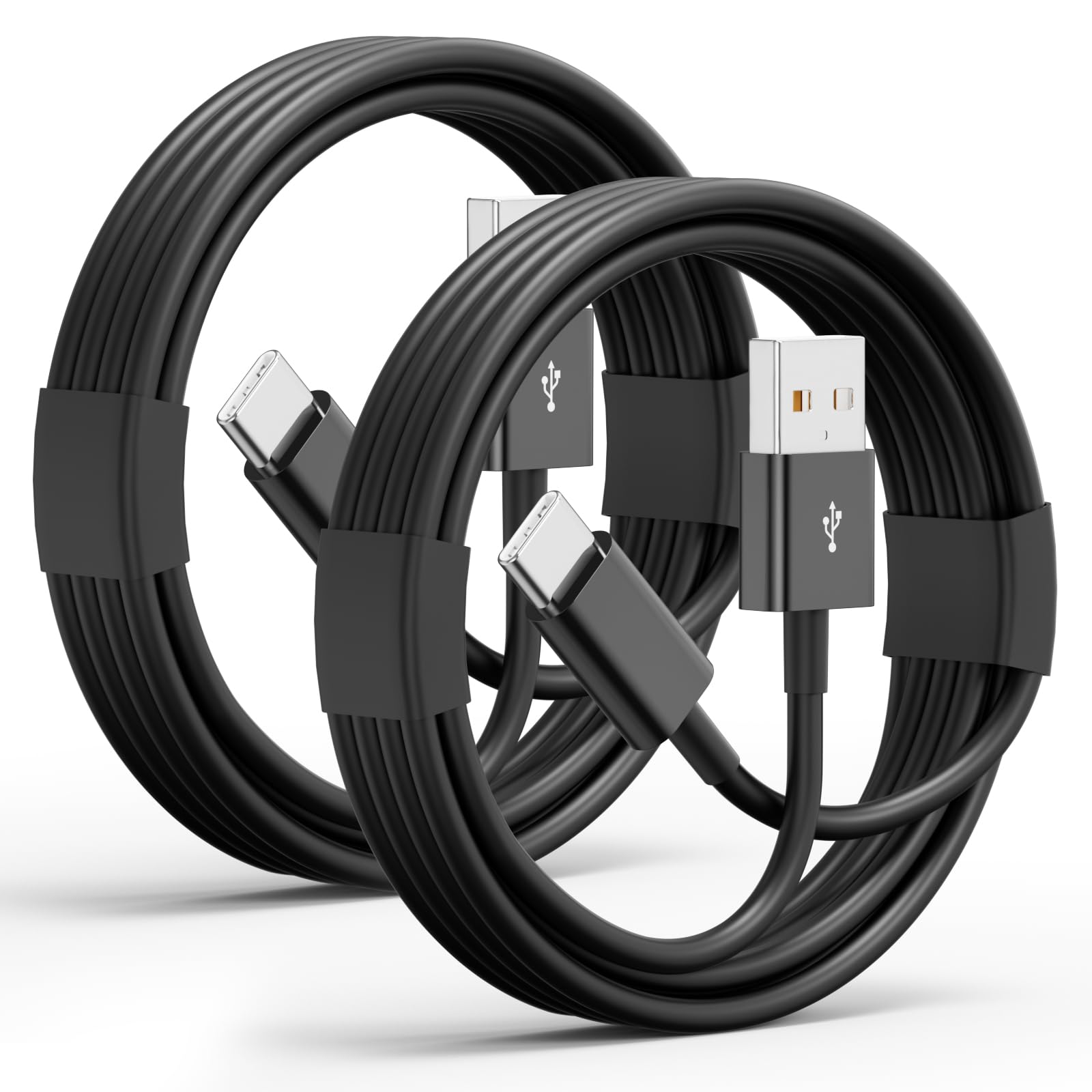



Product Information
Model: USB-A to USB-C CABLE
Interface type: USB-A (computer/charger end) → USB-C (device end)
Features supported:
- Charging (supports up to 20W fast charging, requires a compatible charger)
- Data transfer (USB 2.0/3.0, speed of 480 Mbps)
- Compatible devices:iPhone 16/15 series and more usb-c devices.
Usage Instructions
1. Connect the device:
- Insert the USB-C end into your iPhone or another usb-c device.
- Insert the USB-A end into the charging port or the USB port of your computer.
2. Charging Indicator:
-When you first connect the charger to your computer or car, you might be prompted to add it to your list of trusted devices.
- After successful connection, the charging icon should be displayed on the device screen.
-If it isn't charging, try using a different charging head or USB port.
3.Tips for charging:
-Avoid charging at high temperatures (>35°C) or low temperatures (<0°C) to protect battery
-Battery performance settings, you can turn off clean energy charging or adjust the charging limit.
4. Data Transmission:
- After connecting the computer, select "Allow Access" on the device to transfer files.
Compatible Models:
iPhone 16/16 Pro/16 Pro Max/16 Plus,
iPhone 15/15 Pro/15 Pro Max/15 Plus,
iPad Pro 7/6/5/4/3, iPad 10th Generation, iPad Air 6/5/4, iPad Mini 6,
Apple TV Remote (3rd Generation)
Samsung Galaxy S24/S23/S22/S21/S20/S10/S9/S8,
Samsung Note 20/Note 10/Note 9/Note 8,
Samsung Galaxy Z Flip / Z Fold,
Google Pixel 8/7/6/5/4/3/2/XL,
and the car carPlay cord also for Samsung, Google, LG, Moto, Android Phones.