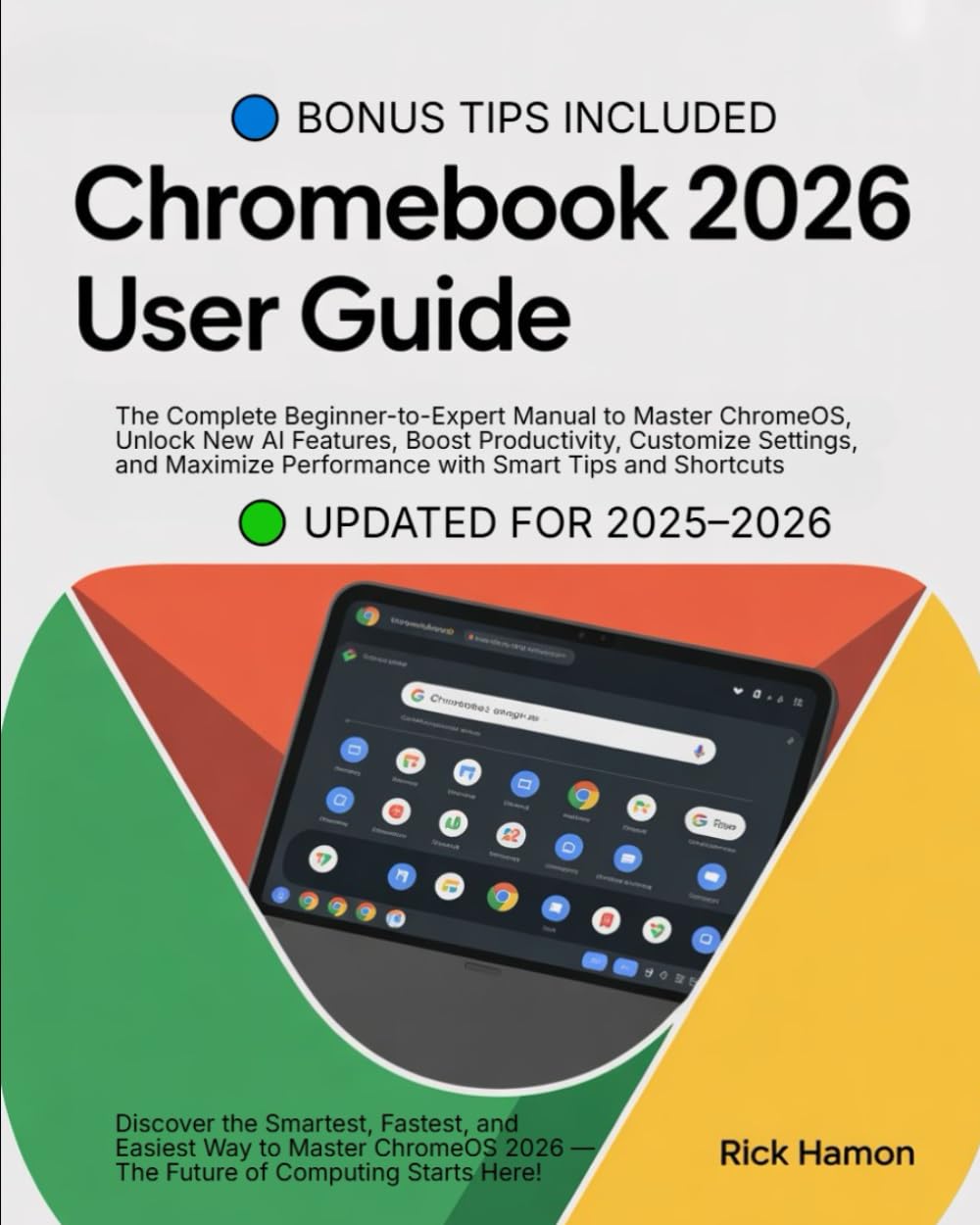
ChomeBook 2025 User Guide For Beginners and Seniors: The Complete Manual for Mastering ChromeOS, Google Workspace, and AI Tools — Step-by-Step ... to
$24.99
by Rick Hamon



💻 “Unlock the Full Power of Your Chromebook — From Beginner to Expert in No Time!” Ready to take your Chromebook experience to the next level? Chromebooks 2026 User Guide: The Complete Beginner-to-Expert Manual for Mastering ChromeOS, Google Workspace, and AI-Powered Features by Rick Hamon is your all-in-one, step-by-step handbook to mastering the newest generation of Chromebooks — faster, smarter, and more powerful than ever before. The 2025–2026 ChromeOS update introduces game-changing upgrades: AI integration, enhanced Google Workspace tools, seamless Android connectivity, and next-level performance optimization. This guide helps you understand and use every feature with clarity and confidence, whether you’re new to Chromebooks or ready to unlock their full potential. 🚀 Inside This Essential Chromebook 2026 Guide, You’ll Learn: ✅ Quick & Easy Setup Get started in minutes with illustrated tutorials. Sync your Google Account and instantly access your files, apps, and preferences. ✅ Master ChromeOS Navigate the updated interface effortlessly. Use Virtual Desks, gesture controls, and multitasking tools to work smarter and faster. ✅ Work Smarter with Google Workspace Use Docs, Sheets, Gmail, and Calendar more efficiently. Take advantage of new AI writing, image, and translation tools to supercharge productivity. ✅ Enhance Security & Privacy Protect your data using Google’s advanced multi-layered security. Learn to manage passwords, privacy settings, and device recovery. ✅ Create, Play & Stream Seamlessly Edit videos, design graphics, or enjoy entertainment using optimized Play Store apps and AI-powered performance boosts. ✅ Troubleshoot Like a Pro Fix issues instantly with simple, step-by-step solutions. Improve speed, battery life, and performance effortlessly. ✅ Bonus: Hidden Features & Power Tips Unlock secret settings, pro shortcuts, and hidden tools that elevate your Chromebook experience. 💡 Why This Book Is a Must-Have Unlike basic tutorials, this book delivers clear, visual, and practical guidance to help you use your Chromebook with confidence. With hundreds of visuals, expert insights, and actionable tips, it’s designed to make you more efficient, creative, and productive — fast. 👩💻 Perfect For: Beginners setting up their first Chromebook - Students & Educators optimizing productivity and collaboration - Professionals managing projects and workflow with Google tools - Everyday Users enjoying smooth browsing, streaming, and app use ⚡ Why You’ll Love It ✔ Fully updated for Chromebooks 2026 and ChromeOS AI updates ✔ Simple, jargon-free, and visually rich ✔ Includes step-by-step tutorials and insider tricks ✔ Boosts creativity, productivity, and performance 🌟 Master Every Click — Work Smarter, Create Faster, Live Better! Stop using your Chromebook at half its potential. With Rick Hamon’s Chromebooks 2026 User Guide , you’ll gain the skills to use ChromeOS like a pro — effortlessly and effectively. 📘 Scroll Up and Grab Your Copy Now to discover how to transform your Chromebook into your ultimate productivity machine!