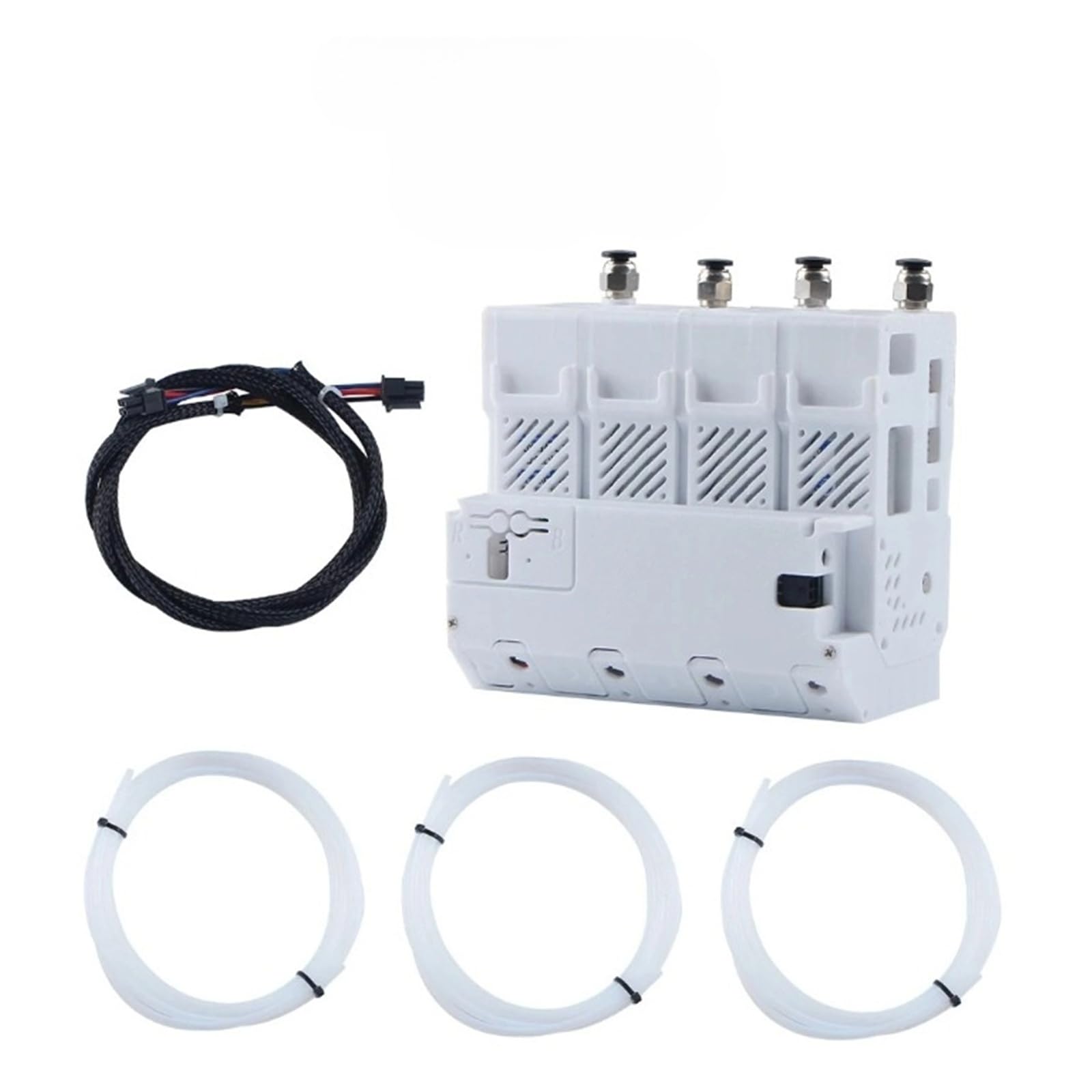



[Auto Refill System Compatibility] Works seamlessly with specific automatic material refill setups, the BMCU component aligns with feed mechanisms without signal delays that disrupt filament supply [Multi Printer Fit] Connects tightly to multiple popular 3D printer models, matching ports and mounting points to avoid loose links during long print sessions [Stable Material Feeding] Ensures consistent communication between the printer and auto refill system, preventing filament jams or interruptions mid-print [Easy Integration] Snaps into existing auto refill and printer setups—no complex wiring or programming needed, even users to 3D printing farms can install quickly [Farm Scale Reliability] Durable build handles continuous use in multi printer setups, avoiding overheating or signal drops that halt entire print batches [Simplified Operation] Reduces manual filament checks by enabling automatic refill triggers, freeing up time to manage other aspects of 3D printing projects Compatible with Toaiot Bmcu 370C AMS lite BMCU370C Auto Refill Farm for A1 A1 MINI 3D printer AMS MMU
Notes on Connecting to a BMCU
1. Both ends of the 4P cable have anti-reverse design. Ensure the connectors are correctly connected to prevent damage to the motherboard due to reverse insertion.
2. Hot plugging is strictly prohibited: Always turn off the power when connecting or disconnecting the printer.
For the gear:182a is a direct drive version, and the gears will wear out faster. We are shipping a high torque version, not a direct drive version.We upgraded the gear
Important: Before each printing, please make sure that the optionof long retraction when cut in filament setting is turned off,otherwise the filament hub or BMCU may be damaged.
Warning: Before you turn off the printer, make sure that no filament is loaded into the tool head. Otherwise, when you load or unloadthe filament again when you turn on the printer next time, the error warning "Falled to check the flament iocation" will appear. If youhave fallen into this situation, don't panic. You can unplug the PTFEtube of the corresponding channel from the connector of theBMCU, then manually press the cutter leveron the tool head to cut the filament, then press the lever on theleft ofthe tool head toreleasethe filament, then pull the filament back from the BMCU,and finally insert the tube back into the BMCU.
Item Type : Printer Feet
Notes on Connecting to a BMCU
1. Both ends of the 4P cable have anti-reverse design. Ensure the connectors are correctly connected to prevent damage to the motherboard due to reverse insertion.
2. Hot plugging is strictly prohibited: Always turn off the power when connecting or disconnecting the printer.
For the gear:182a is a direct drive version, and the gears will wear out faster. We are shipping a high torque version, not a direct drive version.We upgraded the gear
Important: Before each printing, please make sure that the optionof long retraction when cut in filament setting is turned off,otherwise the filament hub or BMCU may be damaged.
Warning: Before you turn off the printer, make sure that no filament is loaded into the tool head. Otherwise, when you load or unloadthe filament again when you turn on the printer next time, the error warning "Falled to check the flament iocation" will appear. If youhave fallen into this situation, don't panic. You can unplug the PTFEtube of the corresponding channel from the connector of theBMCU, then manually press the cutter leveron the tool head to cut the filament, then press the lever on theleft ofthe tool head toreleasethe filament, then pull the filament back from the BMCU,and finally insert the tube back into the BMCU.
Item Type : Printer Feet