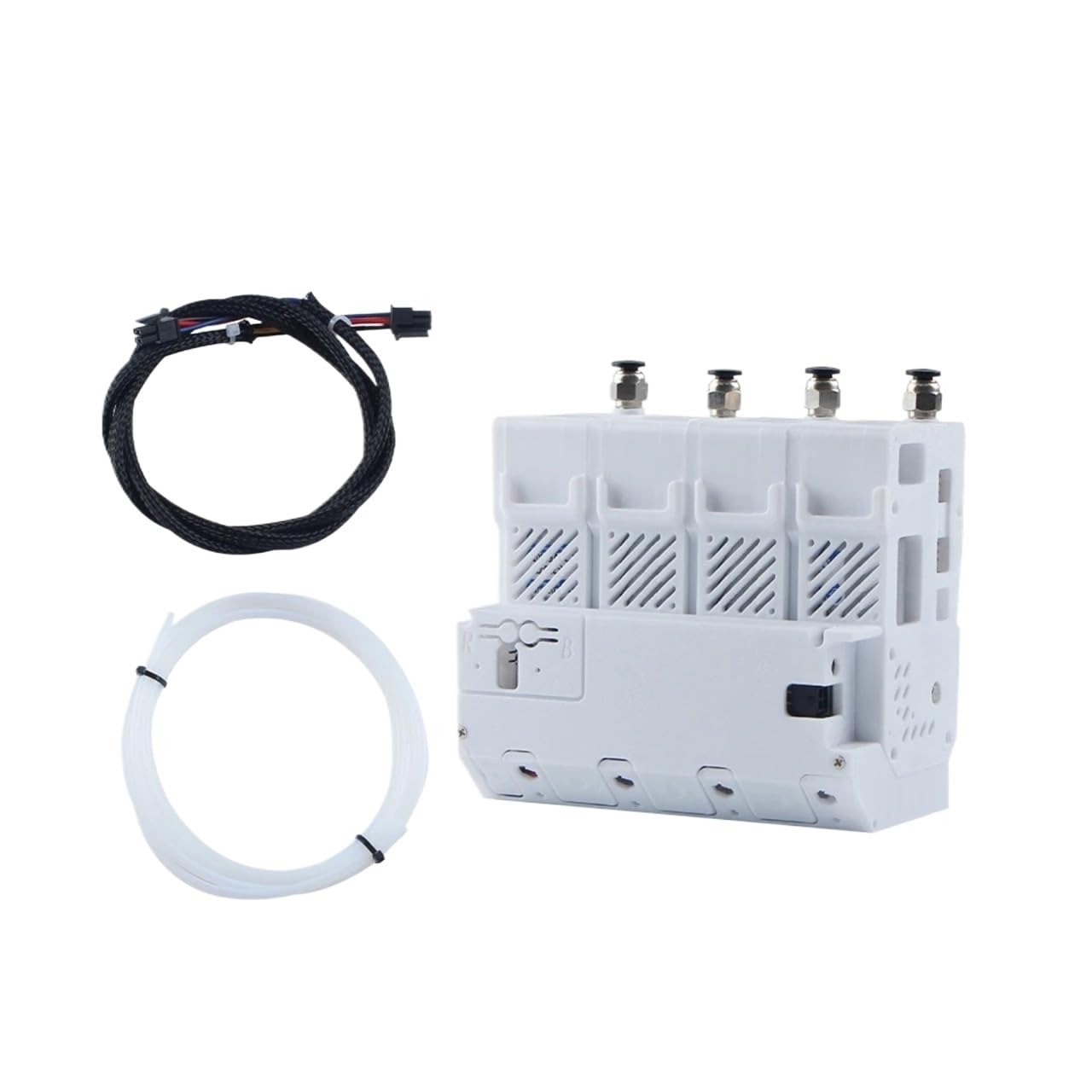



[Auto Refill Function] Supports automatic filament refilling eliminates manual filament replacement during long prints keeps 3D printers running continuously no interruptions [Multi Printer Compatibility] Works with common small to medium 3D printer models (A1 A1 MINI type) matches different AMS MMU systems no single model limitation [Farm Management Suitable] Designed for 3D printer farm setups allows centralized control of multiple printers’ filament supply simplifies batch production management no chaos [BMCU 370C Integration] Integrates with specific BMCU modules enables stable communication between the component and printers ensures accurate refill timing no errors [AMS Lite Compatibility] Matches AMS Lite systems provides lightweight efficient auto refill solutions fits limited workspace farm setups no bulky installation Compatible with Toaiot Bmcu 370C AMS lite BMCU370C Auto Refill Farm for A1 A1 MINI 3D printer AMS MMU
Please note that due to production batches, the color of the motherboard may be different (green or black, but the function is the same)
Notes on Connecting to a BMCU
1. Both ends of the 4P cable have anti-reverse design. Ensure the connectors are correctly connected to prevent damage to the motherboard due to reverse insertion.
2. Hot plugging is strictly prohibited: Always turn off the power when connecting or disconnecting the printer.
For the gear:182a is a direct drive version, and the gears will wear out faster. We are shipping a high torque version, not a direct drive version.We upgraded the gear
Important:Beforeeachprinting,pleasemakesurethattheoptionoflongretractionwhencutinfilamentsettingisturnedoff,otherwisethefilamenthuborBMCUmaybedamaged.
Warning:Beforeyouturnofftheprinter,makesurethatnofilamentisloadedintothetoolhead.Otherwise,whenyouloadorunloadthefilamentagainwhenyouturnontheprinternexttime,theerrorwarning"Falledtochecktheflamentiocation"willappear.Ifyouhavefallenintothissituation,don'tpanic.YoucanunplugthePTFEtubeofthecorrespondingchannelfromtheconnectoroftheBMCU,thenmanuallypressthecutterleveronthetoolheadtocutthefilament,thenpresstheleverontheleftofthetoolheadtoreleasethefilament,thenpullthefilamentbackfromtheBMCU,andfinallyinsertthetubebackintotheBMCU.
Item Type : Printer Feet
Please note that due to production batches, the color of the motherboard may be different (green or black, but the function is the same)
Notes on Connecting to a BMCU
1. Both ends of the 4P cable have anti-reverse design. Ensure the connectors are correctly connected to prevent damage to the motherboard due to reverse insertion.
2. Hot plugging is strictly prohibited: Always turn off the power when connecting or disconnecting the printer.
For the gear:182a is a direct drive version, and the gears will wear out faster. We are shipping a high torque version, not a direct drive version.We upgraded the gear
Important:Beforeeachprinting,pleasemakesurethattheoptionoflongretractionwhencutinfilamentsettingisturnedoff,otherwisethefilamenthuborBMCUmaybedamaged.
Warning:Beforeyouturnofftheprinter,makesurethatnofilamentisloadedintothetoolhead.Otherwise,whenyouloadorunloadthefilamentagainwhenyouturnontheprinternexttime,theerrorwarning"Falledtochecktheflamentiocation"willappear.Ifyouhavefallenintothissituation,don'tpanic.YoucanunplugthePTFEtubeofthecorrespondingchannelfromtheconnectoroftheBMCU,thenmanuallypressthecutterleveronthetoolheadtocutthefilament,thenpresstheleverontheleftofthetoolheadtoreleasethefilament,thenpullthefilamentbackfromtheBMCU,andfinallyinsertthetubebackintotheBMCU.
Item Type : Printer Feet