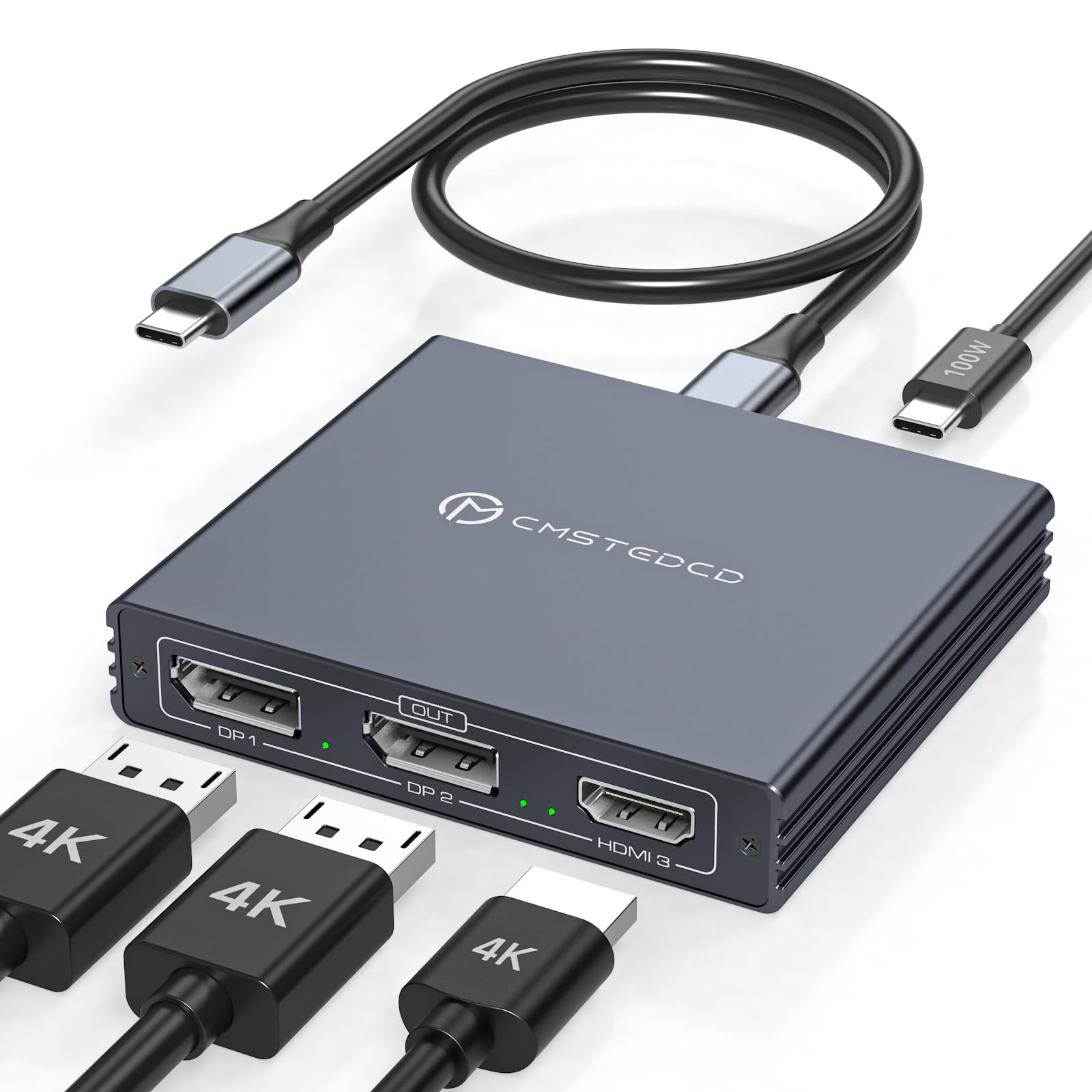



Multi-Monitor Display: USB C Splitter 1 In 3 Out HDMI DP Extended Display Hub mirrors or extends USB-C signals from a single source to 2 DP monitors and 1 HDMI monitor, expanding your computer's display to show the picture in 4K60Hz clarity and deliver high-quality audio and video at the same time. Enables you to work on multiple tasks at the same time for increased productivity. On macOS, it only supports mirroring mode. Note: To ensure compatibility, please avoid using with a hub/dock/KVM Please Check Compatibility: This Splitter requires that your laptop's USB C port supports the DP Alt Mode feature, or a laptop with Thunderbolt 3/4/5 ports. For example, the following laptop series: H-P's Laptops-EliteBook 700/800, Omen, Elite Dragonfly, Elitebook Ultra series; D-e-ll's Laptops-XPS, Latitude, Precision, Pro series; L-eno-vo's Laptops-ThinkPad, YOGA, ThinkBook, X1 series; A-c-er's Laptops-Swift, Concept D, Neo 2023+ series; A-su-s's Laptops-ROG, ProArt series. For laptop specific models or compatible models of other brands, please check the second main image and the second image of Product Description to confirm 4K Ultra HD Visual Enjoyment: Thunderbolt splitter supports up to thunderbolt 4 as the input, and supports simultaneous output of 4K60Hz Ultra HD quality on three screens; if thunderbolt 3 is used as the input, then the HDMI output port can only output up to 4K30Hz. When connecting 2 DP outputs separately, it can output dual 4K120Hz resolution, and the HDMI output port only supports up to 4K60Hz. NOTE: In order to transmit video signals properly, please make sure your laptop/PC is equipped with a full-featured Thunderbolt 3/4 port that supports DP Alt mode. Final resolution depends on your computer and cables 100W Power Delivery & Plug & Play: The USB-C MST Hub is equipped with a PD 100W charging port for fast laptop charging during use (100W input, 85W output). Supports plug-and-play with no driver required for quick connection to multiple displays. Note: Power adapter is not included in the package, you must use the original laptop charging cable to connect to the PD port. the PD charging port is for charging only, it does not support data transfer or video transfer 2 Display Modes: USB C Splitter Extended Display 3 Monitors can output one USB C signal to 3 monitors at the same time, Windows system supports SST mode, which enables extended mode and mirroring mode to meet your needs for more screen displays.Mac OS only supports SST mode, three monitors. Mac OS only supports SST mode, three monitors can only display the same screen. (One-way 1-in-3-out transmission only) Packing List & Quality Service: The USB C to HDMI Displayport Adapter includes a 3.3ft length USB C to C cable for connecting your laptop to the splitter. You can also use your own Thunderbolt cable if you need to extend the input distance, the input cable length cannot exceed 5ft. If you encounter any problems during use, you can contact us through Amazon and we offer a 24-month warranty 1