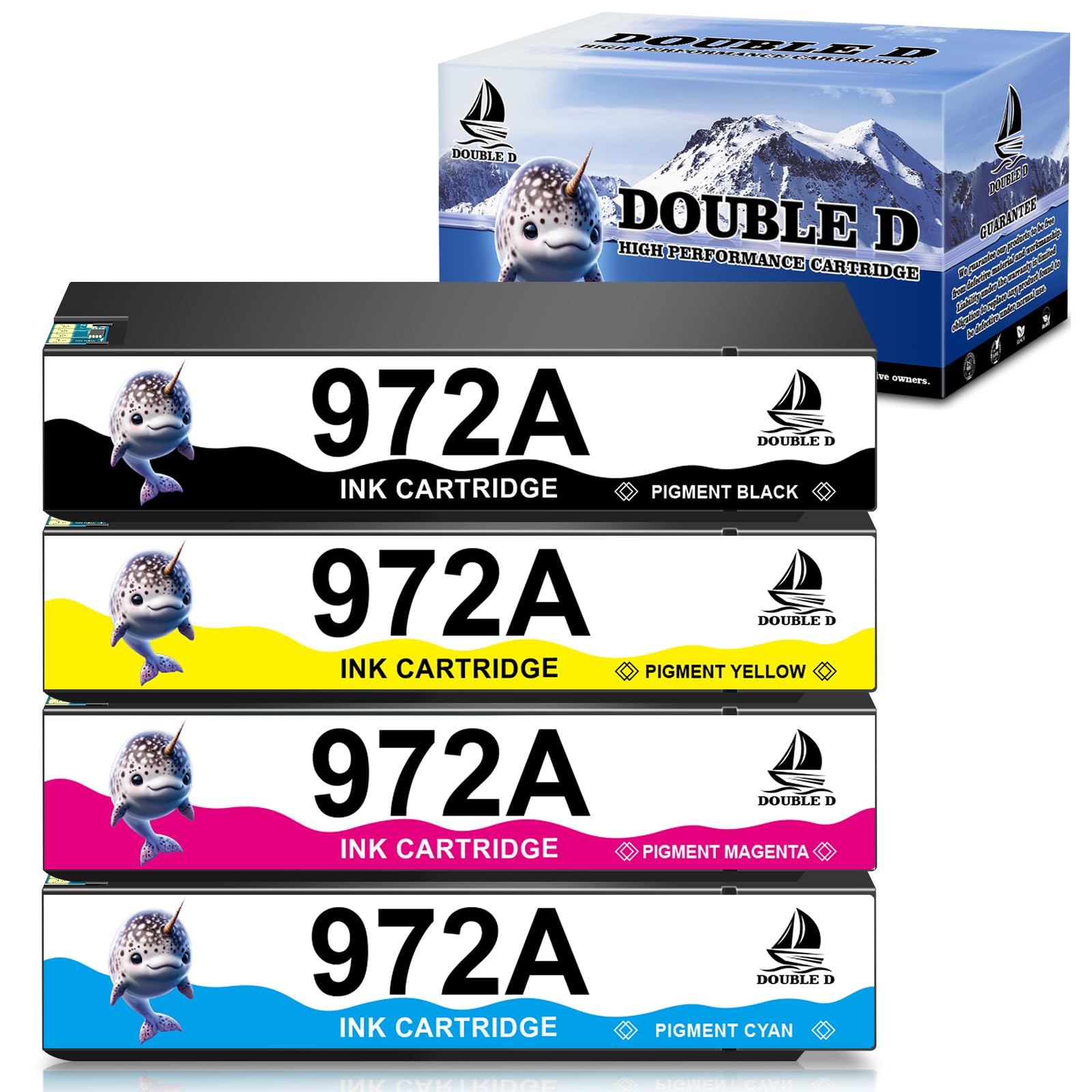



DOUBLE D Ink Cartridges Compatible with 972 972A with Chip Upgrade Device for 972X 972A Work with PageWide 377dw 477dw 477dn 577dw 577z 452dn 452dw

$86.99
by DOUBLE D

Shop Now
【Chip Upgrade Device】 Upgrade to the latest version at any time with the upgrade device, no headachesc about the printer not recognizing the ink cartridge 【Compatible Printers】 Pagewide 377dw, 377dn, 477dw, 477dn, 577dw, 577z, 452dn, 452dw, 552dw, P55250dw, P57750dw Printer 【Packag Contents】1 x Black 972A, 1 x Cyan 972A, 1 x Magenta 972A, 1 x Yellow 972A, 1 x Chip Upgrade Device, 1 x Gloves, 1 x User Guide 【Extra High Yield】 3,500 pages per Black 972A ink cartridges, 3,000 Pages per Cyan 972A Magenta 972A, Yellow 972A (at 5% coverage) 【Advantages】 ①Multiple Certifications, ②Premium Print Quality, ③Cost Effective, ④Newest Chip, ⑤Secure Packed,⑥Show Ink Level 【Reliable Support】DOUBLE D offer 24 hours support, please don't hesitate to get in touch with us if you have any questions

Product Information:Double D Compatible Ink Cartridge Replacement for HP 972A 972 ink cartridges (Non-OEM)

Compatible Printers:

HP PageWide 377dw

HP PageWide 377dn

HP PageWide Pro 452dn

HP PageWide Pro 452dw

HP PageWide Pro 552dw

HP PageWide Pro 477dn

HP PageWide Pro 477dw

HP PageWide Pro 577dw

HP PageWide Pro 577z

HP PageWide P55250dw

HP PageWide P57750dw


Package Included 4 Pack 972A 972 Ink Cartridges:

1 x 972A Black

1 x 972A Cyan

1 x 972A Magenta

1 x 972A Yellow

1 x Chip Upgrade Device

1 x Gloves

1 x User Guide


High Capacity:

Black is 3,500 pages per 972A ink cartridge, Color is 3,000 pages per 972A ink cartridge (@ 5% coverage A4/Letter).

Double D -- Your wise choice!

1. Each ink cartridge 972A was installed the first-class professional chip, which guarantee 100% compatibility with the printer.

2. Low-density ink enhances fluidity and prevents print head clogging. Professional printing effect, showing the most realistic colors.

3. Each 972A 972 ink was packed in individual plastic bag. Multi-layer protective packaging to prevent the cartridge from being damaged during transportation, convenient and easy-to-install on demand.

Warm Tips:

Don't let the printer firmware upgrade deprive of your rights to save costs. Turn it off on your printer as follows.

Click "Setup" →Select "Printer Maintenance" →"Update the Printer" →"Printer Update Options" → Choose "Do Not Check"→ Click "No"


Customer Reviews

No ratings. Be the first to rate

 customer ratings


How are ratings calculated?
To calculate the overall star rating and percentage breakdown by star, we don’t use a simple average. Instead, our system considers things like how recent a review is and if the reviewer bought the item on Amazon. It also analyzes reviews to verify trustworthiness.

Review This Product

Share your thoughts with other customers