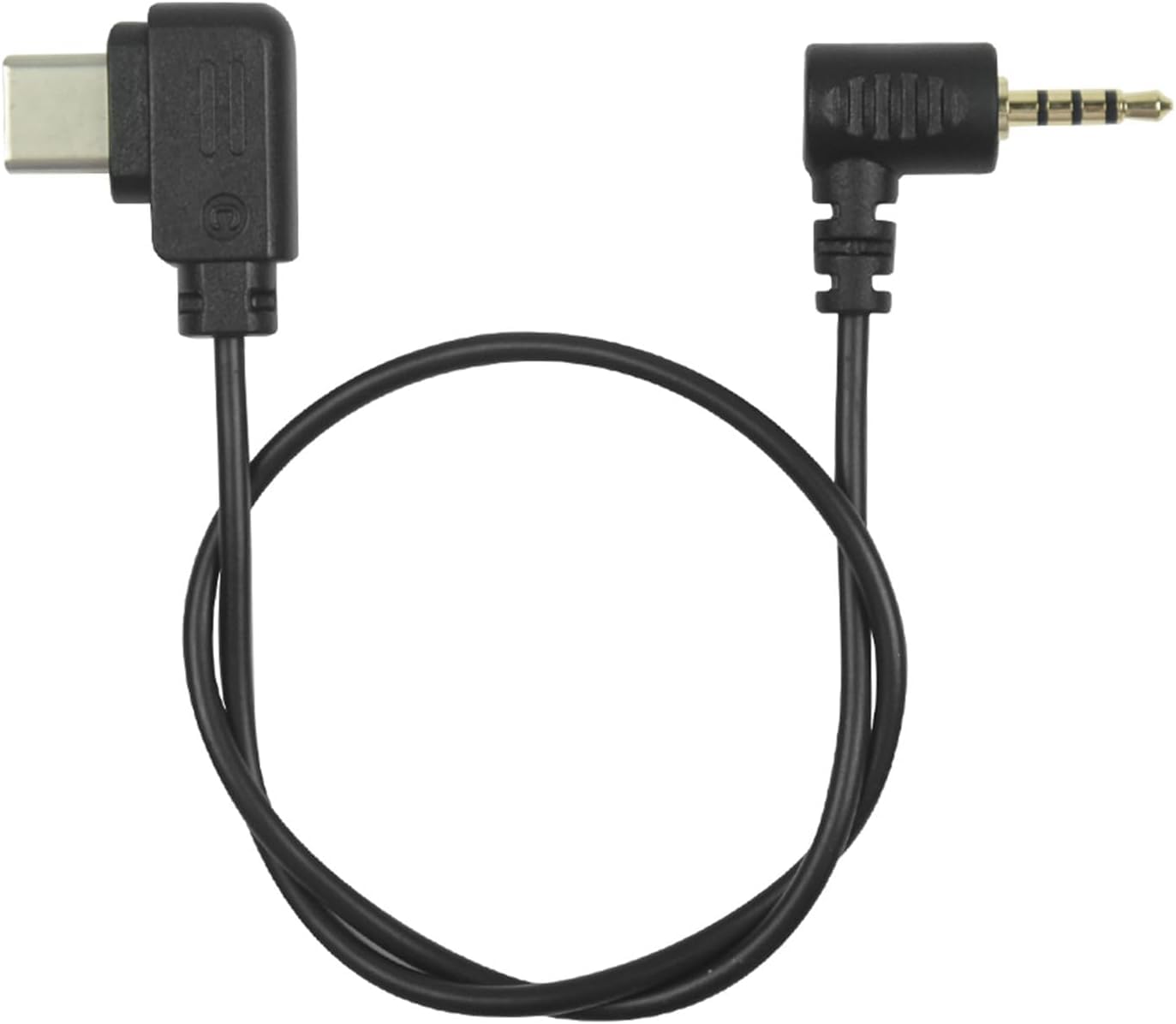
DYTDIEYINGTU RSS-P for DJI Ronin stabilizer Connected to GH Remote Shutter Cable Camera and Video Shutter Release Control Cable s5 s5m2x gh4 gh5 g85
by DYTDIEYINGTU



RSS-P FOR Panasonic release cable
DJI Stabilizer to Panasonic Camera Connection
1) Support functions: photo, focus/metering
2) Applicable camera model; GH2,GH3,GH4,GH5,GH5S,GH6,S1,S1H,S1R,S5,S5II,G9,G95 G90,G99,G85,GX7,GX8,GXL,DMC-FZ(20/20K/20S/30/30K /30S/50/50K/50S/100/150/200/1000/2000),G1,G2,G3,G5 G6,G7,G10,GF1
3) When adjusting the Panasonic camera to the video file, press the DJI red button to control the video.Customers, please note: This cable only serves the shutter release function (focusing, taking photos, and recording videos) and does not support adjusting ISO/ shutter speed on the stabilizer Zoom function
4) Suitable for DJI brand stabilizer models: Ronin-sc, Ronin-sc2 Ronin-RS2, Ronin-RS3 RS3 mini, Ronin-RS3 PRO,Ronin-RS4,Ronin-RS4 PRO, focus pro
5) How to use: Insert the USB-C terminal into the RSS interface of DJI, and insert the TRRS 2.5mm plug into the shutter of the camera Release jack REMOTE" On, turn on the stabilizer power, and the display on the DJI will pop "Shutter cable is connected. ", indicating that it has been communicated and can be used normally.
6) Line length: about 35cm, weight 10g.
7) This cable is the shutter release cable and functions as the shutter release button on the camera.
8) Panasonic camera shutter release port remote- most camera models are above the SD card in the same position.
9) If it does not work, please rotate the plug of the camera to check whether it is not plugged into the bottom.