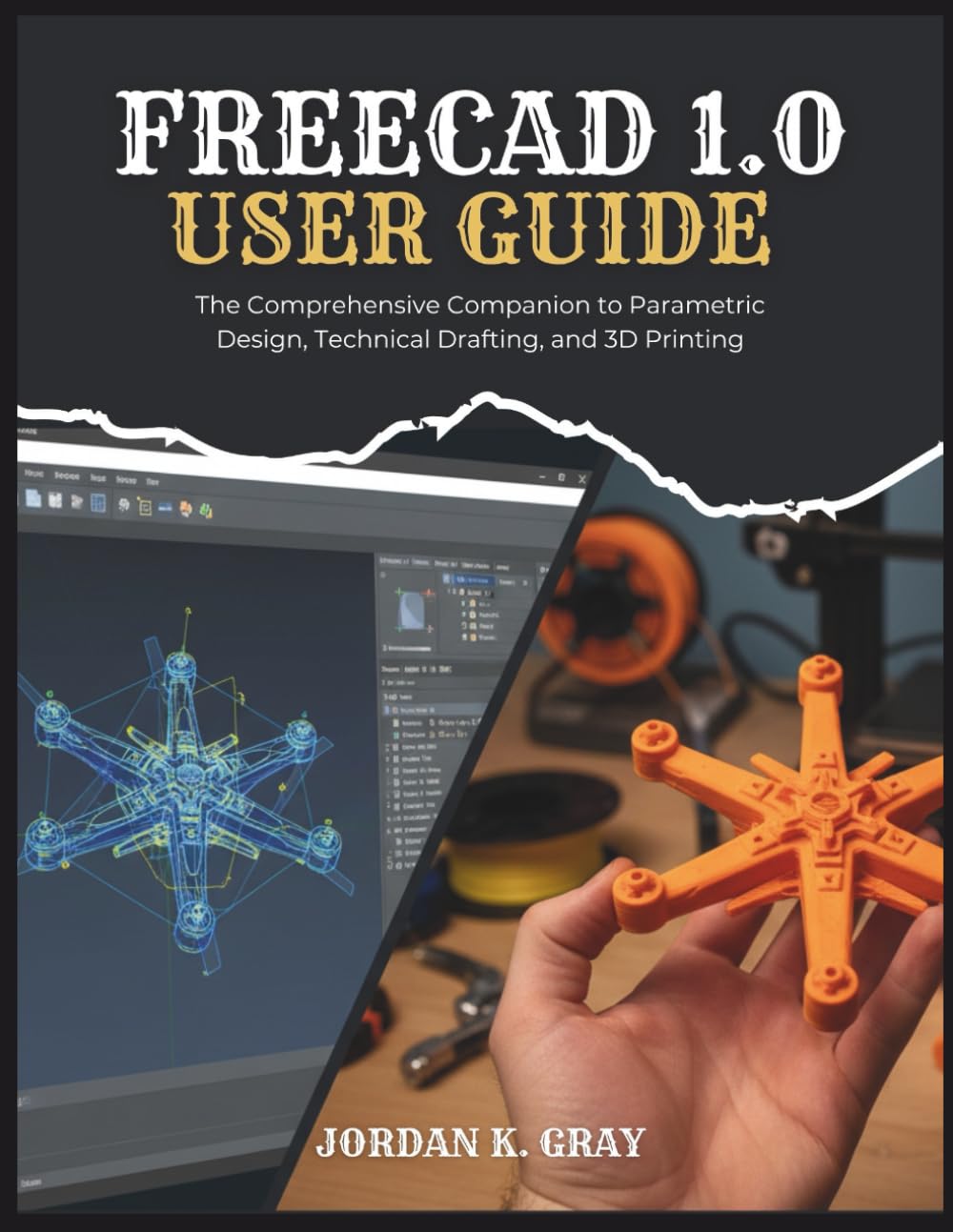
FreeCAD 1.0 User Guide: The Comprehensive Companion to Parametric Design, Technical Drafting, and 3D Printing
$24.99
by Jordan K. Gray



Bring Your Designs to Life: Master FreeCAD 1.0 from Concept to Creation! Are you ready to dive into the world of 3D modeling and turn your innovative ideas into precise, manufacturable designs without spending a fortune on software? The Free CAD 1.0 user guide is your complete, step-by-step companion to mastering this incredibly powerful and free open source parametric modeling tool. Whether you're a hobbyist, student, engineer, or maker new to CAD or looking to leverage FreeCAD 1.0 effectively, this book cuts through the complexity and guides you to confident creation. What You'll Achieve with This Book: Build a Solid Foundation: Understand the core concepts of parametric modeling, navigate the FreeCAD interface and workbenches like a pro, and configure your setup for optimal workflow from day one. Master Precise 2D Sketching: Go beyond simple drawing! Learn to use the Sketcher workbench to create intelligent, fully constrained 2D profiles – the essential base for robust 3D models. Master geometric and dimensional constraints. Create Complex 3D Solids: Transform your sketches into tangible objects using the Part Design workbench. Master Pad (Extrude), Pocket, Revolve, Groove, and advanced features like Sweeps, Lofts, Holes, and Thickness (Shelling). Leverage Direct Modeling & Booleans: Explore the Part workbench to quickly create primitive shapes (cubes, cylinders) and combine, subtract, or intersect them using powerful Boolean operations (Fuse, Cut, Common). Construct Multi-Part Assemblies: Learn to bring your individual components together! Understand assembly workbench concepts (using A2plus as a clear example), import parts, apply constraints (Plane, Axis, Point), and manage complex projects effectively. Produce Professional 2D Drawings: Communicate your designs clearly for manufacturing using the TechDraw workbench. Create standard views, sections, details, add precise dimensions, annotations, centerlines, and export industry-standard PDF, SVG, or DXF files. Prepare Models for 3D Printing: Understand mesh formats (STL, 3MF), use the Mesh Design workbench to analyze your models for errors (watertightness), perform essential repairs, and export clean meshes ready for your slicer software. Boost Your Efficiency: Discover how to automate repetitive tasks using Macros, find community resources, and get a glimpse into the power of the Python console for ultimate customization. Why This Guide is Your Perfect FreeCAD 1.0 Learning Partner: Beginner-Focused Clarity: Written in plain, easy-to-understand language, breaking down complex topics into manageable steps. No prior CAD experience assumed! - Learn by Doing: Packed with practical examples and detailed screenshots illustrating every key tool and technique. - Comprehensive Coverage: Addresses the full workflow, from initial sketch to final 3D print-ready export and 2D documentation, focusing on version 1.0. - Real-World Application: Learn not just the how , but the why behind parametric modeling principles and workbench choices. - Your Trusted Mentor: Jordan K. Gray provides the insights and guidance needed to avoid common pitfalls and build skills progressively. Unlock the Power of Free, Professional-Grade CAD! Stop being limited by expensive software licenses. This book is your key to mastering FreeCAD 1.0, empowering you to design, iterate, and create with precision and freedom. Gain the confidence to tackle any project, from simple replacement parts to complex mechanical assemblies. By the end of this guide, you will be well on your way to thinking and designing like a seasoned CAD professional. Ready to start creating? Scroll up and grab your copy now!