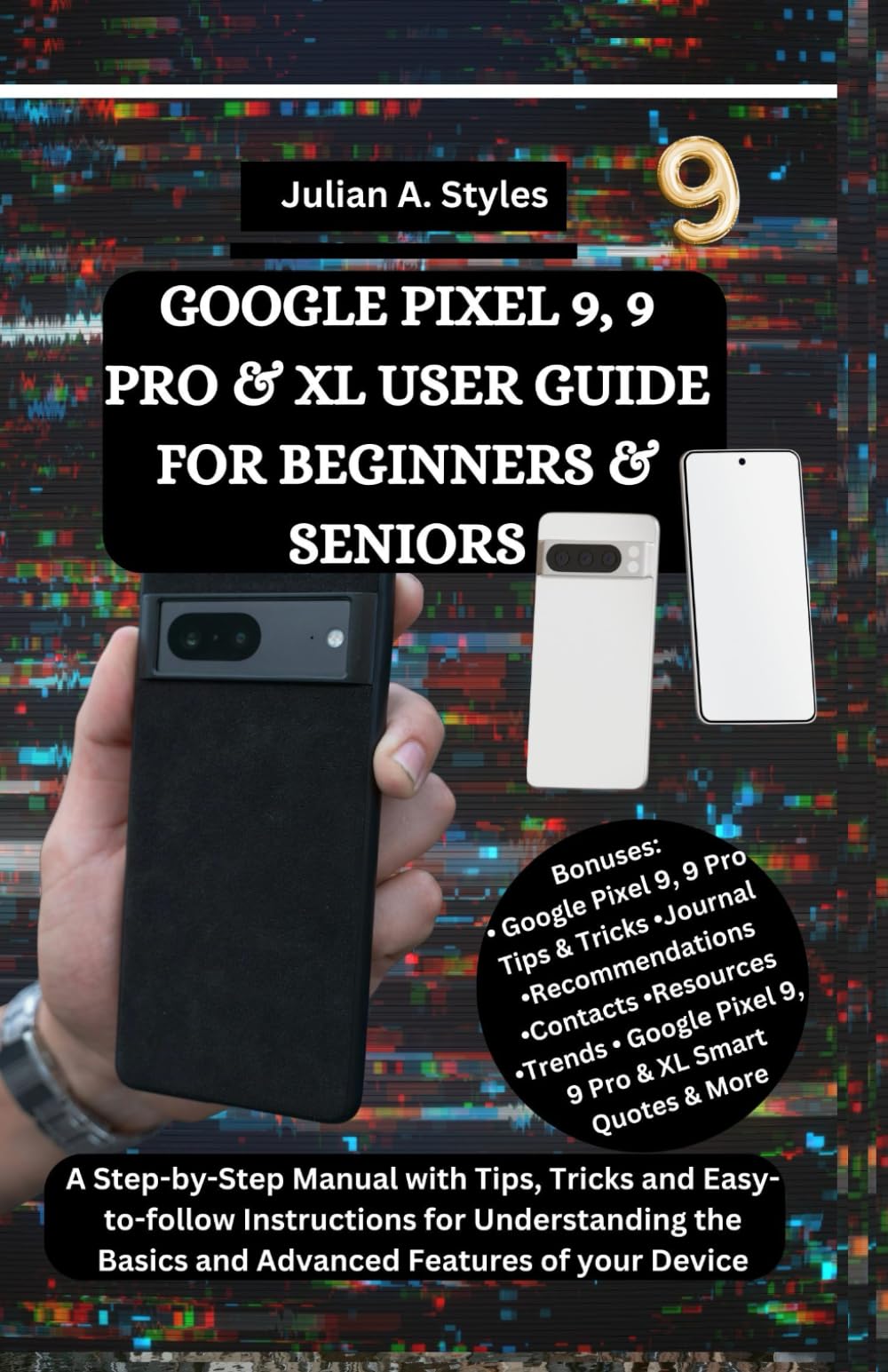
GOOGLE PIXEL 9, 9 PRO & XL USER GUIDE FOR BEGINNERS & SENIORS: A Step-by-Step Manual with Tips, Tricks and Easy-to-follow Instructions for ...
$12.99
by Julian A. Styles



UNLOCK THE POWER OF YOUR GOOGLE PIXEL 9, 9 PRO & XL — WITHOUT FEELING CONFUSED OR OVERWHELMED. You don’t need to be a tech expert or longtime Android user to get the most out of your new Pixel . Whether this is your first smartphone or you’re upgrading from an older device, this clear and easy-to-follow guide will walk you through every part of your Pixel 9, Pixel 9 Pro, or Pixel 9 XL in plain, simple English — no stress, no guesswork, and no complicated instructions. GOOGLE PIXEL 9, 9 PRO & XL USER GUIDE FOR BEGINNERS & SENIORS is your friendly and complete manual for learning your new device — from basic setup to advanced features that help make life easier, safer, and more fun. Designed with seniors, first-time users, and everyday people in mind, this guide holds your hand and helps you feel at home with your Pixel. No pressure. No confusion. Just real help that works . Here’s what’s inside : • Google Pixel Basics Made Simple – Learn how to power on your phone, set it up, make calls, send texts, and use the touch screen with confidence. • Master Everyday Tools – Camera, Photos, Chrome, Maps, Messages, Weather, Clock, Calendar, and more. • Safety and Security Essentials – Use fingerprint or face unlock, set a screen lock, manage app permissions, and activate emergency tools with ease. • Stay Connected Easily – Make video calls, share pictures, send emails, and enjoy social apps with clear guidance. • Helpful Apps You’ll Want to Use – From alarms and reminders to Google Assistant, Wallet, Play Store, and smart tools that make everyday life smoother. • Step-by-Step Instructions – Each section is broken down into clear steps, with simple tips and easy-to-understand language. • Use Google Assistant Without Trouble – Learn voice commands, get quick answers, set reminders, and ask for help — all hands-free. • Keep Your Data Safe with Backups – Learn how to use Google One, cloud backup, and transfer content safely. • Advanced Tips for Curious Users – Explore hidden settings, camera modes, gesture controls, QR code scanning, Bluetooth connections, and more. Why This Guide is Different: • Made for Real People : No need to be young or tech-savvy. This book is written with beginners and seniors in mind. • Easy to Read and Follow : Clear layout. Simple instructions. Warm and friendly tone. Good font and no small print. • Pace That Fits You : Start with the basics and grow your skills gradually — one step at a time. • Written with Care : Authored by a professional guide writer who understands what new users need. BONUSES INCLUDED: • Pixel Tips and Tricks for Seniors and Beginners • Smart Quotes to Inspire Confidence • Android 14 Highlights and What’s Coming Next • Extra Notes Pages for Personal Use/Journaling • Apps Suggestion • Troubleshooting Tips for Common Problems Etc. Whether you're using your Pixel 9 to stay in touch with family, take clearer photos, search the web, or make life more convenient, this guide will give you the confidence to enjoy every tap, swipe, and feature . Order your copy today and start using your Google Pixel 9, 9 Pro or XL like a pro — with no stress and full suppor t.