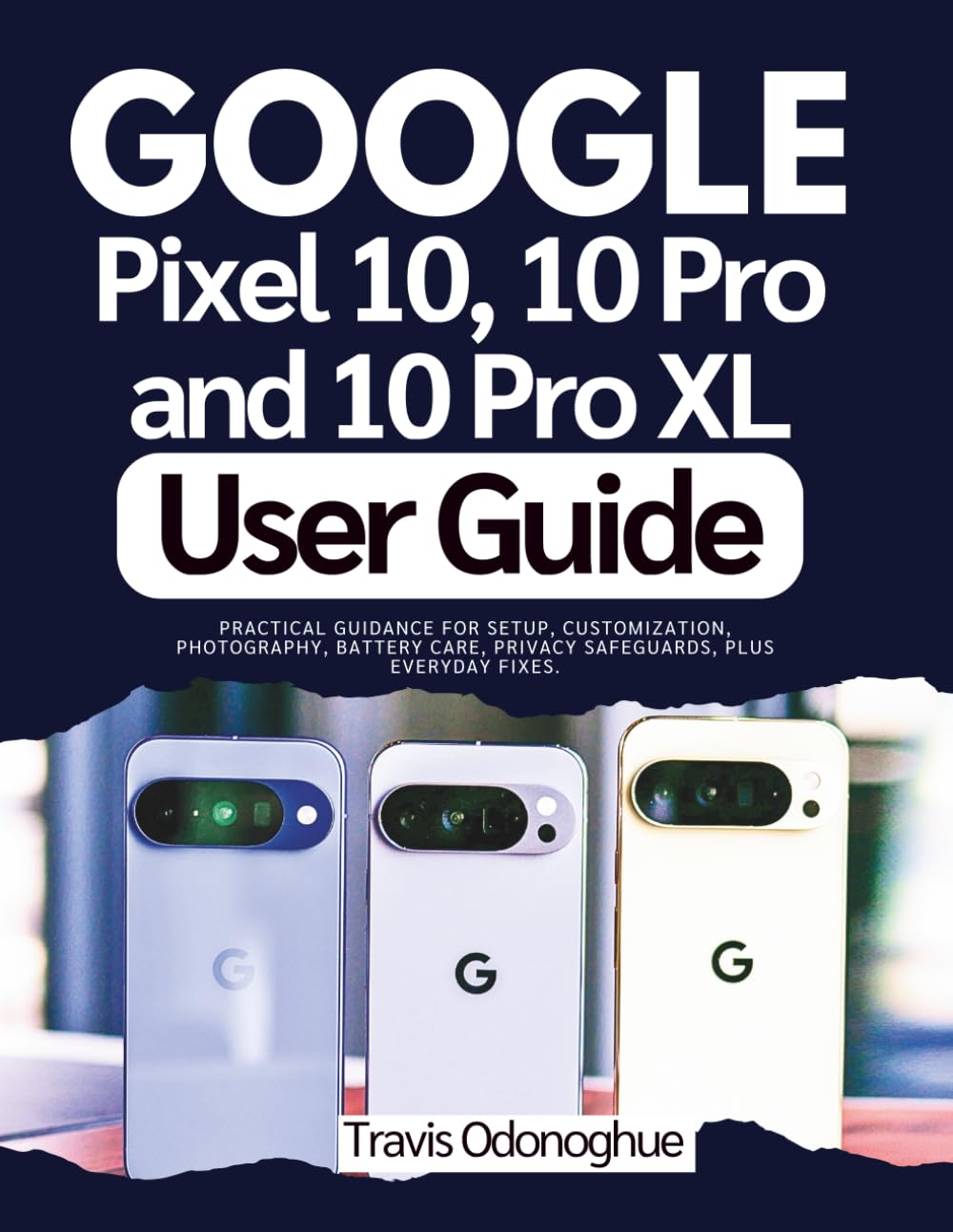
Google Pixel 10, 10 Pro and 10 Pro XL User Guide: Practical Guidance for Setup, Customization, Photography, Battery Care, Privacy Safeguards, Plus
$18.99
by Travis Odonoghue



DISCLAIMER This guide is an independent publication produced for educational and reference use. It is not affiliated with, endorsed, or sponsored by Google LLC. Product names, logos, and brands (including Google, Pixel, and Android) are the property of their respective owners. Every effort has been made to ensure accuracy at the time of writing; however, specifications, features, and software may change without notice. The author and publisher assume no responsibility for errors, omissions, or any damages resulting from the use of information in this guide. Readers should use this material at their own discretion and always follow the official safety guidelines and instructions provided by the manufacturer. This guide does not replace the official product manual. If you own a Google Pixel 10, 10 Pro, or 10 Pro XL, this book turns setup, daily use, and pro workflows into a calm, confident routine. No jargon, just clear steps, smart habits, and fix-it-fast tips that make your phone feel tailor-made. You’ll get a clean path from unboxing to mastery: first-time setup that preserves your data, privacy practices that actually stick, camera recipes that deliver, power and battery strategies for all-day reliability, and pro automations that cut taps from your busiest moments. Scannable layouts, checklists, and decision trees keep you moving—no endless scrolling, no guesswork. ✅ What You Will Discover Inside ✅ Quick-start essentials: biometrics, eSIM, RCS, payments, and baseline safety in minutes. - ✅ Navigation mastery: gestures, widgets, notifications that work for you (not against you). - ✅ Security & privacy: passkeys, permission hygiene, privacy dashboard drills, family controls. - ✅ Power & battery: wired/wireless charging, heat management, saver modes, performance tuning. - ✅ Cloud & recovery: bulletproof backups, restore rehearsals, lost-device playbook, export checklists. - ✅ Camera & video: lenses explained, shooting modes, pro controls, audio tips, editing pipeline. - ✅ Apps & games: install hygiene, storage strategy, graphics settings, notification shields. - ✅ Troubleshooting: quick fixes for activation errors, pairing loops, crashes, and slowdowns. - ✅ On-device intelligence: call screening, Recorder tips, smart routines, time-saving automations. - ✅ Travel mode: roaming sanity, privacy at borders, offline maps/media, emergency readiness. - ✅ Power user playbook: creator workflows, second-screen setups, file exchange, meeting presets. Swipe up and tap "BUY NOW" to this educational user guide today and turn your Pixel 10 series into the most reliable tool you own—faster setup, safer data, better photos, longer battery, and fixes at your fingertips. Don’t let hidden settings or scattered tips waste your time