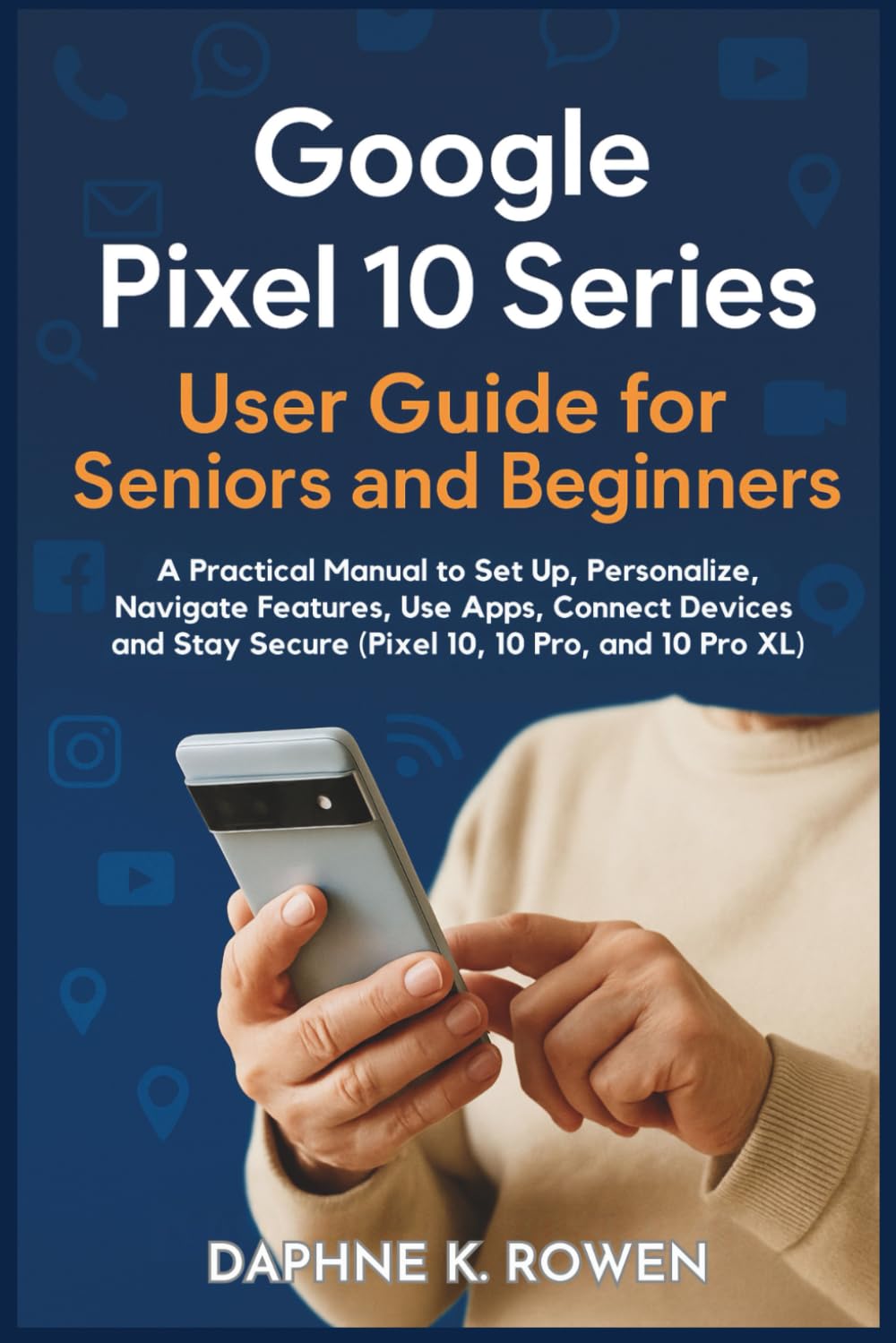
Google Pixel 10 Series User Guide for Seniors and Beginners: A Practical Manual to Set Up, Personalize, Navigate Features, Use Apps, Connect Devices
$14.99
by Daphne K. Rowen



Take the stress out of technology and unlock the full power of your Pixel 10 device—no tech background needed! Whether you're using the Pixel 10, 10 Pro, or 10 Pro XL, this large-print, beginner-friendly manual walks you through everything from basic setup to advanced features like Google AI, voice commands, camera tips, and staying safe online. With clear instructions, full-color visuals, and step-by-step guidance tailored for seniors and first-time smartphone users, you’ll feel confident and connected every day. ✔ Set up your Pixel in minutes ✔ Make calls, send texts, and video chat with loved ones ✔ Navigate with ease using smart gestures and icons ✔ Personalize settings for vision, hearing, and comfort ✔ Use apps like Gmail, Maps, Chrome, YouTube, and more ✔ Master Google Assistant, Live Translate, and Nearby Share ✔ Stay safe with scam protection, device care, and privacy tips Bonus sections include troubleshooting tips, icon cheat sheets, AI voice command lists, and safety checklists—perfect for seniors, caregivers, and tech-shy users. If you want to enjoy your smartphone without frustration or confusion, this guide is your perfect digital companion. 👉 Scroll up and grab your copy now—your smarter, safer Pixel journey starts today!