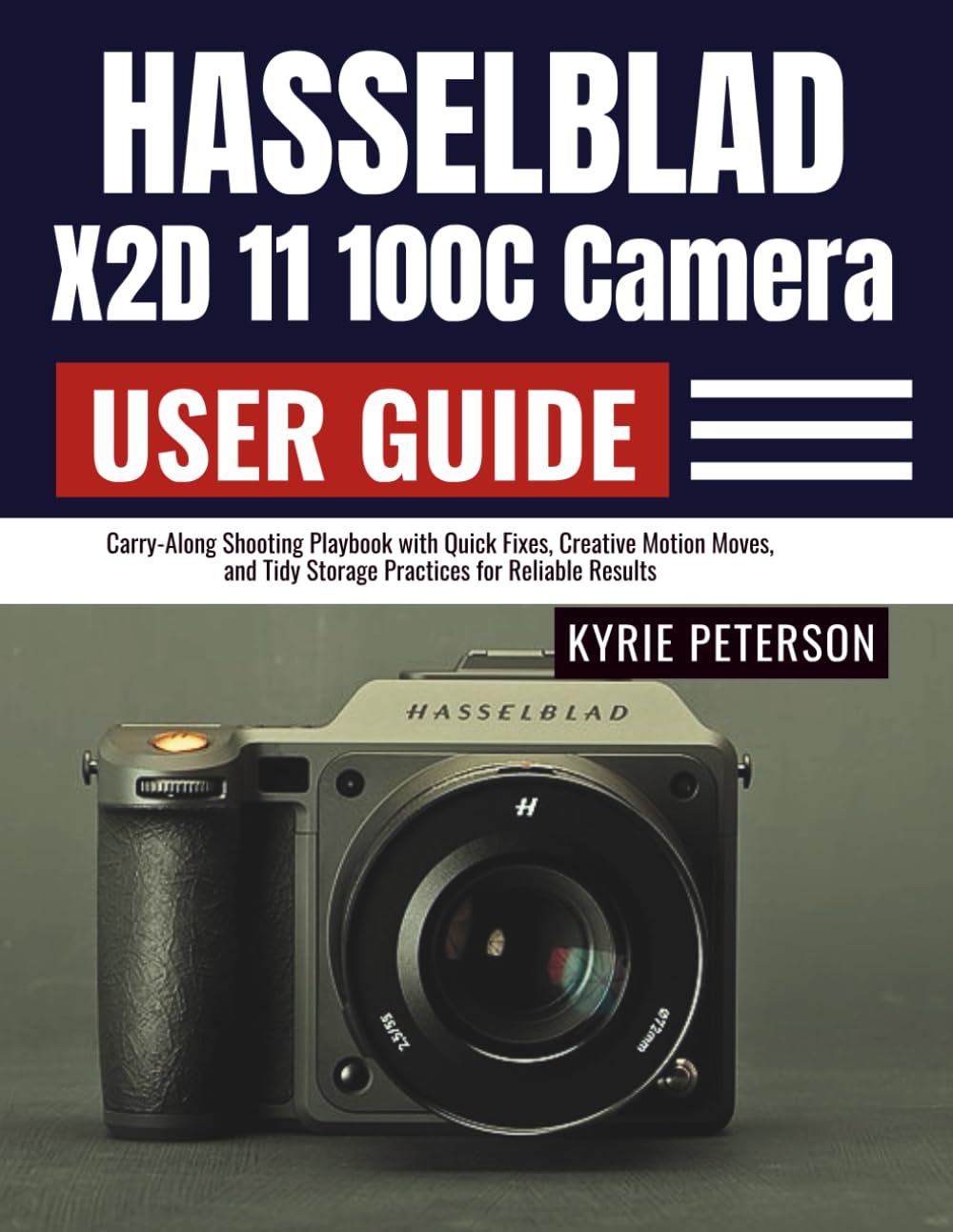
Hasselblad X2D 11 100C Camera User Guide: Carry-Along Shooting Playbook with Quick Fixes, Creative Motion Moves, and Tidy Storage Practices for
$20.99
by Kyrie Peterson



DISCLAIMER This guide is an independent publication created for educational and reference purposes. It is not affiliated with, endorsed, or sponsored by the camera’s manufacturer. Product names, logos, and brands mentioned are the property of their respective owners. Every effort has been made to ensure accuracy at the time of writing; however, specifications, features, apps, and firmware may change without notice. The author and publisher assume no responsibility for errors, omissions, or any outcomes arising from the use of information in this guide. Always follow official safety guidelines and instructions provided by the manufacturer. This guide does not replace the official product manual. This practical user guide turns complexity into a calm, repeatable workflow—so you get reliable, publish-ready images without guesswork. Inside, you’ll find quick-start paths for busy days, deep dives for mastery, and “fix-it-fast” callouts for when gear or light misbehaves. From first setup to color-managed delivery, every page is designed to save time, prevent mistakes, and help you create confidently—portraits, products, landscapes, street, low-light, and more. ❤️ What You Will Discover Inside 📸 Quick Start wins: first-day setup, clean test shot, and baseline settings that “just work.” - 🎯 Focus mastery: eye/face tracking, manual finesse, macro precision, and stacking strategies. - 🌤️ Exposure made simple: highlight protection, histogram reads, bracketing, and dynamic-range tactics. - 🧲 Stability & sharpness: IBIS best practices, handholding discipline, tripod hygiene, and micro-vibration control. - 💡 Lighting confidence: leaf-shutter sync advantages, ambient/flash balance, gels, and mixed-light fixes. - 🗂️ Data safety workflow: RAW/JPEG planning, naming, backups, and checksum-verified copies. - 🛰️ Tethered & mobile flow: rock-solid USB-C, wireless previews, remote control, and on-the-go culling. - 🧼 Care & longevity: sensor-safe cleaning, battery health, firmware updates, and travel-ready packing. - 🧾 Client-ready tools: shot-list templates, usage rights notes, delivery checklists, and export presets. - 🧠 Reference center: quick-start cards, exposure/focus cheat sheets, troubleshooting flowcharts, glossary, and menu index. Swipe up and tap "BUY NOW" to add this user guide to your cart now and start shooting with confidence today. Don’t let settings, menus, or avoidable mistakes cost you the shot. Equip yourself with a clear, field-tested system you can trust on real assignments. ⭐⭐⭐⭐⭐ Field-Tested Camera Mastery This user guide turns a complex medium-format system into a calm, repeatable workflow. The quick-start paths and "fix-it-fast" callouts feel like having a mentor on set. Exposure, focus, and color guidance are clear, practical, and immediately usable. -Jordan M., Commercial Photographer ⭐⭐⭐⭐⭐ From Unboxing to Client-Ready I appreciated the clean setup checklists, tethering best practices, and color-managed export presets. The data-safety section (naming, checksum copies, delivery folders) is exactly what teams need to avoid lost files and late nights. -Priya K., Studio Tech & Digital Operator ⭐⭐⭐⭐⭐ Lighting Confidence with Leaf-Shutter Advantage The lighting chapter demystifies ambient/flash balance and shows how to use high sync speeds creatively without jargon. The gels, mixed-light fixes, and practical diagrams produced consistent skin tones on day one. -Luis A., Portrait & Editorial Photographer ⭐⭐⭐⭐⭐ Sharp Focus, Real-World Stability Eye/face AF tips, manual-focus magnification routines, and stacking guidance are spot on. Pair that with IBIS discipline, tripod hygiene, and micro-vibration control, and you get reliably tack-sharp files, even in low light. -Renee T., Macro & Product Specialist ⭐⭐⭐⭐⭐ Templates That Save Hours Shot-list and usage-rights templates, delivery notes, and client approval sheets make handoffs painless. The user-bank recipes let you switch from portrait to landscape to tabletop without digging through menus. -Evan S., Agency Producer ⭐⭐⭐⭐⭐ Troubleshooting That Actually Works Clear triage for card errors, color shifts under LEDs, and tether dropouts—each with a 30-second decision tree. The maintenance logs, safe firmware habits, and battery care guidance extend gear life and reduce on-set drama. -Clara W., Photo Editor & Post Supervisor ⭐⭐⭐⭐⭐ The Practical Guide I Recommend to Teams Scannable, professional, and grounded in real shoots. From dynamic-range tactics to wireless previews, every section reduces guesswork and increases keeper rate. Ideal for assistants moving up and pros refining process. -Marcus D., Gear Reviewer & Educator