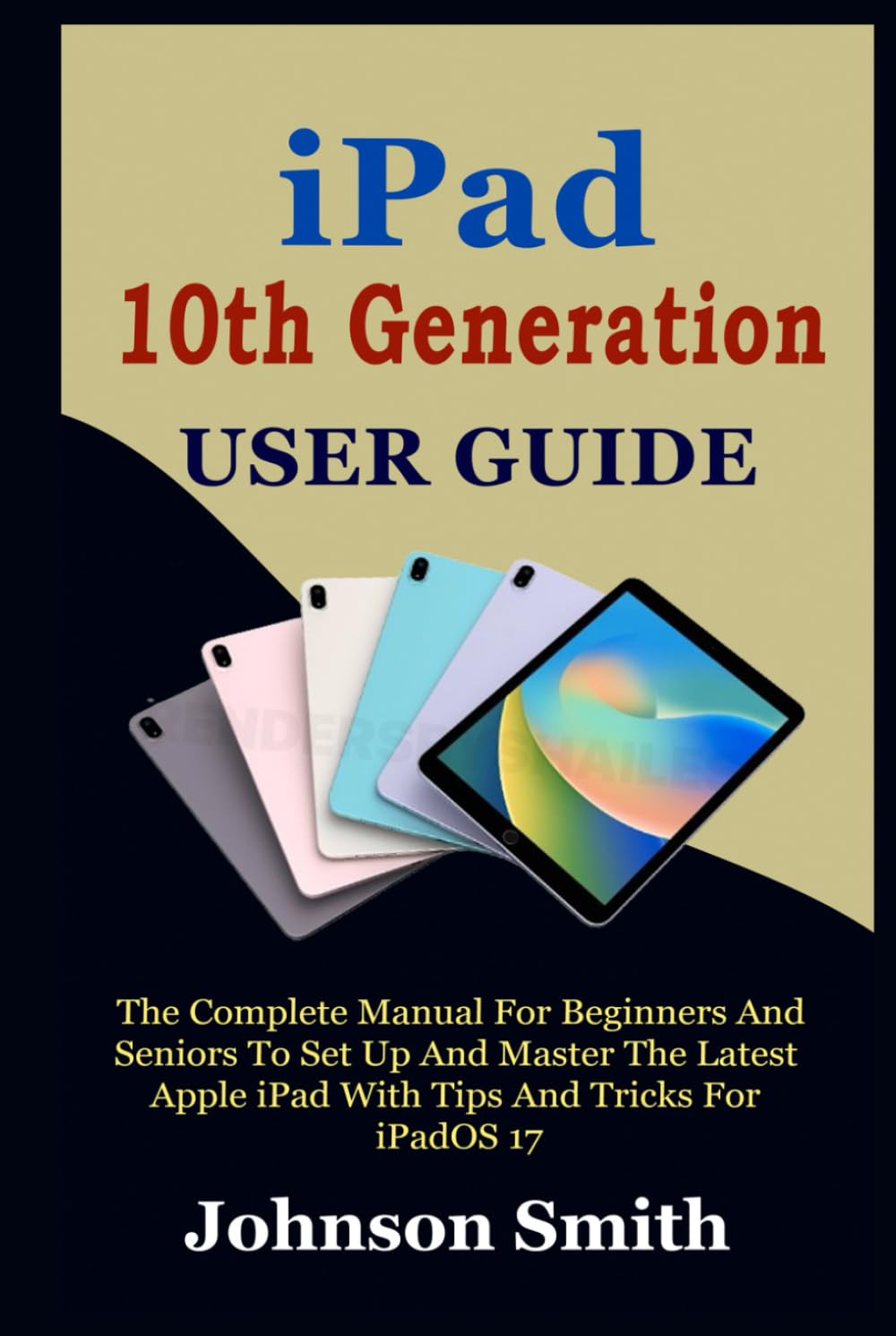
IPAD 10TH GENERATION USER GUIDE: The Complete Manual for Beginners and Seniors to Set up and Master the Latest Apple iPad With Tips And Tricks For
$25.99
by Johnson Smith



Master Your New iPad – Explore Pleasurably The iPad is vibrantly redesigned to be more functional, user-friendly, and enjoyable with iPadOS 17 . iPad's all-screen design, 10.9-inch Liquid Retina display, and four aesthetically pleasing colors provide a potent means of completing tasks, fostering creativity, and maintaining connections. Engage in your preferred television programs, applications, and activities on the exquisite 10.9-inch Liquid Retina display. Additionally, it is pleasant to view in any light due to the True Tone technology . With your iPad, you can utilize graphics-intensive software, encourage your peers to participate in SharePlay, and get paired with your preferred gaming controllers. The Apple Pencil is an exceptional tool for note-taking, journaling, drawing, and illustrating of any kind. It provides precision to the pixel level and minimal latency. Thus, using it is comparable to using a stylus. Also with iPad Camera, you can shoot stunning photography and record and edit videos with professional effects. This user manual has been written to guide you in exploring and learning how to set up and configure your iPad and operate it like a pro. Unlock the power of your iPad now by clicking the BUY NOW button. You will learn: How to set up your new iPad - How to transfer your content to the new iPad - How to set up Wi-Fi connectivity and cellular service - How to browse the web with your iPad - How to personalize your iPad - How to utilize integrated accessibility features - New features of the iPadOS 17 - How to sign in with Apple ID on your iPad - How to use iCloud on iPad - How to configure Calendar, Email, and Contact accounts - How to recharge and optimize the battery life - How to modify the volume settings - How to launch applications - Switching between applications - How to copy and relocate items via drag-and-drop - How to open two objects in the split view - How to transform an app window into a slide-over window - How to organize, resize, and relocate windows - How to use Spotlight to search on an iPad - How to create a personalized lock screen - How to modify the wallpaper - How to change the screen's color and brightness - How to zoom in and out on iPad - How to modify the date and time - How to arrange your applications into folders - How to add, modify, and delete widgets - How to utilize and personalize the Control Center - How to view and reply to notifications - How to configure and manage focus - How to use the on-screen keyboard to type - How to dictate text on iPad - Selecting, cutting, copying, & pasting text - Saving keystrokes using text substitutions - How to take a screenshot on the iPad - How to use the iPad to record your screen - How to configure Apple Pay - How to shoot professional photography with your iPad’s Camera - How to use the Camera to record videos - How to use the camera to take a portrait selfie - How to adjust the advanced camera settings - How to view, share, & print images - Use the iPad camera to scan a QR code - And more