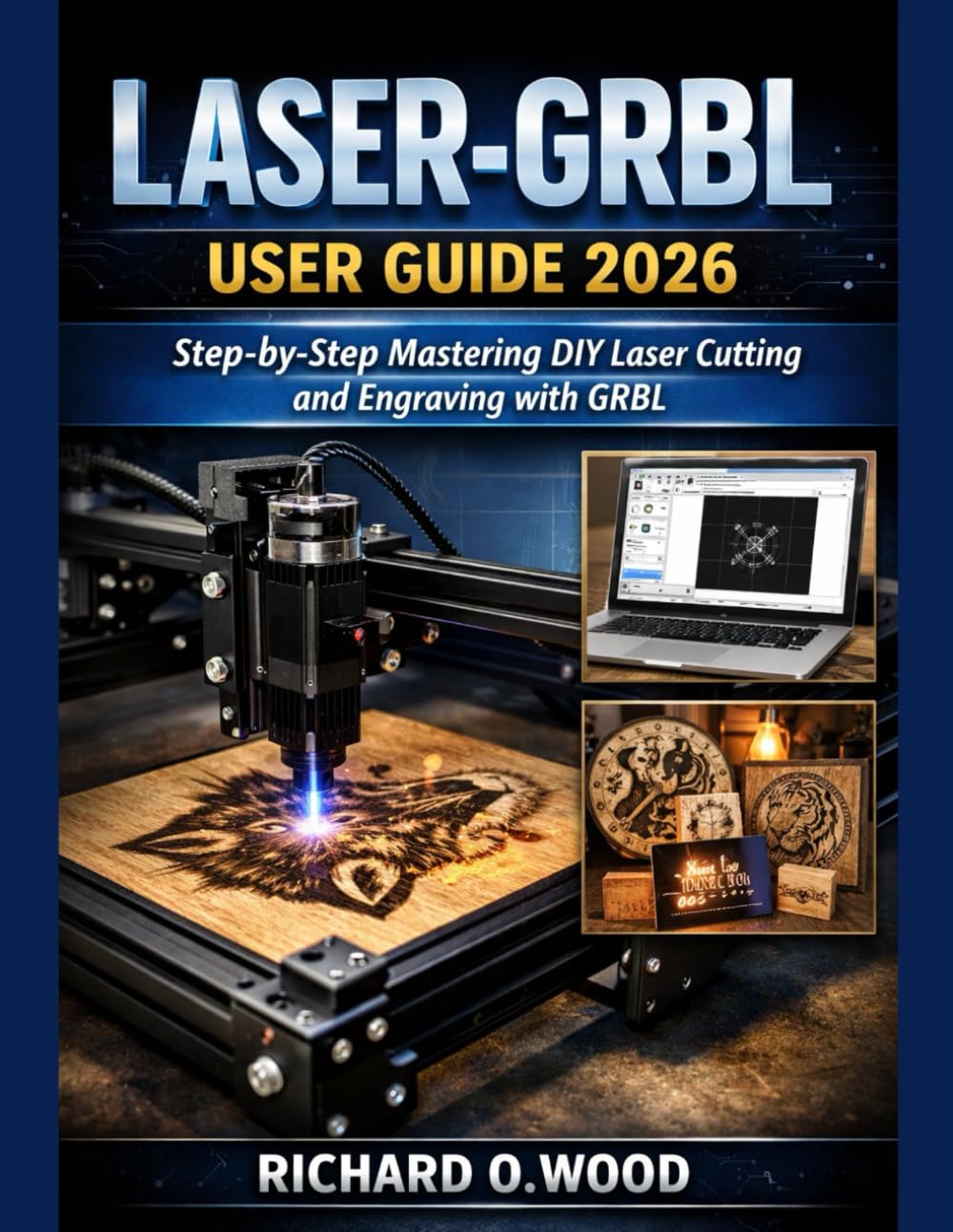
Laser-GRBL User Guide 2026: Step-by-Step Mastering DIY Laser Cutting and Engraving with GRBL
$14.00
by Richard.O. Wood



Laser-GRBL User Guide 2026 Step-by-Step Mastering DIY Laser Cutting and Engraving with GRBL What if the blurry photo on your phone or the rough sketch in your notebook could become a crisp, permanent engraving on wood, leather, acrylic, or even steel with just a few clicks and zero steep learning curve? In a world overflowing with expensive laser software subscriptions and complicated interfaces, Laser-GRBL stands out as the free, open-source powerhouse that thousands of hobbyists and makers rely on to bring their ideas to life. This comprehensive 2026 edition guide takes you from first-time connection to confident mastery, walking you through every essential feature of the latest Laser-GRBL version: seamless image-to-G-code conversion with grayscale, dithering, and vectorization modes; precise power and speed overrides; custom buttons for one-click workflows; real-time job previews and time estimates; GRBL firmware configuration and troubleshooting; safe connection handling across USB and Wi-Fi setups; and advanced techniques for multi-pass cutting, material testing, and professional-quality results. Whether you're personalizing gifts, prototyping small-batch parts, etching detailed artwork, or diving into your first DIY laser project, this book delivers clear, step-by-step instructions, practical tips drawn from real user experiences, and proven strategies to avoid common pitfalls all tailored to the current GRBL ecosystem and Laser-GRBL's optimized interface. No fluff, no assumptions just the straightforward knowledge you need to turn your laser engraver into a reliable creative tool. Ready to transform your ideas into etched reality? Grab your copy of Laser-GRBL User Guide 2026 today and start engraving with confidence tomorrow. Your next project is waiting unlock its potential now! 26 web pages