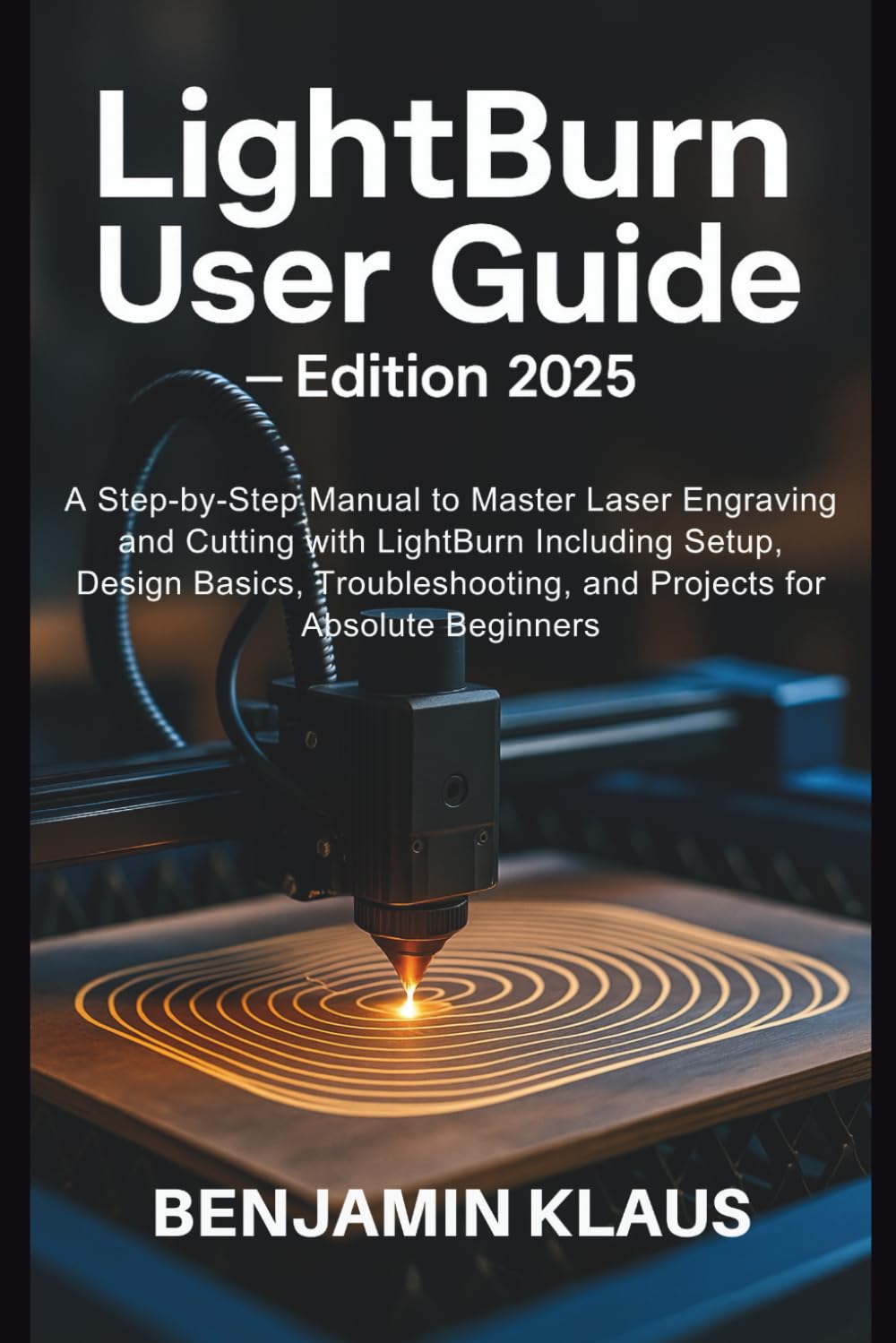
LightBurn User Guide - Edition 2025: A Step-by-Step Manual to Master Laser Engraving and Cutting with LightBurn Including Setup, Design Basics,
$22.99
by Benjamin Klaus



You’ve seen laser engraving demos online and thought, “I wish that was me.” I get it—laser design software can feel overwhelming. That’s exactly why this guide exists: to gently unlock your creative potential with LightBurn, the favorite tool of makers who want precision without confusion. It starts with the moment when setup doesn’t feel intimidating anymore. Imagine opening LightBurn and actually understanding what happens next—no guesswork, no jargon—just you, your laser, and the excitement of creating your very first project. I was once staring at that screen too, unsure where to click, but imagine the relief when it finally clicked—and everything felt possible. Starting is an emotional leap. Maybe you’re frustrated by confusing programs, tired of trial and error. You want to bring your ideas into the real world—custom tags, personalized gifts, neat crafts—without wasting wood, acrylic, or time. You want that moment when an idea goes from screen to engraved reality with confidence, and that feeling makes every step worth it. Here’s how this guide helps you bridge that gap—without tech fluff or false promises: You’ll learn how to connect your laser without headaches. How to design with shapes, text, and imports—so creativity flows instead of stalls. How to set power, speed, layers, and preview your job so nothing goes wrong when you hit “Start.” How to troubleshoot gently when things look off. And how to bring your first name tag, keychain, coaster, or sign to life with joy, not frustration. Inside you’ll discover practical, human-centered insights: How beginners get their laser and LightBurn set up in minutes—not hours. - Why intuitive design tools in LightBurn let you draw, import, edit without dread. - The art of cut settings—so your engravings are crisp, your cuts clean - The value of framing and previewing before risking your material. - How photo engraving, node editing, and rotary tools can grow your creativity. - Tips that turn mistakes into learning moments—not time and cost losses. - Real projects you can start this afternoon, not “maybe someday.” - Smart habits for organizing your files, materials, and workflow. Imagine the pride you’ll feel the first time your laser cuts a perfect coaster or engraving—something you designed from scratch. With this guide, you don’t just follow steps—you become someone who makes things happen. It’s not about mastering software. It’s about making ideas real—confidently, creatively, with fewer mistakes. You’re ready to begin this journey. Grab the guide, start small, and watch your laser become the tool that brings your ideas to life. ORDER YOUR COPY IMMEDIATELY