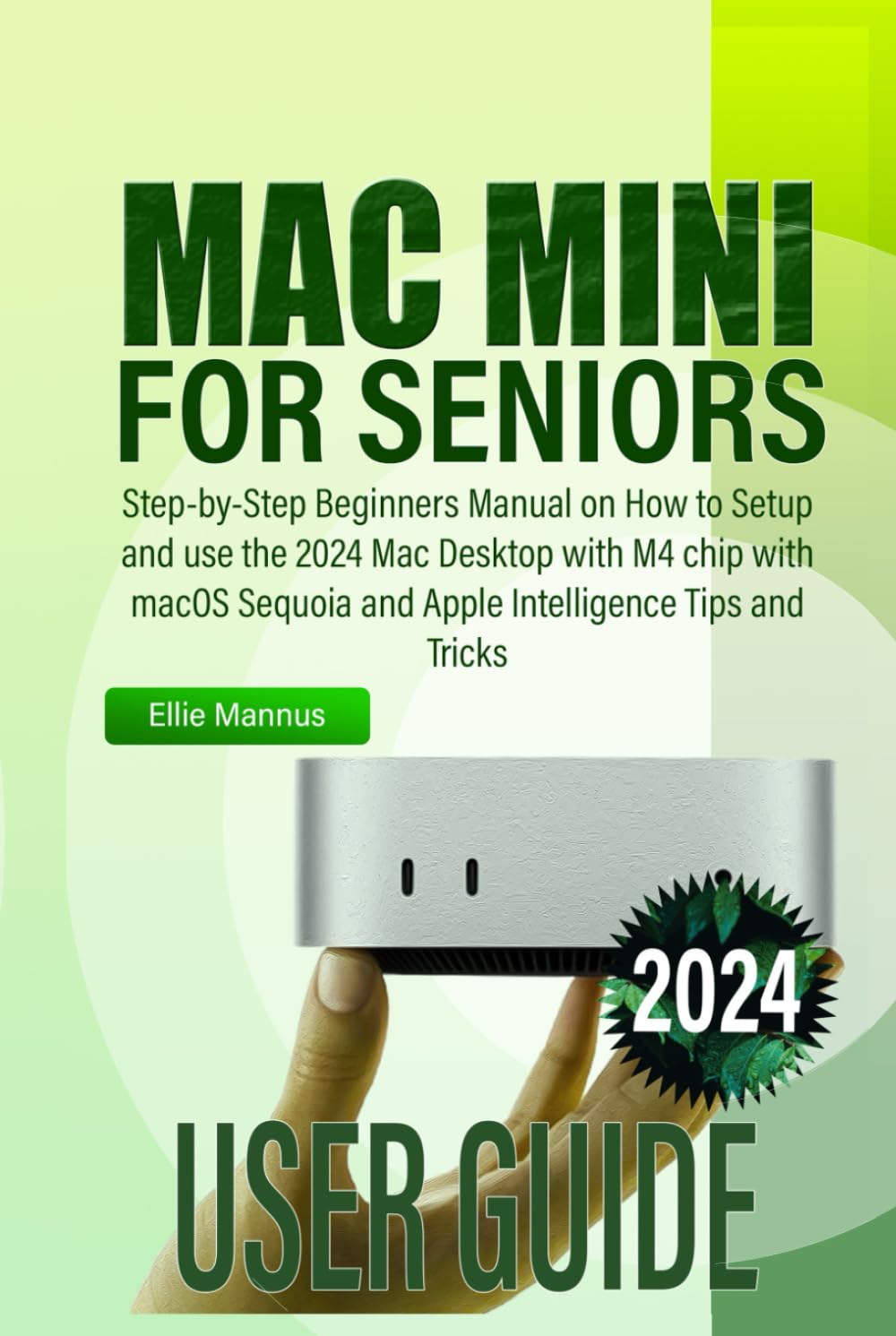
MAC MINI 2024 USER GUIDE for Seniors: Step-by-Step Beginners Manual on How to Setup and use the 2024 Mac Desktop with M4 chip with macOS Sequoia and
$22.99
by Ellie Mannus



Unlock the world of the Mac Mini with ease! MAC MINI 2024 USER GUIDE for Seniors is a thoughtfully designed manual for beginners and seniors alike, providing a clear, step-by-step approach to setting up and mastering your new Mac Mini with Apple’s powerful M4 chip and the latest macOS Sequoia. This guide simplifies everything from the initial setup to using Apple’s cutting-edge features, including its new Apple Intelligence capabilities. Written in large fonts and easy-to-understand language, it’s the perfect resource for anyone looking to make the most out of their Mac experience without the usual tech overwhelm. Inside, you’ll learn how to: Effortlessly Set Up Your Mac Mini: Follow simple, clear instructions to connect and personalize your Mac Mini right out of the box. - Explore macOS Sequoia: Navigate the latest features in macOS Sequoia, including Finder, Dock, Widgets, and Control Center. - Utilize Apple Intelligence: Discover tips and tricks for leveraging Apple’s advanced AI-powered features to make tasks smoother and faster. - Stay Connected and Productive: Learn how to use FaceTime, Mail, Messages, and Safari, and stay organized with Calendar and Reminders. - Get Familiar with Apps and Tools: Use essential apps like Photos, Music, News, and Podcasts, plus Apple’s App Store to expand your Mac’s capabilities. - Manage Files with Ease: Get comfortable with Finder and iCloud Drive to organize, store, and access your documents and files seamlessly. - Customize and Enhance Your Experience: Adjust settings, personalize your desktop, and use accessibility features tailored for seniors. With clear instructions, helpful illustrations, and a focus on simplicity, MAC MINI 2024 USER GUIDE for Seniors makes it easy to enjoy all your Mac Mini has to offer. Grab your copy today and embark on an stress-free journey to mastering your new Mac Mini!