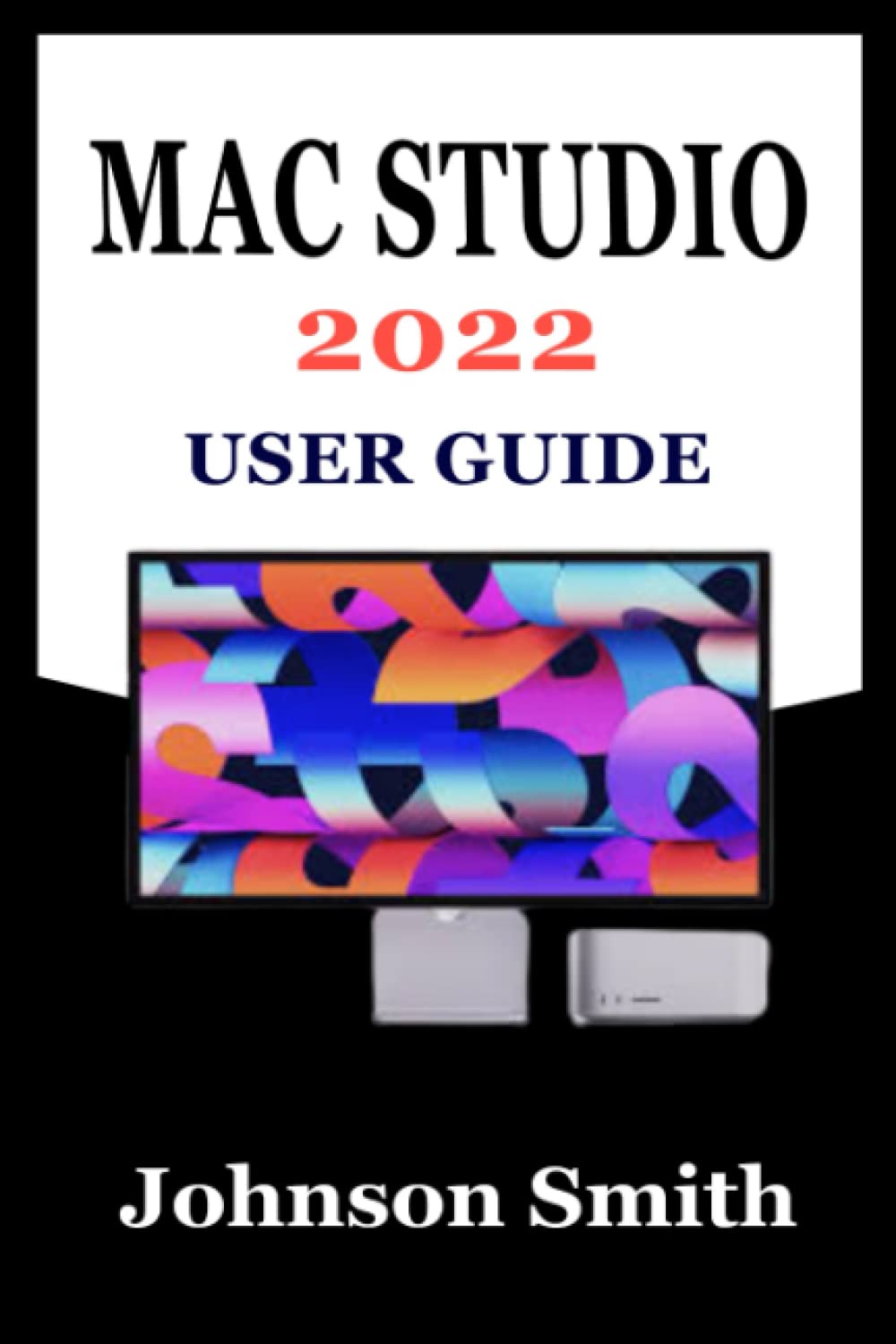
MAC STUDIO 2022 USER GUIDE: An Exhustive Step-By-Step Manual For Mastering The Use Of Apple’s Mac Studio And Its Display With M1 Max And M1 Ultra Chip
$13.10
by Johnson Smith



Mac Studio is a completely new Mac desktop environment. It crams amazing performance, comprehensive connectivity, and new features into an unbelievably compact form factor, centralizing everything you need and turning any room into a studio. And it all begins with your option of the lightning-fast M1 Max or the all-new M1 Ultra – the most powerful chip ever installed in a personal computer. More treats await you as you explore the various features of this novel desing in Mac’s line of desktop systems with the help of this manual. Below is a sample of some of the topics fully covered in this book: Exploring the features of Mac Studio How to connect wireless accessories Set up and configure your Mac Studio How to charge wireless accessories batteries Connecting your Mac Studio to a display Apple ID and your Mac Studio Your Mac's desktop, menu bar, and help The finder The dock Notification center Control center System preferences The spotlight Siri Backup and restore Apps on mac studio Music iMovie Facetime Garageband Photos Safari …and more