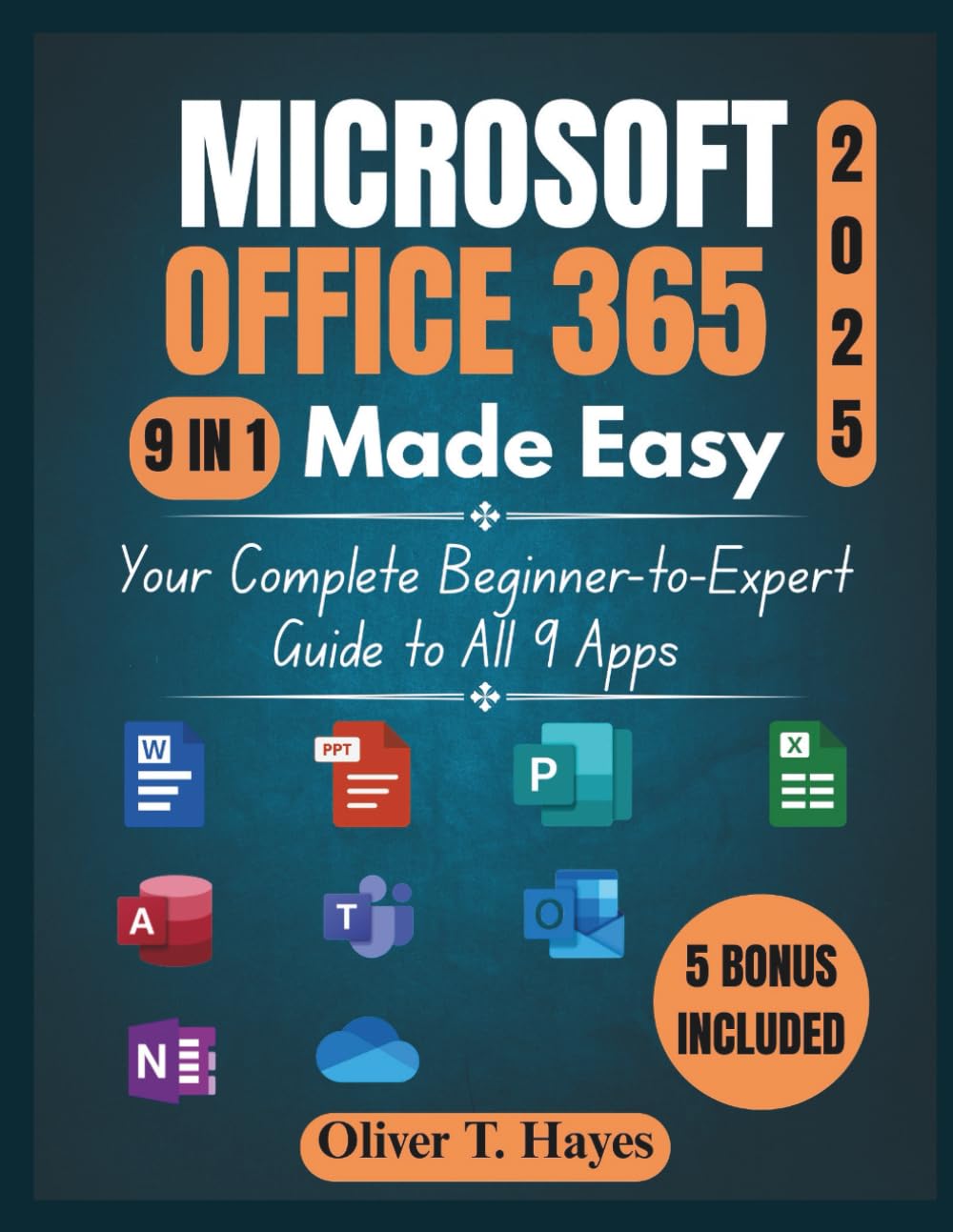
MICROSOFT OFFICE 365 MADE EASY: Your Complete Beginner-to-Expert Guide to All 9 Apps
$24.99
by Oliver T. Hayes



Unlock the full potential of Microsoft 365 with Microsoft Office 365 Made Easy , your ultimate guide to mastering the suite of tools that drive productivity, collaboration, and creativity in today’s digital workspace. Whether you’re new to Microsoft 365 or a seasoned user looking to optimize your workflow, this book offers clear, actionable steps to help you make the most of Word, Excel, PowerPoint, Outlook, Teams, and more. What you’ll find inside: A Beginner-Friendly Approach with Expert Insights: From setup to expert-level tips, this guide walks you through everything you need to know. With easy-to-follow instructions, you’ll quickly get comfortable with the most powerful productivity tools available. Maximize Productivity and Creativity: Learn how to streamline tasks, manage projects, and collaborate effectively with intuitive tools. Discover time-saving tips, shortcuts, and techniques that will help you automate routine tasks, analyze data with ease, and create high-quality documents and presentations faster. Seamless Collaboration Across Devices: Microsoft 365 connects all your apps for seamless collaboration. Learn how to share files, co-edit documents in real-time, and keep your team aligned across Outlook, OneDrive, Teams, and more . You’ll never miss a beat, no matter where you are or what device you’re using. Troubleshooting Made Simple: Running into issues? No problem. This book includes straightforward solutions to common problems, so you can troubleshoot quickly and get back to work. Plus, you’ll learn how to keep your files secure and manage your cloud storage effortlessly. Advanced Features and Hidden Gems: Ready to take your skills to the next level? This guide explores advanced features and integrations across Microsoft 365, from customizing apps to integrating with third-party tools. Learn how to optimize your workflow and unlock the full potential of each app. Stay Ahead with the Latest Features: Microsoft 365 is constantly evolving. Stay current with new updates, features, and enhancements to keep your productivity at its peak. This guide helps you navigate updates so you can always make the most of what’s new. Benefits of this book for you: • Save time and boost productivity with smart tips and automated workflows. • Collaborate seamlessly across devices, keeping your team aligned and your projects on track. • Create stunning documents and presentations with minimal effort using built-in templates and powerful design tools. • Troubleshoot quickly with simple solutions to common problems. • Access advanced features and integrations to streamline your digital workspace. • Stay ahead of the curve with expert advice on new features and updates. Whether you're aiming to simplify your work, enhance your creativity, or collaborate more effectively, Microsoft Office 365 Made Easy is the key to unlocking a new level of productivity. Start working smarter, not harder, and make Microsoft 365 work for you. Get your copy today and take the first step toward mastering Microsoft Office 365! ⭐⭐⭐⭐⭐ "No fluff, just straight-to-the-point advice. This guide made Excel and PowerPoint easy to navigate. Perfect for anyone looking to get real value from Microsoft 365." - John D. ⭐⭐⭐⭐⭐ "As a remote worker, this book helped me master Teams and OneDrive. It's become essential for keeping my team and projects organized." - Emily R. ⭐⭐⭐⭐⭐ "I've been using Microsoft 365 for years, but this book opened my eyes to so many new features I wasn't using. Highly recommend for anyone wanting to get more out of the apps!" - David C. ⭐⭐⭐⭐⭐ "Whether you're new to Microsoft 365 or just looking for tips, this book is perfect. It taught me the essentials and some advanced tricks in Word and Excel." - Ben K. Oliver T. Hayes is a tech-savvy writer with a real gift for making complex stuff simple. With years of experience using and testing everyday devices, Oliver turns his know-how into clear, helpful guides that make life easier for everyday users. Whether it's walking you through a new phone, laptop, or software update, his guides are written with real people in mind—no fluff, no jargon, just straight-to-the-point help. When he's not writing or tinkering with the latest gadgets, Oliver enjoys hiking, strong coffee, and helping friends troubleshoot their tech.