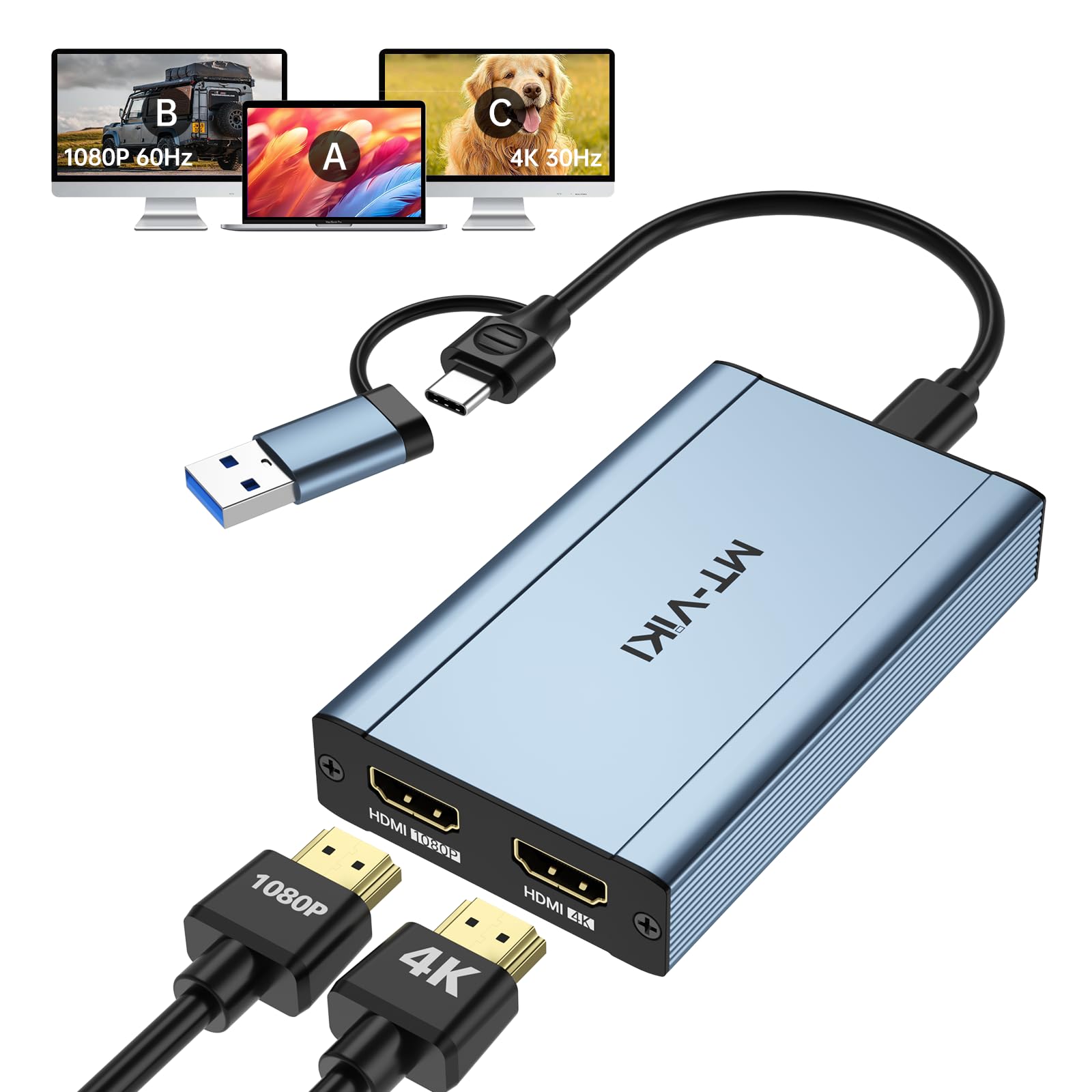



IMPORTANT 1: NOT PLUG & PLAY: Siliconmotion driver installation is required. Pls Close the antivirus software before downloading and installing, and pls don't worry that our software is virus-free. If you use USB C port to connect, pls ensure that it's thunderbolt 3/4 port. IMPORTANT 2: It doesn't support playback of HDCP-protected content on sites like Netflix, Hulu and others. Att: iOS, Linux, Unix and TV BOX are not supported. POPULAR LAPTOP COMPATIBILITY with M1/M2 & Intel BasedMacbook Air/Pro Dell XPS, Precision,Thinkbook,ldeapad XP Spectre,X360,ENVY...If you are not sure if your device is support or not, please contact us. SYSTEM SUPPORT: Windows 11, 10, 7, 8.1, Mac OS 10.10 or higher, Android 7.1 and above, Also Android devices only supports mirroring mode with resolutions up to 1080P. Att: iOS, Linux, Unix are not supported. MT-VIKI USB 3.0 or USB C to HDMI Adapter for dual monitors, each capable of mirrored or extended display with resolutions up to 4K@30Hz at Output 1, 1080P@60Hz at Output 2. Can't support 8K resolution. How to set up in Windows: Right-click on the desktop and select "Display settings‘’→In the "Display" section, click on one of the monitors → Scroll down to "Multiple Displays" and select the desiredmode from the dropdown list. How to set up in Mac OS: Click the icon in the top-left corner, select "SystemPreferences," then click "Displays," and choose "DisplayPreferences."→Click "Arrangement" to rearrange the position MT-VIKI USB 3.0 or USB C to HDMI Adapter for dual monitors, each capable of mirrored or extended display with resolutions up to 4K@30Hz at Output 1, 1080P@60Hz at Output 2. Not Plug and play, pls download software before using.