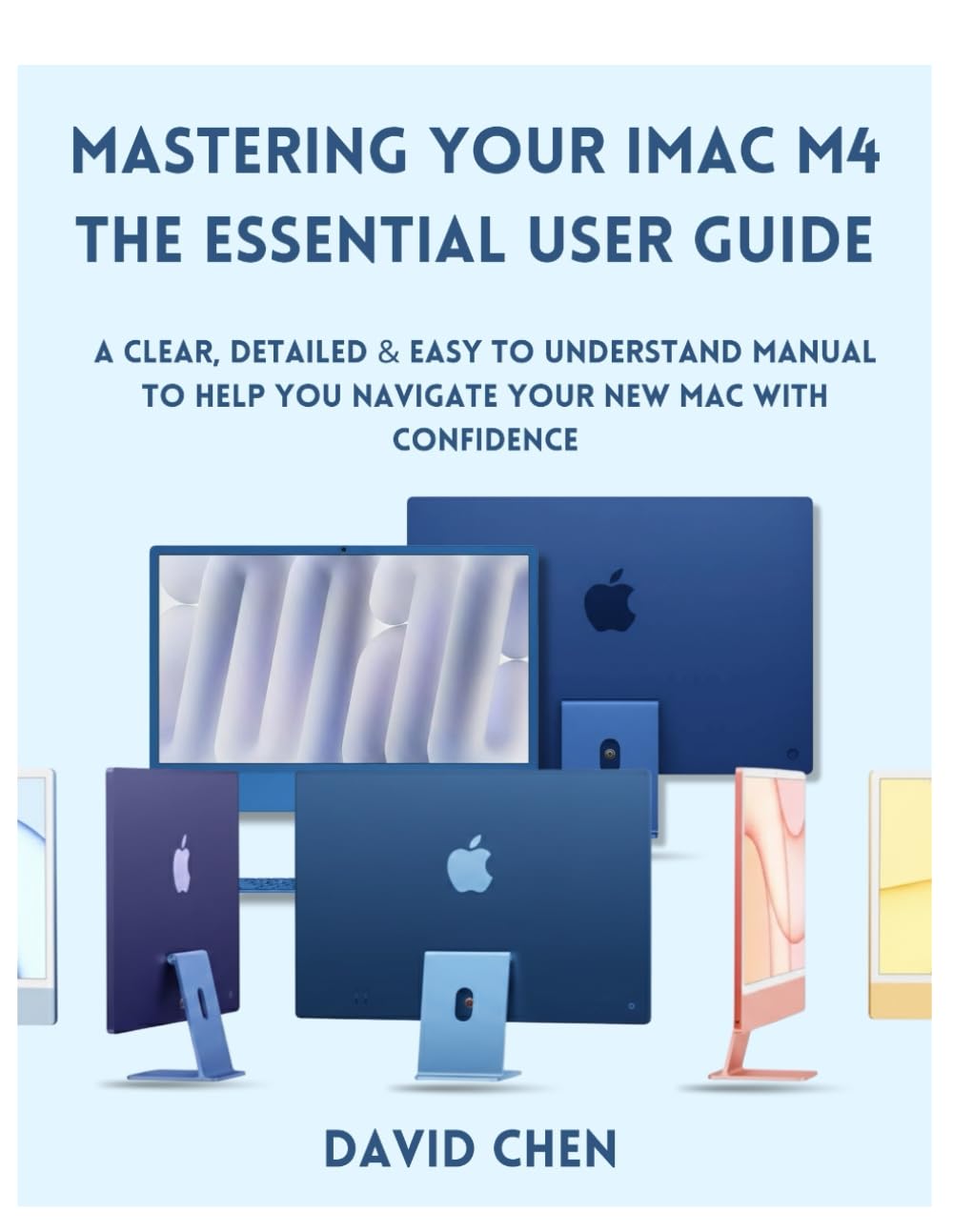
Mastering Your iMac M4 THE ESSENTIAL USER GUIDE: A Clear, detailed & easy to understand manual to help you navigate your New Mac with Confidence
$14.99
by DAVID CHEN



Take the guesswork out of using your iMac and unlock its full potential with this easy to understand guide Finally, a Mac guide that treats you like an intelligent person who simply needs clear explanations. Whether you're switching from Windows after years of familiarity, returning to computers after a break, or simply want to master your new iMac M4 without wading through technical jargon—this comprehensive guide is your roadmap to confidence. What Makes This Guide Different Unlike dense technical manuals or superficial quick-start pamphlets, Mastering Your iMac M4 strikes the perfect balance: detailed enough to answer your real questions, clear enough to understand on first reading, and practical enough to use immediately. Author David Chen has crafted a guide that respects your intelligence while explaining everything you need to know, from your first unboxing moment to advanced productivity workflows. Everything You Need, Nothing You Don't 15 comprehensive chapters take you from complete beginner to confident user: Master the fundamentals - Understanding the M4 chip, ports, and what makes this iMac different - Set up perfectly - Account configuration, data transfer, and iCloud integration done right - Navigate with confidence - Desktop, menu bar, Dock, Spotlight, and the complete macOS interface - Organize effortlessly - File management, iCloud Drive, tags, and storage optimization - Work smarter - Built-in apps, multitasking, Stage Manager, and keyboard shortcuts that save hours - Connect everything - AirDrop, Handoff, Continuity features for seamless iPhone and iPad integration - Leverage AI - Apple Intelligence features, Siri enhancements, and on-device machine learning - Stay productive - Video conferencing, screen sharing, Universal Control, and project organization - Protect your data - Security, privacy settings, and reliable backup strategies with Time Machine - Troubleshoot confidently - Common problems, system resets, and when to seek help Written Specifically For Windows users making the switch and need Mac-specific guidance Seniors exploring technology with fresh curiosity Beginners who've never felt comfortable with computers Creative professionals who need tools that don't stand in their way Anyone who wants to actually understand their Mac, not just memorize steps Your Investment in Confidence This isn't just a book…..it's your companion for the weeks and months ahead as you grow from uncertain to capable. You'll return to specific chapters as new questions arise, using it as a reference guide long after your first read-through. By the final page, you'll have the knowledge to handle daily tasks, solve common problems, and continue learning independently. The specific menu locations and settings matter less than the confidence to explore, experiment, and figure things out. Compatible with macOS Sequoia and the complete iMac M4 lineup - including the iMac mini M4. Your new iMac M4 is ready. Now you will be too. BUY NOW and Start mastering your iMac today and transform computing from a source of frustration into a smooth, enjoyable workflow.