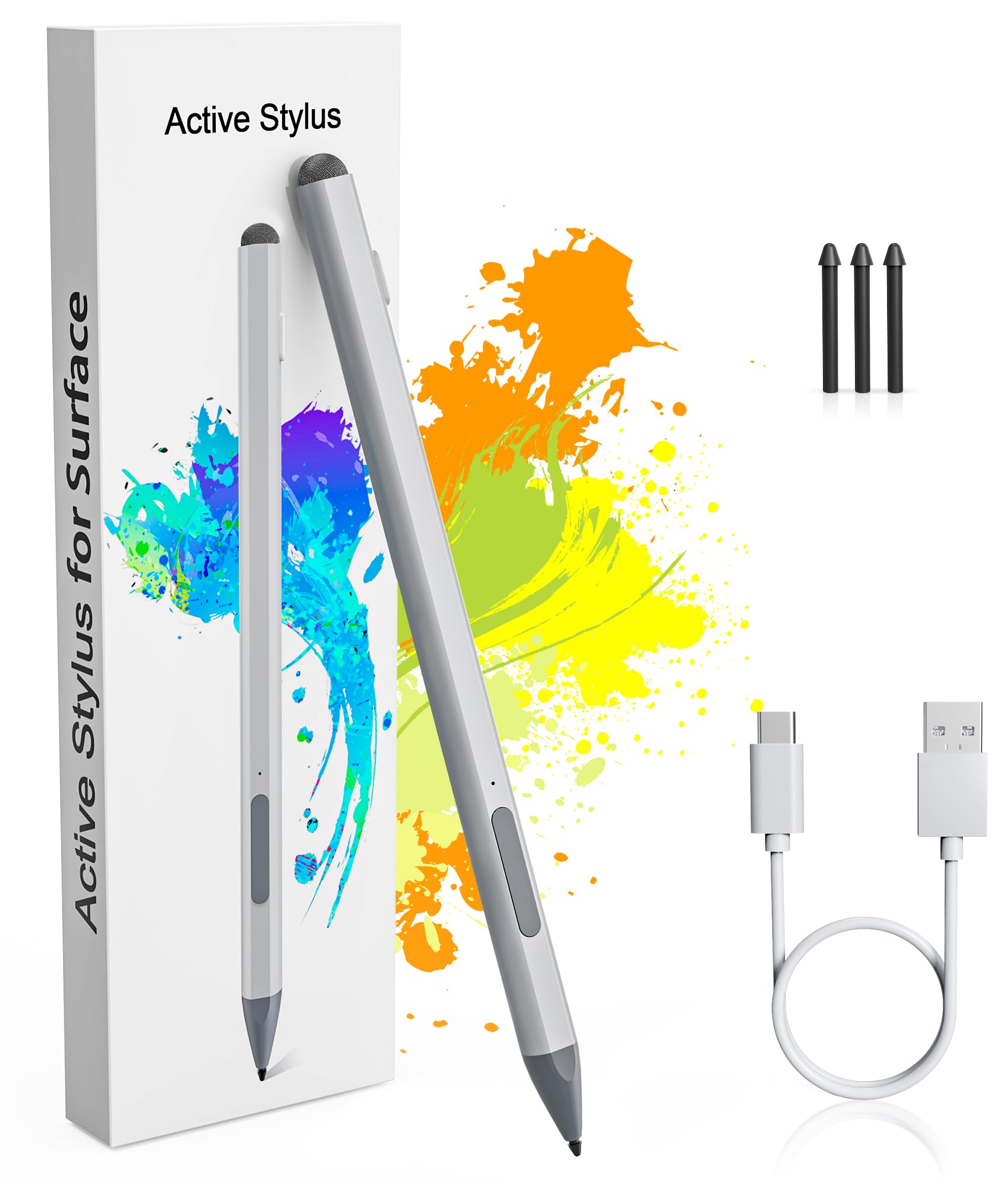
4096 Pressure Sensitivity & Palm Rejection: This Surface pen uses the original nib and 4096-level pressure-sensitive technology, allows you to accurately draw, write, or annotate in any supported app. Different angles create different lines and shadows on screen. Surface pro pen can express shades of color according to the degree of pressure. The Surface pen Microsoft features palm rejection technology allows you to place your hand naturally when writing without worrying about friction. Type-C Fast Charge & Long Battery Life: Just 30 minutes of charging provides enough power for 60 hours of use. The surface pro pen stylus will automatically turn in "Sleep Mode" if idle for 10 minutes, greatly save battery power consumption and extend the use time. When the indicator light is red, it means the battery is low/charging. When the indicator light is blue, it means it is fully charged/in use, letting you know the battery status in time. Perfect for students, business professionals, and creators who take notes and draw frequently. Eraser and Right-click Functions & Dual Tip Design: The microsoft surface stylus design with eraser and right-click functions, Long pressing the up button can perform the eraser function; Long pressing the down button can perform the color picker function (also equivalent to the right mouse button). Just press any button to wake up the surface pen and start writing, no Bluetooth or drivers required. Easy to Replace Tip:come with 3 extra nibs for easy replacement at any time. It also comes with a capacitive fiber pen cap that is compatible with most devices. You can also use the pen cap to click on the touch screen to perform operations. Magnetic Design & Premium Feel: The magnetic design enables the surface pen to be firmly attach to the tablet, making it more convenient to store and locate while in use. The overall streamlined aluminum alloy seamless body design is ergonomically designed and more comfortable to hold. Compatible with the following models: Stylus Pen for Microsoft Surface compatible with Surface Pro 11th Edition, Surface Pro 10, Surface Pro 9, Surface Pro 8, Surface Pro 7+, Surface Pro 7, Surface Pro 6, Surface Pro 5, Surface Pro 4, Surface Pro X, Surface Pro 3, Surface Go/Go 2/Go 3/Go 4, Surface Book/Book 2/Book 3, Surface Studio 1st Gen, Surface Studio 2, Surface Studio 2+, Surface Laptop 1/Laptop 2/Laptop 3/Laptop 4/Laptop 5/Laptop 6, and Surface Laptop Studio. This Surface pen also compatible with ASUS/HP/Sony/Dell series. Package: 1x Microsoft pen with tip, 1x USB-C cable, 3x Replacement tip, 1x User manual.
Stylus Pen for Microsoft Surface, perfect choice for creativity, allowing you to accurately draw, write, or annotate in any supported app.
Product Highlights:
Palm Rejection
4096-level pressure sensitivity
Tilt Function
3 extra replaceable pen nib
USB C fast charging
Magnetic Adsorption
LED charging indicator
Right click and eraser buttons
Just press any button to start writing
No drivers or Bluetooth required
Eraser Multifunctional Design & Right-click(Pick Color)
Power on: Press and hold any button for 1s; Indicator light is blue, indicating that it enters the working state.
Long pressing the up button can perform the eraser function;
Long pressing the down button can perform the color picker function (also equivalent to the right mouse button)
Type-C Fast Charging & Ultra-long Battery Life
With just 30 minutes of charging, you can enjoy a remarkable 60 hours of usage. And the pen automatically powers off after 10 minutes of inactivity to preserves battery life.
When the indicator light is red, it means the battery is low/charging. When the indicator light is blue, it means it is fully charged/in use.
Palm Rejection
The Surface Pro stylus features palm rejection technology allows you to place your hand naturally when writing There is no need to wear wear-resistant gloves on the screen, making it more convenient to use.
Magnetic Adsorption Design
The Surface Pro stylus has a magnetic design and can be firmly attach to your Surface Pro/Go/Book magnetically.
Tilt Function & 4096 Pressure Sensitivity
Microsoft Surface Pen features 4,096-level pressure sensitivity technology, which helps accurate sketching and coloring, and no lag in writing. Surface pen has tilt function that can accurately reproduce both the finest lines and the broadest brush.
3 additional replaceable nibs
Comes with 3 additional replaceable nibs. This Microsoft surface pen uses the original tip, which has a long service life and can better protect the screen.