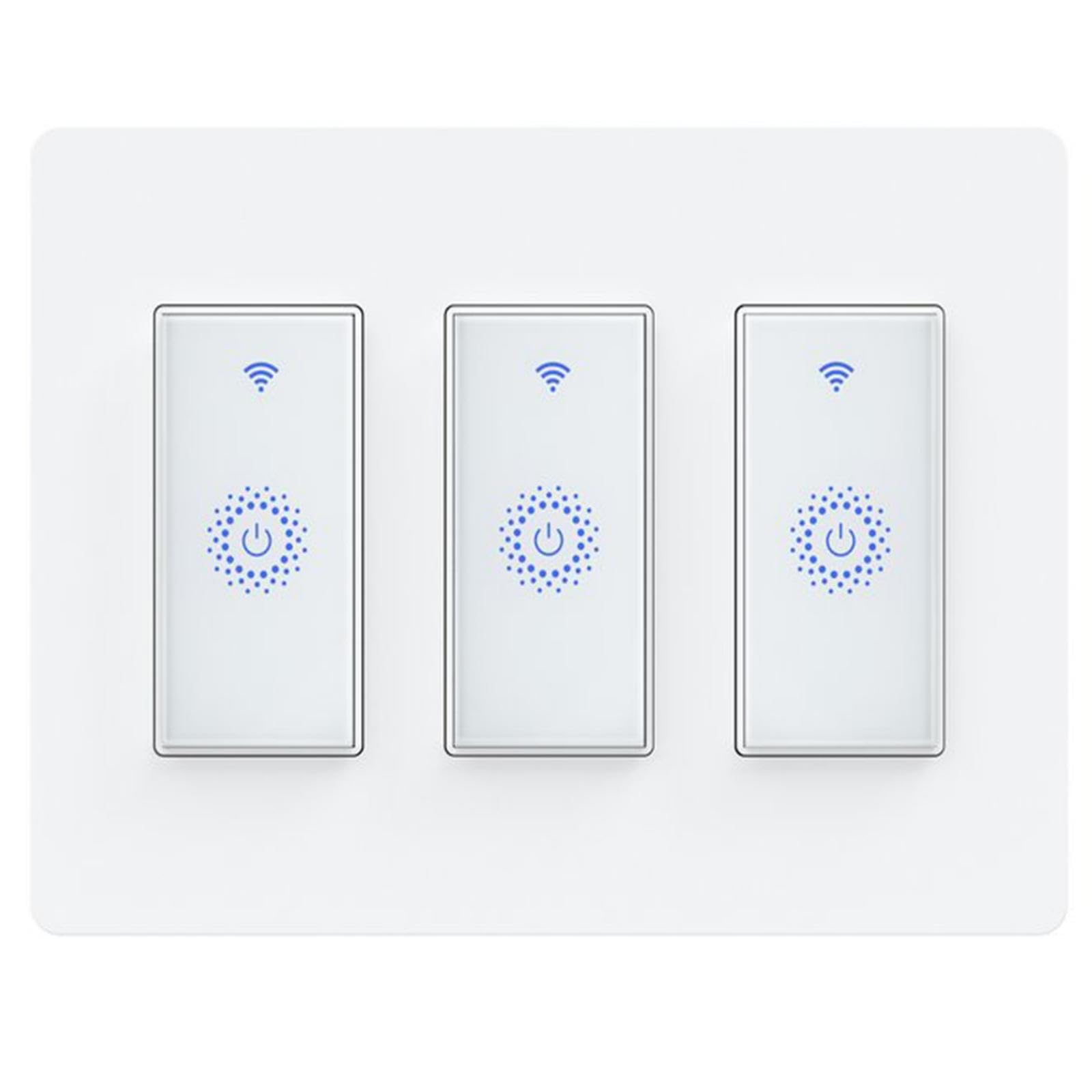



【Warm Tips】It need Neutral wire to work and use as a single-pole light switch. Not compatible with 3-way or dimmer smart switch. Please know that it only support 2.4Ghz WiFi. 【About the Item】The package is concluded three separate switches with one 3-gang wall plate. Please find the 3 gang wall plate in bottom of the package box. If the package is defective or switch accessories missing, please take the photo to us, we will replace it freely. 【Voice Control】It compatible with Alexa (Echo/Dot/Tap) , Google Assistant, IFTT. You can control devices with your simple voice command like "Alexa, turn on the light". 【Remote Control via App】Milfra Smart Switch only works with 2.4GHz WiFi router. It supports remote control your home appliances from anywhere via Smart Life / Tuya APP, you can turn on or off home appliances even when you are at home or away. 【Schedules and Timers】You can schedule smart switch to turn light on and off automatically according to your needs. Effectively save unnecessary energy. For example, set a countdown or load schedule to prevent your light from overusing. 【Multiple Choices】A variety of quantity options to meet the different needs of customers. 1pack, 2 gang, 3gang to choose from, the larger the quantity, the more cost-effective. If want to know more, contact us freely. 【After- Slaes Guarantee】Milfra Smart Switch have passed FCC and ETL certification, which are made of high quality PC-V0 flame retardant materials. Incorrect wiring or missing neutral will cause the switch to not work. If you have any questions, please contact us at any time for your convenience, NOTE:A neutral wire requiredThe KKcool Smart Switches can only support 2.4 Ghz Wifi. NOT support 5 Ghz Wifi.WiFi name should only contain letters and numbers. NO special symbol allowed (Like a dash.).If failed, please long pressing the on/off bottom on the middle of the switch until the indicator light flashing quickly, then set it up again.ONE-way switch only. NOT support 2 way or 3 way switch or multi-way switchEasy to Set Up:1. Download the “Smart life” from App Store or Google Play store. 2. Connect your mobile device with your 2.4GHz Wi-Fi network. 3. Launch “Smart life” and follow the wiring steps provided. 4. Connect the Smart Switch to your home network. How to pair with Alexa or Google Assistant:Step 1. In Amazon Alexa app, click “Skills” > search "Smart Life" app > click "enable" > Log into your smart life account and click "Link now".Step 2. In Google Home App, find 'Home Control' > Click “add a device” and search “Smart life” > Sign up with your smart life account.FAQ:Q1: Does this work with Apple HomeKit?A1: Sorry, it can not work with Apple HomeKit, but it Compatible with Alexa, Google home and IFTTT.Q2: The touch option on the wall plate no longer works, can only turn off and on with Alexa or app and not manually. How to fix this issue?A2: It was caused by the firmware update.You need to upgrade the firmware to the latest version or you just need to remove the switch from App and re-add it back to the App.Specifications:Power supply: Neutral + Live wire Rated Current: 15A Rated Voltage: AC110V-125V~50/60Hz Rated Power: INC 1650W / LED 300WWorking frequency: IEEE802.11b/g/n / 2.4GHzSafety: WEP/WPA-PSK/WPA2-PSK Static power loss: ≤0.5WWorking Temp:-20゜C~75゜CHumidity: <95%Control Distance : no limitation