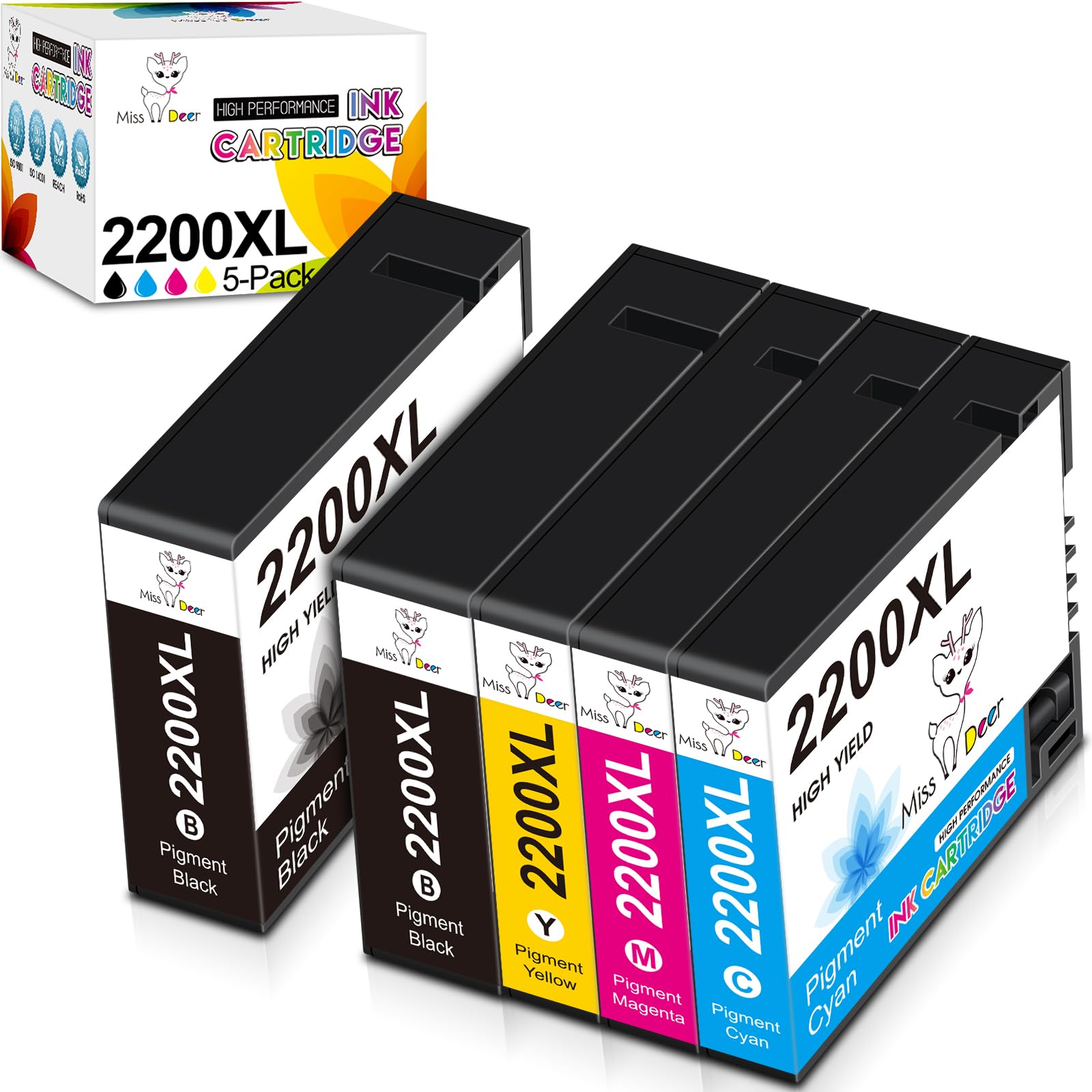



Ms Deer PGI-2200XL Compatible Ink Cartridges High Yield with Full Set Pigment Ink (Non-OEM)
Package Include:
2 Black 1 Cyan 1 Magenta 1 Yellow, total 5-Pack PGI-2200XL ink cartridges
High Capacity:
2500 pages for per PGI-2200 black ink cartridges and 1500 pages per PGI-2200 color ink cartridges.
(@ 5% coverage of A4/lETTER Paper)
Printer Compatibility:
Canon Maxify MB5320
Canon Maxify MB5420
Canon Maxify MB5120
Canon Maxify MB5020
Canon Maxify iB4020
Canon Maxify iB4120
Features:
① Ms Deer PGI-2200XL ink cartridges are manufactured in an ISO9001 & ISO14001 certified facility.
② Full set with Special formulated Pigment ink which shows vivid & sharp printouts.
③ Advanced Chips ensure the best compatibility with above printers.
④ Individual package for easy storage.
Easy Installation:
Step-1 Remove the sealing marked "PULL" carefully before install the cartridges.
Step-2 Insert into corresponding slot until it clicks into place.
Notes:
1. Please do not touch the chip before install the cartridges into printer.
2. After the cartridges installed, if blending color happens, just clean the printer head and nozzle one time, and then it will work fine.
3. If the inks do not recognize your print at the first time, please turn off the printer 30 second. And then turn it on and re-install the cartridges again.