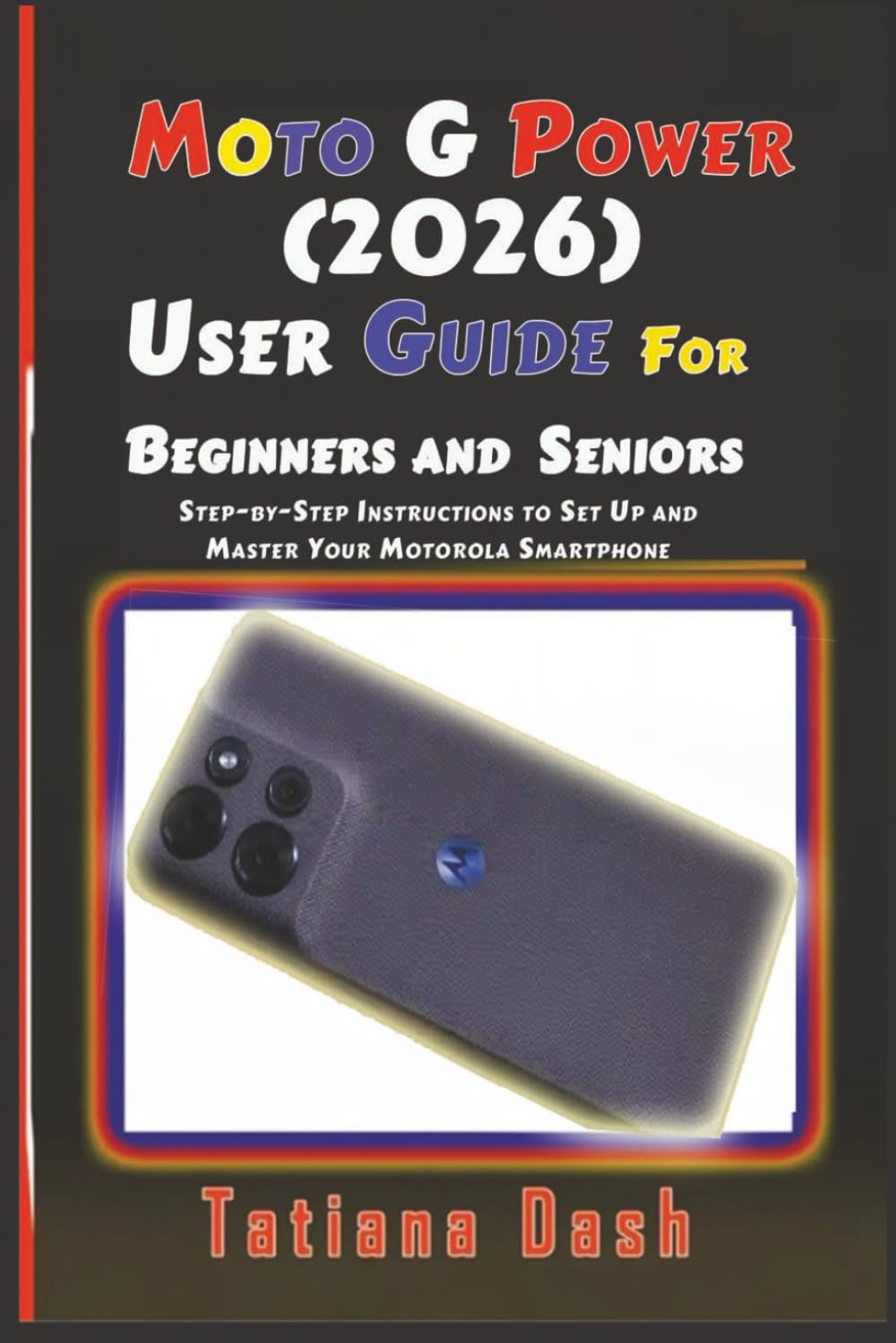
Moto G Power (2026) User Guide For Beginners and Seniors: Step-by-Step Instructions to Set Up and Master Your Motorola Smartphone
$13.99
by Tatiana Dash



...The Complete Step-by-Step Manual for Beginners, Seniors, and Everyday Users If you’ve just bought the Moto G Power (2026) or you want to finally understand everything your phone can do, this guide was written especially for you. This book is a clear, practical, and beginner-friendly companion that walks you through every feature of the Moto G Power (2026), from first setup to advanced daily use. No technical jargon. No confusing explanations. Just simple steps that work. Whether you are new to Android , switching from an iPhone, or upgrading from an older Motorola device, this guide helps you feel confident using your phone from day one. You’ll learn how to: Insert and manage SIM cards, SD cards, and eSIMs - Copy data from iPhone or Android—even without your old phone - Set up dual SIMs, voicemail, and email (personal, Gmail, and work) - Understand your phone’s buttons, ports, and layout - Master the home screen and lock screen, including sleep and awake modes - Use gestures, navigation styles, quick settings, and shortcuts - Take screenshots, scan QR codes, record audio notes, and screen recordings - Control your phone using Google Assistant and voice commands - Manage time, focus, parental controls, and bedtime tools - Customise themes, wallpapers, widgets, folders, and launchers - Use Gaming Toolkit to boost performance and block distractions - Install, restore, and fix apps that won’t update - Search anything on your screen using Circle to Search and Google Lens - Fully understand SMS, MMS, group messaging, and message management - Get and send text messages from your computer - Confidently use Contacts, Calls, Voicemail, Music, and Settings - Control Network & Internet, Battery, Storage, Display, Sound & Vibration - Protect your phone with Security, Privacy, Passwords, and Lockdown - Use Accessibility features for easier navigation - Handle Safety & Emergency tools - Troubleshoot common hardware, battery, app, and network issues Written for Real Users- This guide explains what to do, why it matters, and how to fix problems when something doesn’t work as expected. Each topic builds naturally on the last, so you never feel lost or overwhelmed. It’s ideal for: Beginners and seniors - First-time Android users - Moto G Power (2026) owners - Users switching from iPhone - Anyone who wants to use their phone smarter, not harder