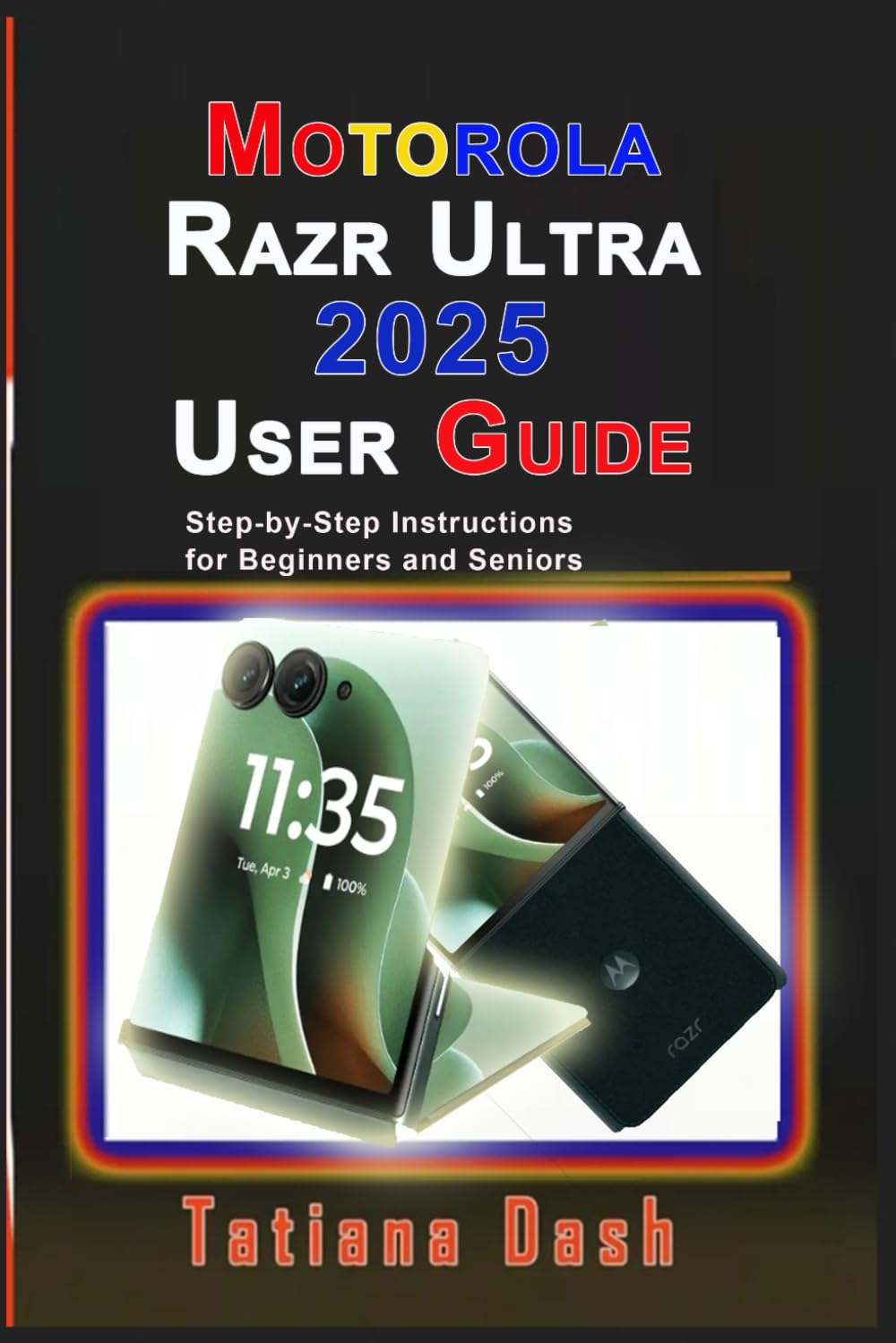
Motorola Razr Ultra 2025 User Guide: Step-by-Step Instructions for Beginners and Seniors (Gadgets simplified guides)
$13.99
by Tatiana Dash



…Short, simple and straight-to-the-point handbook for 2025 Motorola Razr smartphone owners. Designed for beginners and seniors, especially those who do not need lengthy reading. Learn to master your Razr Moto AI, Flex View, Camera, Android 15 features and more . Your Motorola Razr Ultra 2025, referred to as Razr 60 Ultra in some region, is more than just a phone, it’s a foldable powerhouse packed with smart features, stunning design, and the latest Android 15 upgrades. This easy-to-follow user guide will show you exactly how to set it up, personalise it, and unlock its full potential without the frustration of figuring it out alone. This is a beginner-friendly guide. It does not matter if you’re a first-time foldable phone user, upgrading to the Razr 2025 , or simply want to explore hidden features, this manual will walk you through the basic things with a step by step instructions, written in clear and simple language. Inside, you’ll learn: How to set up your phone, use the power button & fingerprint sensor , insert or activate an eSIM/SIM card , and sign in to your Google account. - How to navigate with ease , master gesture navigation , 3-button setup, and find your way around Android 15. - How to customise your Razr – Change themes, fonts, home screen layouts, sounds, and even personalise the external display and lock screen. - How to maximise performance – Boost battery life, manage notifications, use Moto Features , and control your phone with voice commands. - Master photography – Take stunning photos and videos with Pro Mode , adjust settings like ISO, shutter speed, and white balance , and explore smart camera features. - Discover Moto AI – Use the Moto AI prompt bar , Moto Notes, Family Space, and Moto Unplugged for smarter productivity. - How to stay connected – Use Wi-Fi, Bluetooth, Google Maps, Gmail, Google Meet, Quick Share, Android Auto, and Google Wallet payments . - How to protect your phone – Enable fingerprint unlock, face unlock, SIM lock , privacy controls, app safety, and Google Play Protect. - Troubleshooting & maintenance – Fix app issues, manage storage, factory reset, and keep your Razr clean and secure. If you want to set up, customise, and master your Motorola Razr like a pro , this guidebook should be your ultimate companion.