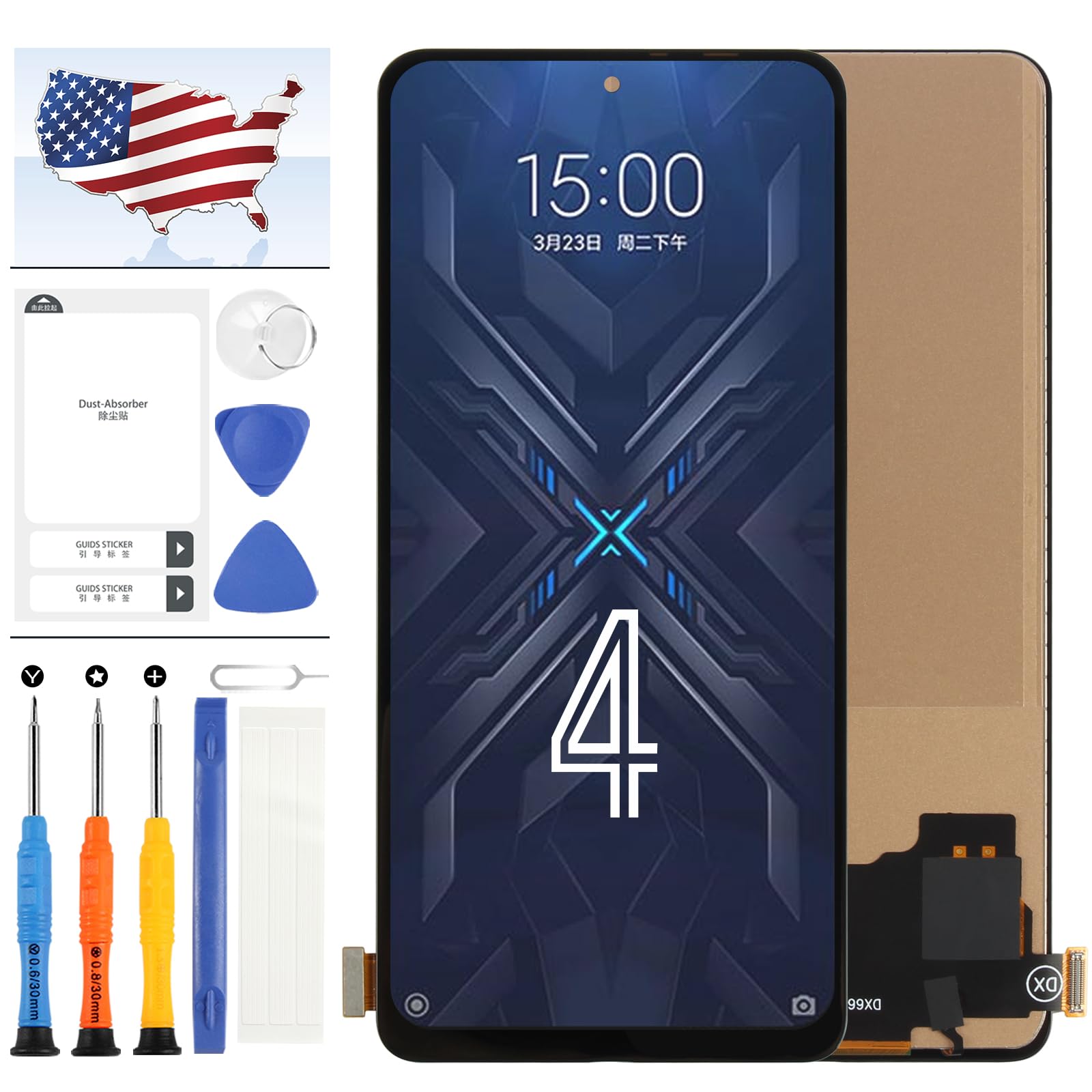
【Compatible Model】 === Only OLED LCD Screen For Xiaomi Black Shark 4/Black Shark 4 Pro LCD Display Touch Screen Digitizer Assembly Replacement [LCD without Frame, Not AMOLED Original]. Please be sure to correctly identify your model before purchase.The wrong model could damage your phone. 【Application】=== Used for Xiaomi Black Shark 4/Black Shark 4 Pro LCD Screen fix a faulty screen,and cure-replace cracked, broken, dead pixels, touch is not working, touch response issues, display problems,wrong color issues ,non-functioned screen.etc. (Notices: Not contain instructions, please search on YouTube for Installation video,this will be very helpful.) 【Strict Quality Control】=== Not contain instructions,please search on YouTube for Installation video,this will be very helpful.All products have passed strictly QC double tested and 100% in good condition before shipment.Make sure no scratch/no dead area/ no dot pixel or line in the screen .We refuse any flaw,provide A+ quality products only 【About Installation】=== Before finishing the installation,please remove the battery from your equipment,then try connect the flex cable only,until you connect the new screen well,then re-start your equipment then test the new screen work first.Before you confirming the screen can work perfectly,please do not use the adhesive to install our screen to your equipment. 【After-sale Service】 ==== Should you encounter any issues with for Xiaomi Black Shark 4/Black Shark 4 Pro lcd touch screen upon receipt, we'll promptly address them and offer appropriate solutions once we understand the specifics. Rest assured of your purchase from our store.
OLED for Xiaomi Black Shark 4/Black Shark 4 Pro Screen Replacement kit for Xiaomi Black Shark 4 Pro LCD Display Touch Screen Digitizer Assembly + Tools(Black)
Before Installation Notes
Tips 1: Test before installation
When testing, do not remove any protective film or tags. Please pay attention to the problem of static electricity.
Before attempting any repair, be sure to ground yourself is an ESD (electro static discharge) strap. This will prevent static electricity from damaging the electronic components within the phone.
Ensure you wear eye protection and use caution not to cut your finger with the glass splinters.
Tips 2: Simulates testing
Screen replacement is very fragile product. We strongly suggest test before installation. Please simulates testing, which means mobile phone apart, (motherboard + LCD or screen) connected audio cable and new replacement, power on, test finished. If test OK, please install it. If it can not show, please contact us at the very first time. And please do not force it to be installed in mobile phone. We will not be responsible once the screen is installed.
Tips 3: Do not over-bend cable
Please make sure LCD cable Do not over-bend. Over 90 degrees bent will cause black display.