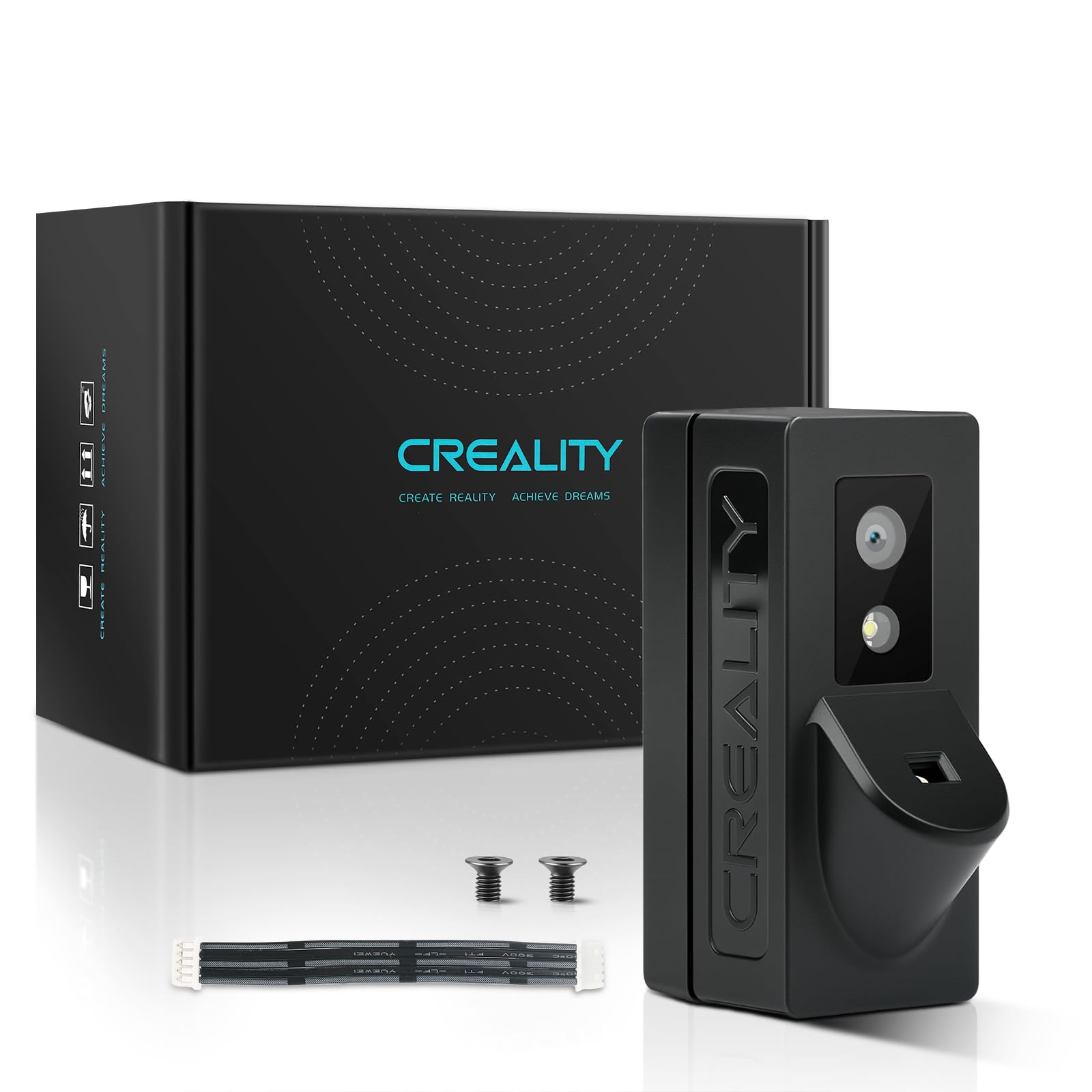



Auto-Leveling: It can scan the printing bed to detect any unevenness and automatically adjust the level of the bed, ensuring a stable and even printing surface. This is crucial for achieving high-quality prints as an uneven bed can lead to adhesion problems and poor layer adhesion First Layer Detection: When this function is enabled, the LiDAR will scan the first layer of printing. It can check if the model is missing any parts or if the first layer is warped. If any issues are detected, a pop-up window will report the printing quality problems, allowing users to take corrective actions promptly, such as re-leveling the bed or adjusting the extrusion settings. Flow Calibration: By printing a flow calibration pattern and using the laser to scan the pattern, the AI LiDAR can determine the best pressure advancement parameters for the current printing file. This helps to optimize the material extrusion rate, resulting in better printing quality with accurate filament deposition and reduced issues like under-extrusion or over-extrusion. Material Usage Monitoring: It monitors the amount of material being used during the printing process. This information can be useful for users to estimate the remaining material, plan for replacements, and also helps in cost management and material waste reduction. Time-Lapse Photography Support: The AI LiDAR, along with a 1080p night vision USB camera, enables the creation of time-lapse videos of the printing process. This allows users to visually document the entire printing process in a compressed and interesting format, which can be shared or used for educational and promotional purposes. The functions of Creality AI LiDAR mainly include the following aspects: Auto-Leveling: It can scan the printing bed to detect any unevenness and automatically adjust the level of the bed, ensuring a stable and even printing surface. This is crucial for achieving high-quality prints as an uneven bed can lead to adhesion problems and poor layer adhesion. First Layer Detection: When this function is enabled, the LiDAR will scan the first layer of printing. It can check if the model is missing any parts or if the first layer is warped. If any issues are detected, a pop-up window will report the printing quality problems, allowing users to take corrective actions promptly, such as re-leveling the bed or adjusting the extrusion settings. Flow Calibration: By printing a flow calibration pattern and using the laser to scan the pattern, the AI LiDAR can determine the best pressure advancement parameters for the current printing file. This helps to optimize the material extrusion rate, resulting in better printing quality with accurate filament deposition and reduced issues like under-extrusion or over-extrusion. Material Usage Monitoring: It monitors the amount of material being used during the printing process. This information can be useful for users to estimate the remaining material, plan for replacements, and also helps in cost management and material waste reduction. Time-Lapse Photography Support: The AI LiDAR, along with a 1080p night vision USB camera, enables the creation of time-lapse videos of the printing process. This allows users to visually document the entire printing process in a compressed and interesting format, which can be shared or used for educational and promotional purposes.