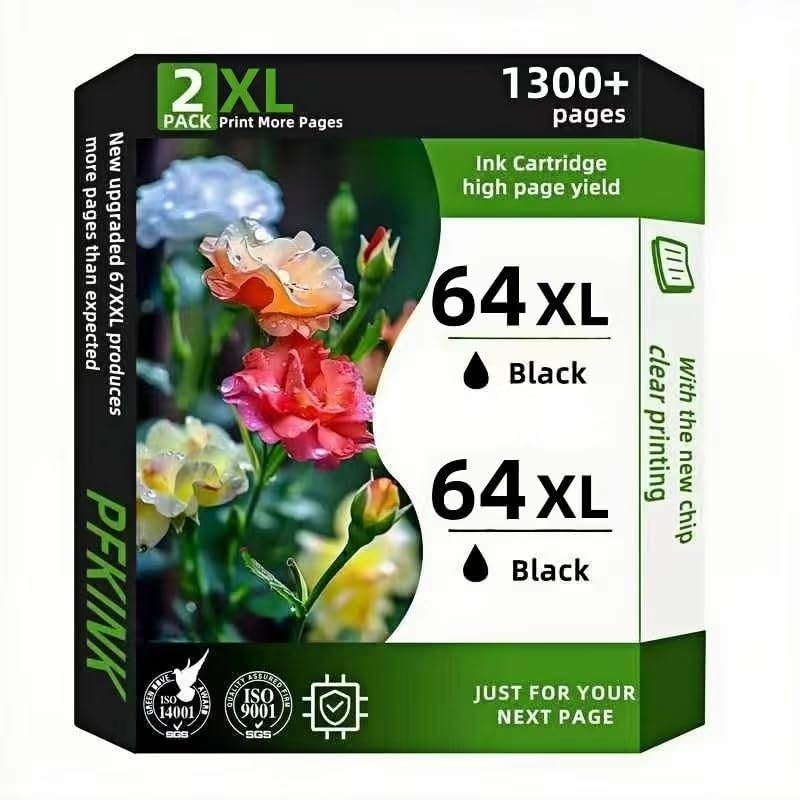



Product description: PFKink is a mature professional inkjet and toner brand that provides high-quality and low-cost remanufactured ink cartridges to homes, offices, small businesses, large enterprises and organizations around the world. PFKink 64XL cartridge is renovated by the factory through 12 stringent processes, which ensures that its quality is almost the same as that of OEM cartridges.Compatibility printer. EnvyProduct description: PFKink is a mature professional inkjet and toner brand that provides high-quality and low-cost remanufactured ink cartridges to homes, offices, small businesses, large enterprises and organizations around the world. PFKink 64XL cartridge is renovated by the factory through 12 stringent processes, which ensures that its quality is almost the same as that of OEM cartridges.Compatibility printer.EnvyProduct description: PFKink is a mature professional inkjet and toner brand that provides high-quality and low-cost remanufactured ink cartridges to homes, offices, small businesses, large enterprises and organizations around the world. PFKink 64 cartridge is renovated by the factory through 12 stringent processes, which ensures that its quality is almost the same as that of OEM cartridges.Compatibility printer:Envy Photo 7855 7858 7800 7155 7120 6252 7158 7100 7164 Inspire 7955e 7950e.Guiding steps.1. Please remove the protective clip at the bottom of the ink cartridge before installation.two。. After removing the clip, check whether there is a protective film on the head of the ink cartridge, usually a small strip of purple plastic, and gently remove it from the print head.3. 3. Place the ink cartridge in the correct slot of the printer. For more information about replacing ink cartridges, please refer to the instructions that came with the printer.Matters needing attention.1. Be sure to confirm your printer model before placing an order.2. 2. Before installing these ink cartridges, remove the lid and pull off the plastic tape. (don't touch the chip).3. Does the printer screen pop up "non-original ink cartridges"? Click 'OK',' and they will continue to run.4. They have an error message 'REPLACE CARTRIDGES' or' LOW INK'? Please wipe the copper contacts (chips) with a pencil eraser or reinstall them several times