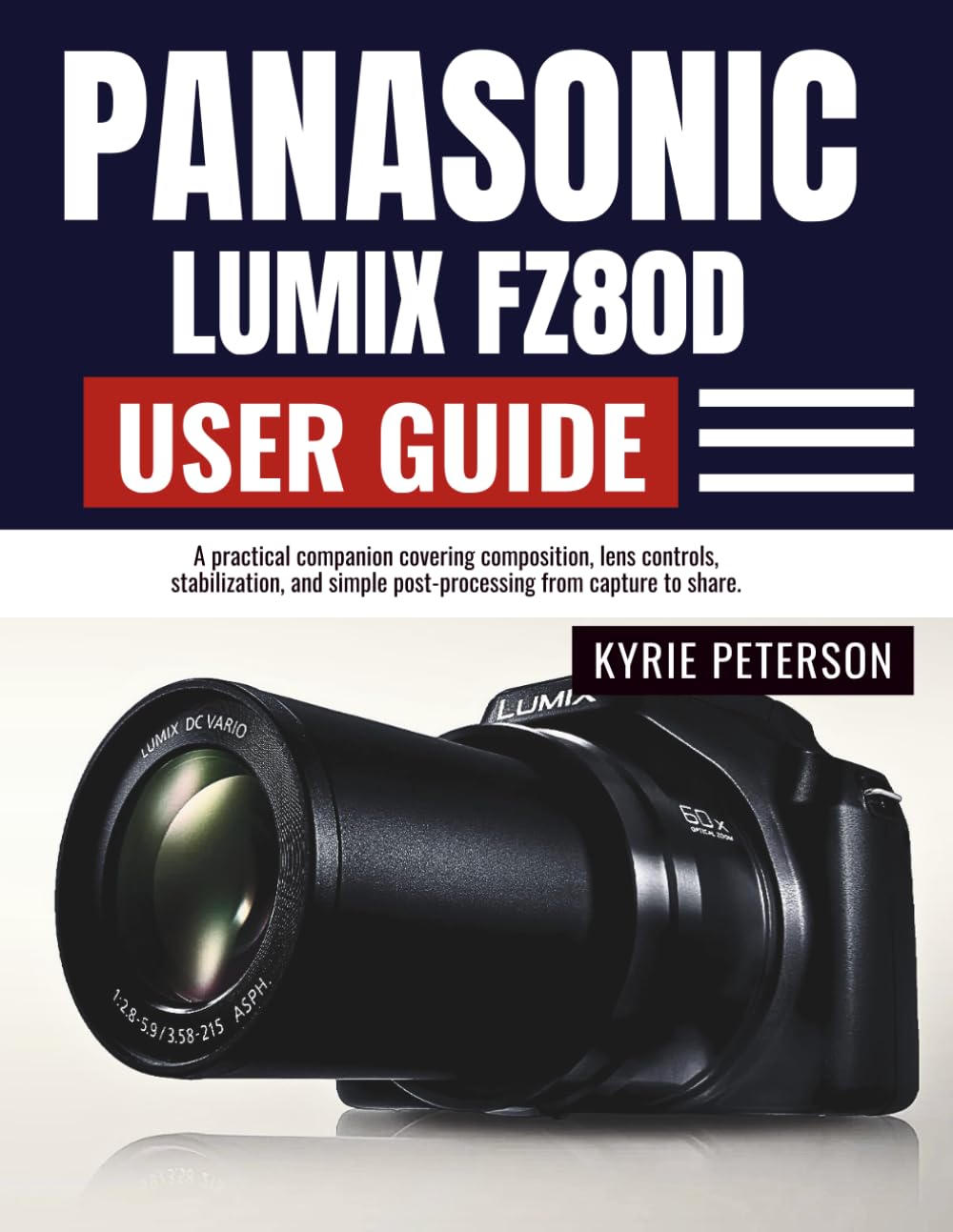
Panasonic Lumix FZ80D User Guide: A practical companion covering composition, lens controls, stabilization, and simple post-processing from capture to
$21.99
by Kyrie Peterson



DISCLAIMER This guide is an independent publication created for educational and reference purposes. It is not affiliated with, endorsed, or sponsored by Panasonic Corporation. Product names, logos, and brands mentioned are the property of their respective owners. Every effort has been made to ensure accuracy at the time of writing; however, specifications, features, and firmware may change without notice. The author and publisher assume no responsibility for errors, omissions, or any damages arising from the use of the information in this guide. Readers should use this material at their own discretion and always follow official safety guidelines and the manufacturer’s instructions. This guide does not replace the official product manual. This user-friendly handbook turns complex features into simple, repeatable moves. You’ll get quick wins you can try today, plus deeper walkthroughs for when you’re ready to level up—exposure control, 4K Photo, Post Focus, focus stacking, video cadence, audio hygiene, and a mobile-first share pipeline. Whether you’re capturing family adventures, street stories, wildlife at full zoom, or clean night cityscapes, you’ll learn how to set up once and shoot with confidence . Clear checklists, annotated steps, and smart presets help you build a personal “house look” you can recognize across projects. 🌟 WHAT YOU WILL DISCOVER INSIDE 🎯 Quick-Start Playbooks: First-hour setup, safe defaults, and a 10-minute path to your first sharp photo and steady handheld video. - 🧭 Menu & Q-Menu Mapping: Button-by-button clarity, custom Fn layouts, and a “My Menu” you’ll actually use. - 📷 Image Quality Mastery: RAW vs. JPEG, color profiles, dynamic range, noise reduction, and print-safe settings. - 🌞 Exposure in Practice: Program/Aperture/Shutter/Manual, histograms, zebras, and real-world exercises for bright sun to night streets. - 🧠 Focusing & Tracking: AF modes/areas, touch racks for video, manual focus aids, and back-button focus. - 🔭 Long-Zoom Craft: Handling at ultra-tele, macro-ish close-ups, diffraction control, and composition with compression.🎨 Color & Looks: White balance (auto/preset/custom), film-like palettes, monochrome recipes, and highlight/shadow tuning. - 🎬 Video Workflow: Frame rates, 180° shutter mindset, stabilization strategies, audio basics, time-lapse/stop-motion. - ⚡ 4K Photo & Post Focus: Decisive-moment extraction, stacked depth, artifact avoidance, and fast culling. - 🌙 Flash & Low Light: Fill, slow/rear-curtain sync, ISO vs. shutter trade-offs, trails and stars checklists. - 📡 Connectivity & Sharing: Remote control, geotagging savvy, USB/HDMI viewing, firmware safety, and a daily shoot → select → share pipeline. - 🧰 Care & Troubleshooting: Cleaning, storage, battery/card health, resets, soft-image diagnostics, and when to seek service. SwIpe up and tap “BUY NOW” and turn your Panasonic Lumix FZ80D into a trusted, go-anywhere storyteller. Start shooting with confidence today learn faster, shoot smarter, and share better on your very next outing. ⭐⭐⭐⭐⭐ Practical Lumix Mastery, Minus the Jargon This user guide turns the FZ80D's deep feature set into everyday wins. The quick-starts, Q-menu mapping, and "home base" presets make sharp photos and steady video achievable on day one. A perfect balance of checklists and clear explanations. -James K., Professional Photographer & Photo Educator ⭐⭐⭐⭐⭐ From First Setup to Field-Ready Confidence I appreciated the first-hour checklist, safety notes, and the way firmware changes are explained without confusion. The exposure, autofocus, and stabilization sections read like on-set coaching—direct, reliable, and repeatable. -Lena M., Cinematographer & Gear Reviewer ⭐⭐⭐⭐⭐ Long-Zoom Craft Done Right Handling ultra-telephoto can be tricky; this guide nails it with stance tips, diffraction awareness, and composition with compression. The macro and Post Focus advice is gold for product and detail shooters. -Arun S., Commercial Photographer ⭐⭐⭐⭐⭐ Video Workflows That Actually Work The 180° shutter mindset, frame-rate choices, and audio hygiene are presented in plain English. The slow-sync portraits, time-lapse, and in-camera trims form a tight, travel-friendly pipeline from capture to share. -Maya T., Documentary Filmmaker ⭐⭐⭐⭐⭐ Clear, Ethical, and Modern Beyond settings, it covers responsible shooting, privacy, geotagging safety, and location etiquette. That professionalism—plus mobile connectivity, HDMI playback, and daily backup routines—sets this guide apart. -Oliver R., Photojournalist ⭐⭐⭐⭐⭐ Troubleshooting Without the Panic The "return to sanity" preset, SD card health rules, and soft-image diagnostic checklist save real shoots. Maintenance, sensor care, and when to seek service are explained with calm authority. -Clara V., Camera Technician ⭐⭐⭐⭐⭐ Results You Can Repeat What I loved most: practical mini-projects, house-look color building, and decisive-moment