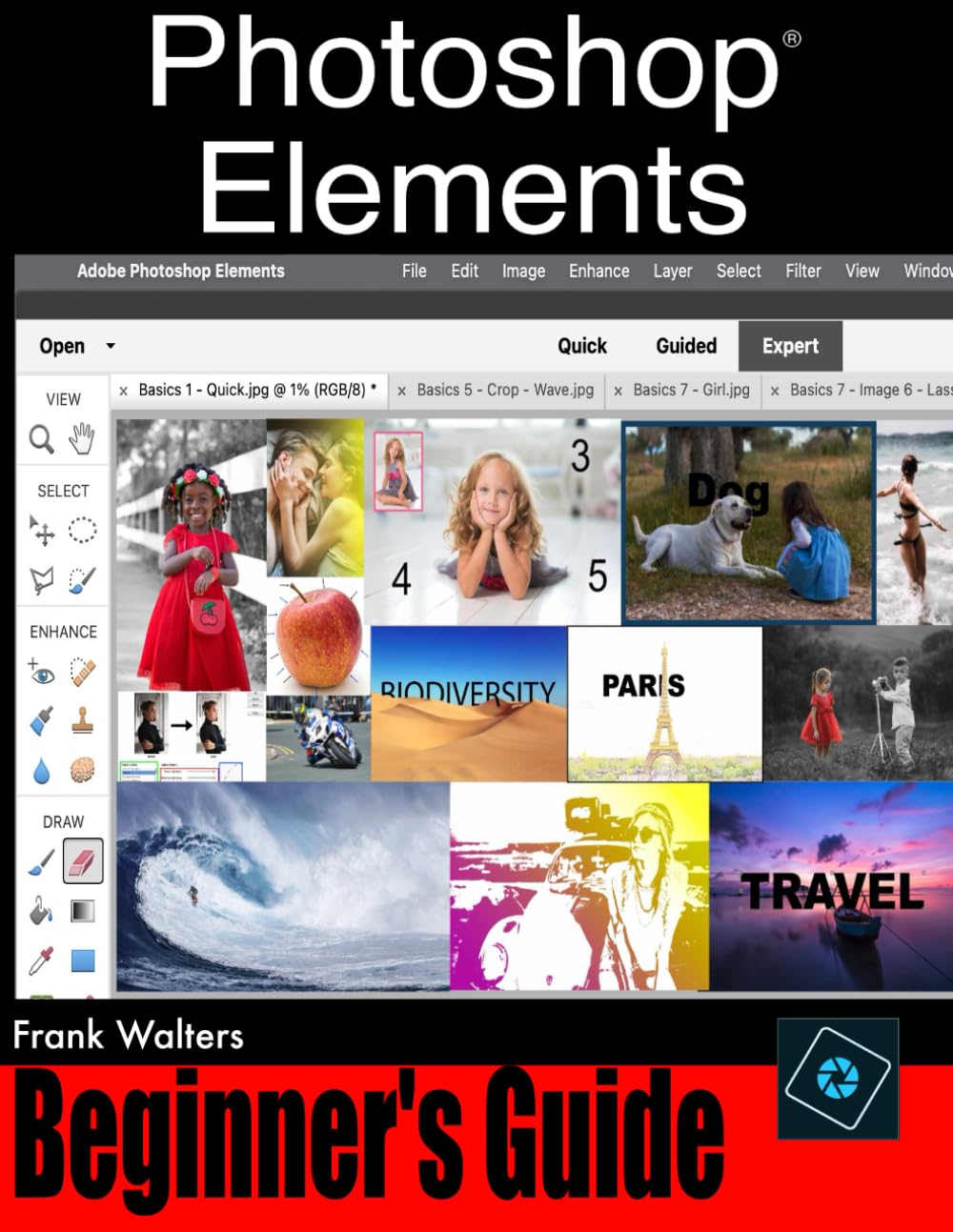
Photoshop® Elements 2023 for Beginners: Easy Step-by-Step Instructions Anyone Can Follow
$31.99
by Frank Walters



Adobe Photoshop ® Elements continues to be the best-selling beginner-level photo-editor on the market today and is so much fun to use we thought we'd create a super easy step-by-step training guide for you. The Photoshop ® Elements 2023 for Beginners book will help you go from complete beginner to confident user in a very short amount of time. By the time you're done with this book, you will have all the skills you need to use this amazing sofware with confidence and a high level of ability. Here is what you'll learn... The First 10 Skills Beginners Need to Know Basics 1 - Gettting started in adobe photoshop elements Basics 2 - How to open images in photoshop elements Basics 3 - How to navigate inside the screen Basics 4 - What are layers and how to use them Basics 5 - How to crop an image Basics 6 - How to make selections Basics 7 - What are layer masks and how to use them Basics 8 - How to remove imperfections from a photo Basics 9 – How to add text to an image Basics 10 – How to save, print, and share your work Twenty Step-by-Step Lessons Teaching You the Most Requested Special Effects Lesson 1 - How to create a regular & colored pencil sketch of a photo Lesson 2 - How to create a frame around a photo Lesson 3 - How to place text behind a subject Lesson 4 - How to put an image in text Lesson 5 - How to add blurriness to your backgrounds Lesson 6 - How to create a color splash effect Lesson 7 - How to create a white outline around a subject Lesson 8 - How to create a clouded text effect Lesson 9 - How to enhance eye color Lesson 10 - How to create a nashville filter effect Lesson 11 - How to create a vintage effect Lesson 12 - How to create a threshold pop art effect Lesson 13 - How to create a realistic shadow Lesson 14 - How to create a high-speed effect Lesson 15 - How to create a light leak effect Lesson 16 - How to add texture to a photo Lesson 17: How to create a soft & dreamy effect Lesson 18 - How to create a photo collage Lesson 19 - How to create a duotone effect Lesson 20 - How to remove shadows from a portrait Image Folder Contact us by email to receive the complete image folder for this book. Our email address is found on the Copyrights page. 5-Star Customer Support We offer on-going customer support for all those who purchase our book(s). Send us an email with your questions and we'll help you as fast and as competently as you can.