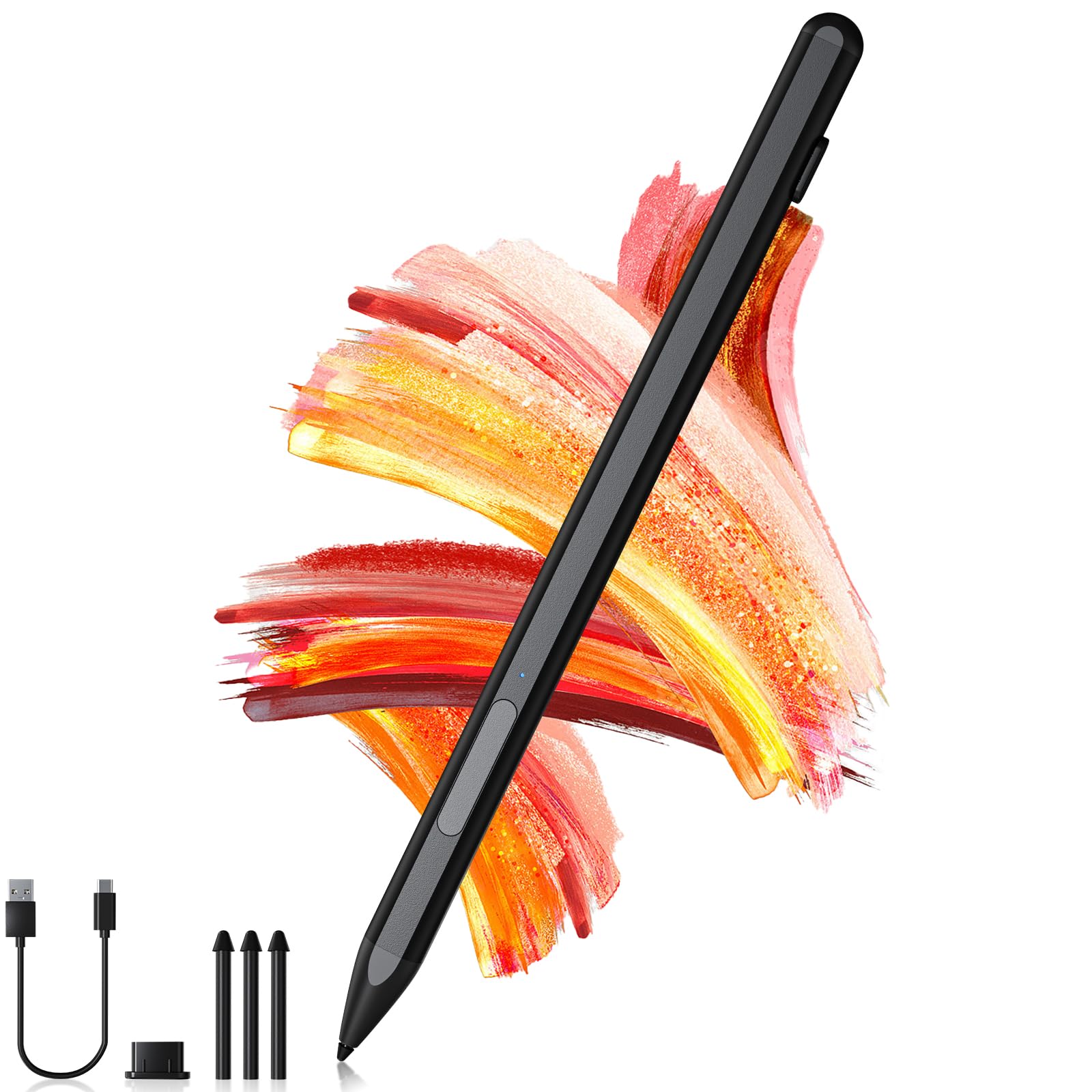
Compatibility - The pro 11 stylus pen is compatible with Pro 12/11/9/10/8/X/7/7plus/6/5/4/3, Laptop / Laptop 2 / Laptop 3 / Laptop 4/Laptop 5, Book / Book 2 / Book 3/ Book 4, GO /GO 2,/GO 3/GO 4, Studio/ Studio 2. It is also compatible with ASUS/HP/Sony/Dell series. Package includes: 1* pen, 3* replaceable stylus tips, 1* USB cable and 1 * manual. Full-featured Stylus - stylus pen just simply press any button to start writing, no Bluetooth or APP drivers required. Equipped with two multi-functional buttons: eraser button (long-press to erase errors), right-click (one-click function, also equivalent to the right mouse button). In addition, the windows stylus is equipped with two powerful magnets that can be attached to the tablet, Windows 11 Copilot+ PC Stylus for Pro 11. 4096 Pressure Sensitivity -Go Pen features 4096 levels of pressure sensitivity, the pen can recognize the pressure and tilt angle of the pen, and draw lines of different thicknesses (the greater the pressure, the thicker the line). Smooth and natural, no delay, no lag. In addition, the 45mm pen tip simulates the feeling of real pen strokes, allowing you to accurately outline, shade and color on the screen. Palm Rejection Technology - The Pen for Surface Pro 11 features Palm Rejection Technology. When drawing or handwriting, your hand can rest naturally on the tablet screen without having to worry about your hand accidentally touching the screen and interrupting your text or drawing input. As easy and natural as drawing and writing on paper. USB C Fast Charge & Longer Standby - This window pro 11 pen features USB-C fast charging technology, which allows for up to 60 hours of continuous use with just a 30-minute charge. stylus 10 Minutes of inactivity is followed by automatic hibernation, which greatly saves on battery consumption and prolongs usage time. A red light means the battery is low/charging, and a blue light means the battery is fully charged/in use, so you can keep track of the battery status.
Features:
Press any button to start writing and drawing. No need to connect to Bluetooth or any application
Support 4096 levels of sensitivity
Support oblique writing mode
Anti-palm rejection, both hands can be placed naturally on the tablet
Magnetic suction function, portable
Charging port: USB-C (30 minutes full, 60 hours of continuous use
Automatically enter sleep mode after 10 minutes when not in use
With LED charging indicator
Package includes:
1*
3* replacement nibs
1* user manual
1* USB-C charging cable
1* USB-C charging port dust plug
4096 levels of sensitivity can detect changes in the angle of the user's force and produce lines of different thicknesses, which is perfect for drawing. Imagine using this pro 3 stylus on a tablet, drawing or writing is as natural and smooth as on paper.
Palm rejection is unique to our windows stylus pen, which allows both hands to be placed naturally on the screen. There is no need to worry about interrupting the input of text or pictures due to accidental touches on the screen. Writing and drawing are real, smooth and natural
Warm reminder:
Before purchasing, please make sure your model is compatible, please check the picture above.