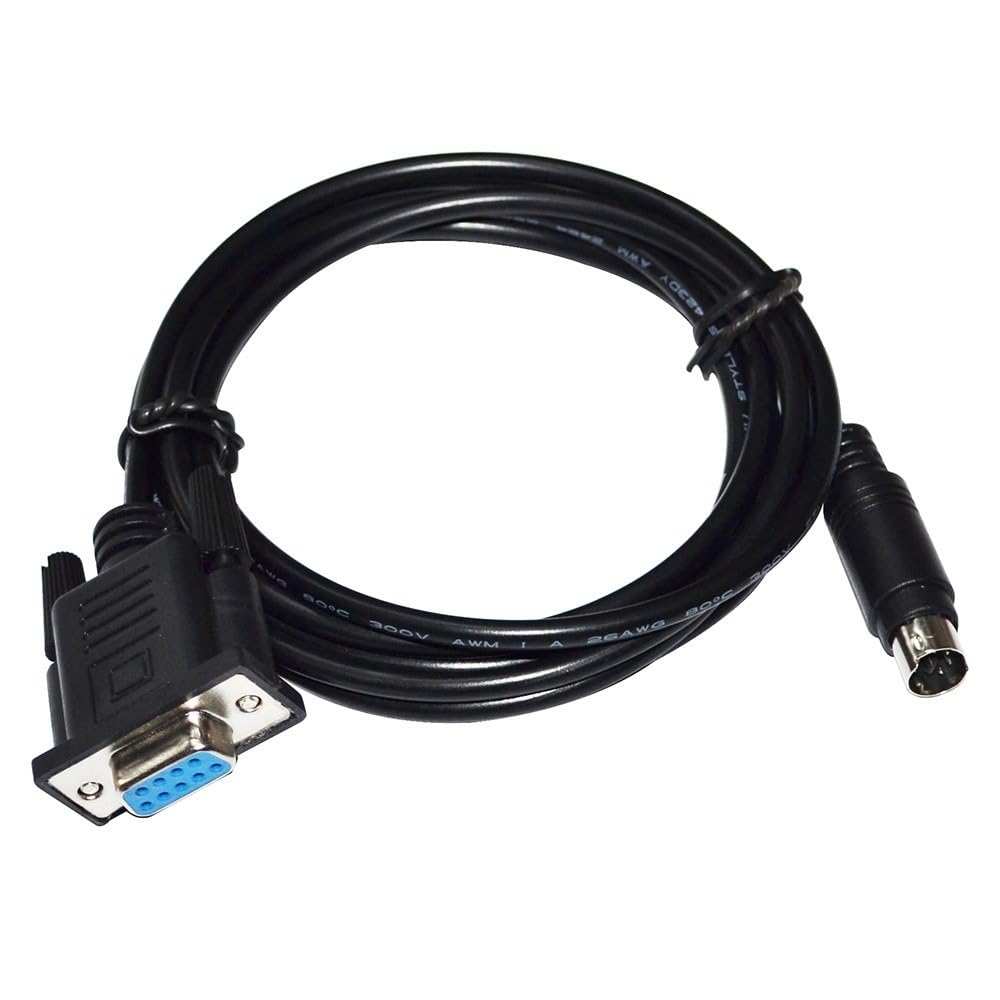



【Simple Plug-and-Play Operation】: User-friendly design enables instant connectivity without the need for additional drivers or complex setup procedures. Simply plug the DB9 end into your programming device and the Mini DIN 6P end into the PLC, and you're ready to program, troubleshoot, or update firmware with ease, saving valuable time and resources. 【Effortless PLC Programming Connectivity】: Engineered for seamless integration with LS(LG) K10S1 PLC systems, this RIKYJIC DB9 to MINI DIN 6P MD6 cable ensures precision programming and debugging. The direct 9-pin to 6-pin round connector design guarantees a secure, reliable link for your industrial automation needs, spanning 1.8 meters for flexible placement around equipment. 【Customized Fit for LGPLC Compatibility】: Specifically tailored to fit the LGK10S1 PLC series, this cable minimizes compatibility issues, maximizing efficiency during programming and maintenance tasks. Its precise pinout configuration ensures error-free data transfer, supporting the intricate communication requirements of advanced PLC setups. 【Durable Construction for Industrial Environments】: Built with robust materials, this cable withstands the rigors of industrial use, resisting wear, tear, and common environmental stressors. The durable outer jacket protects against abrasion, while the connectors are engineered to maintain a firm grip, even in high-vibration settings, ensuring longevity and reliable performance. 【Efficient Data Transfer, No Delays】: Supporting rapid communication speeds, this cable facilitates efficient programming and real-time monitoring. Its design adheres to industry standards, allowing for high-speed signal transmission without data loss or latency, perfect for time-sensitive industrial control processes. Package includes: 1pcs
Kindly reminder:
1. Before placing an order, please ensure the device model matches the product title. If unsure, contact us. While these serial cables carry identical signals, their pinout sequences differ across devices and are not universally compatible.
2. Upon use, immediately check your computer's Device Manager to verify if the port requires driver installation. A yellow exclamation mark indicates driver installation is needed.
Note:
Windows 10 and later systems include drivers that install automatically upon USB insertion. If automatic installation fails, contact us for a driver link.
Kindly reminder:
1. Before placing an order, please ensure the device model matches the product title. If unsure, contact us. While these serial cables carry identical signals, their pinout sequences differ across devices and are not universally compatible.
2. Upon use, immediately check your computer's Device Manager to verify if the port requires driver installation. A yellow exclamation mark indicates driver installation is needed.
Note:
Windows 10 and later systems include drivers that install automatically upon USB insertion. If automatic installation fails, contact us for a driver link.