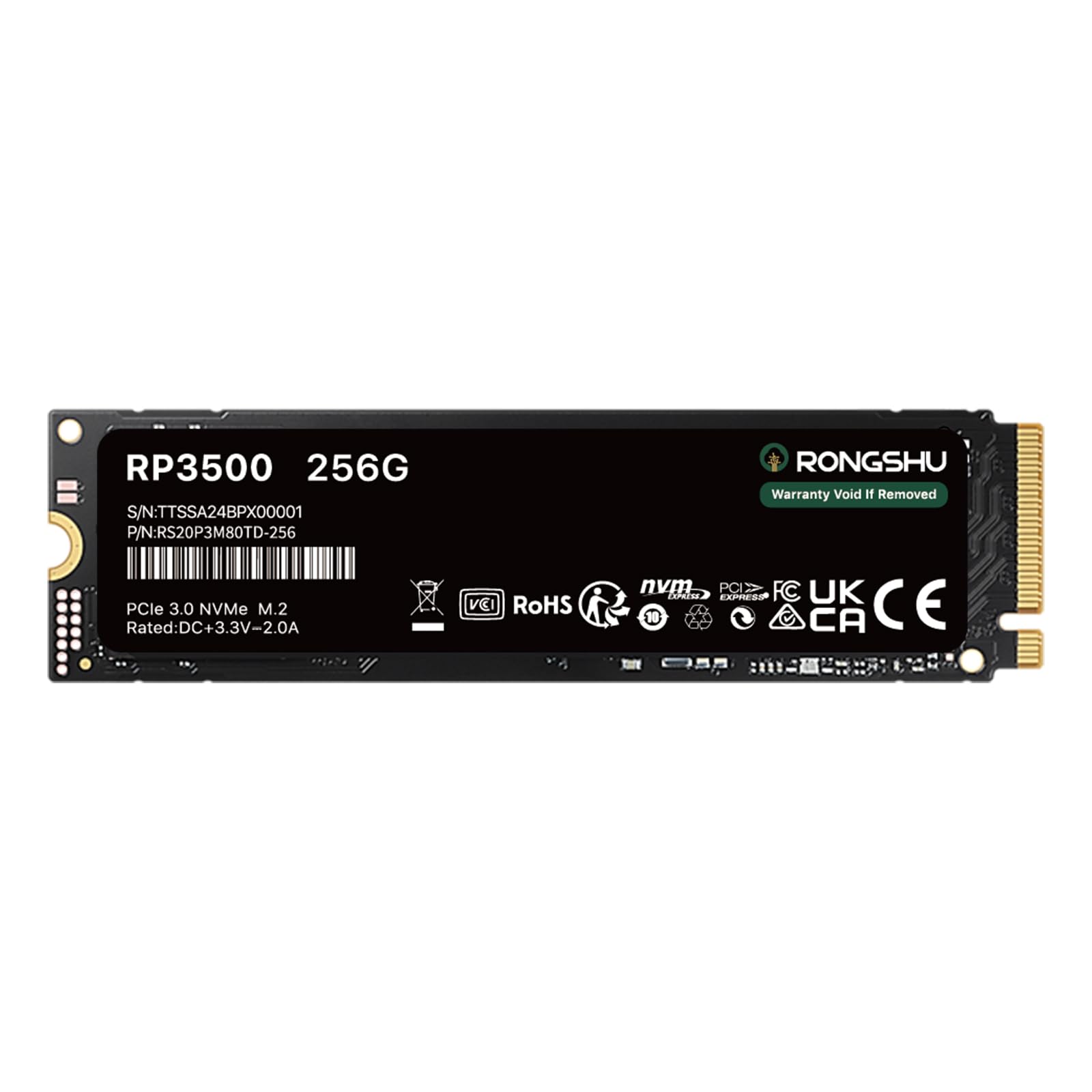



RONGSHU 256GB NVMe SSD M.2 PCIe Gen 3×4, Read Speeds Up to 3,000 MB/s, M.2 2280 Internal Soild State Drive, SLC Cache 3D NAND TLC Compatible with

$59.99
by RONGSHU

Shop Now
Supreme Speed: The M.2 2280 NVMe SSD utilizes a PCIe Gen3x4 high-speed interface and delivers 4K sequential read/write speeds of up to 3000/1500 MB/s. (Test Environment: CPU: Intel 19-9900X ;DRAM: 32GB DDR4;Chipset: IntelX299;OS: Windows 10 x64;Test Tool: CrystalDiskMark 8.0.x) Upgrade your computer: Intelligent SLC caching technology enhances the read/write performance of the SSD, and the product transfer performance is more than 5 times that of the SATA III interface. It greatly improves the speed of booting, program opening, game loading, file saving and transferring. Endurance: The RONGSHU M.2 NVMe 2280 solid state drive utilizes the latest 3D NAND TLC flash technology, which delivers significantly higher endurance than QLC flash technology, enhancing data storage reliability and longevity. Widely Compatible: M.2 interface, 2280 form factor, can be used for desktops, laptops and DIY your own portable external SSD.Note: This product does not support PS4, PS5. Professional Service Support: The M.2 NVMe SSD comes with 3 years of technical support and customer service from a team of professionals

RP3500: (Test environment: CPU: Intel 19-9900X; DRAM: 32GB DDR4; Chipset: IntelX299; OS: Windows 10 x64; Test Tool: CrystalDiskMark 8.0.x)

Why are SSDs slower than manufacturers' claims when they are connected to a SSD Enclosure and used as an external SSD?

The speeds claimed by manufacturers are generally the data from testing the SSD directly into the computer as an internal SSD using specific tools such as CrystalDiskMark. In addition, there are several reasons why SSDs are slower when they are connected to a SSD enclosure:

1. Interface transfer rate limitation

Some older computers may only have a USB 2.0 interface with a transfer rate of only 480Mbps, which can greatly limit the read/write speed of the external SSD.

2. Data Transfer Protocol Conversion

 When a solid state drive is connected to a computer via a SSD enclosure, the enclosure needs to convert the SATA or NVME protocol to USB protocol. The protocol conversion process incurs a certain amount of overhead, which affects the efficiency of data transfer.

3. Power Stability

External SSD enclosures are usually powered by the USB interface, which provides limited power. If the power management design of the SSD enclosure is not reasonable, or the power supply of the connected USB interface is insufficient, the hard disk may not be able to work in the best performance state, and the read/write speed will be unstable or even decrease.

Customer Reviews

No ratings. Be the first to rate

 customer ratings


How are ratings calculated?
To calculate the overall star rating and percentage breakdown by star, we don’t use a simple average. Instead, our system considers things like how recent a review is and if the reviewer bought the item on Amazon. It also analyzes reviews to verify trustworthiness.

Review This Product

Share your thoughts with other customers