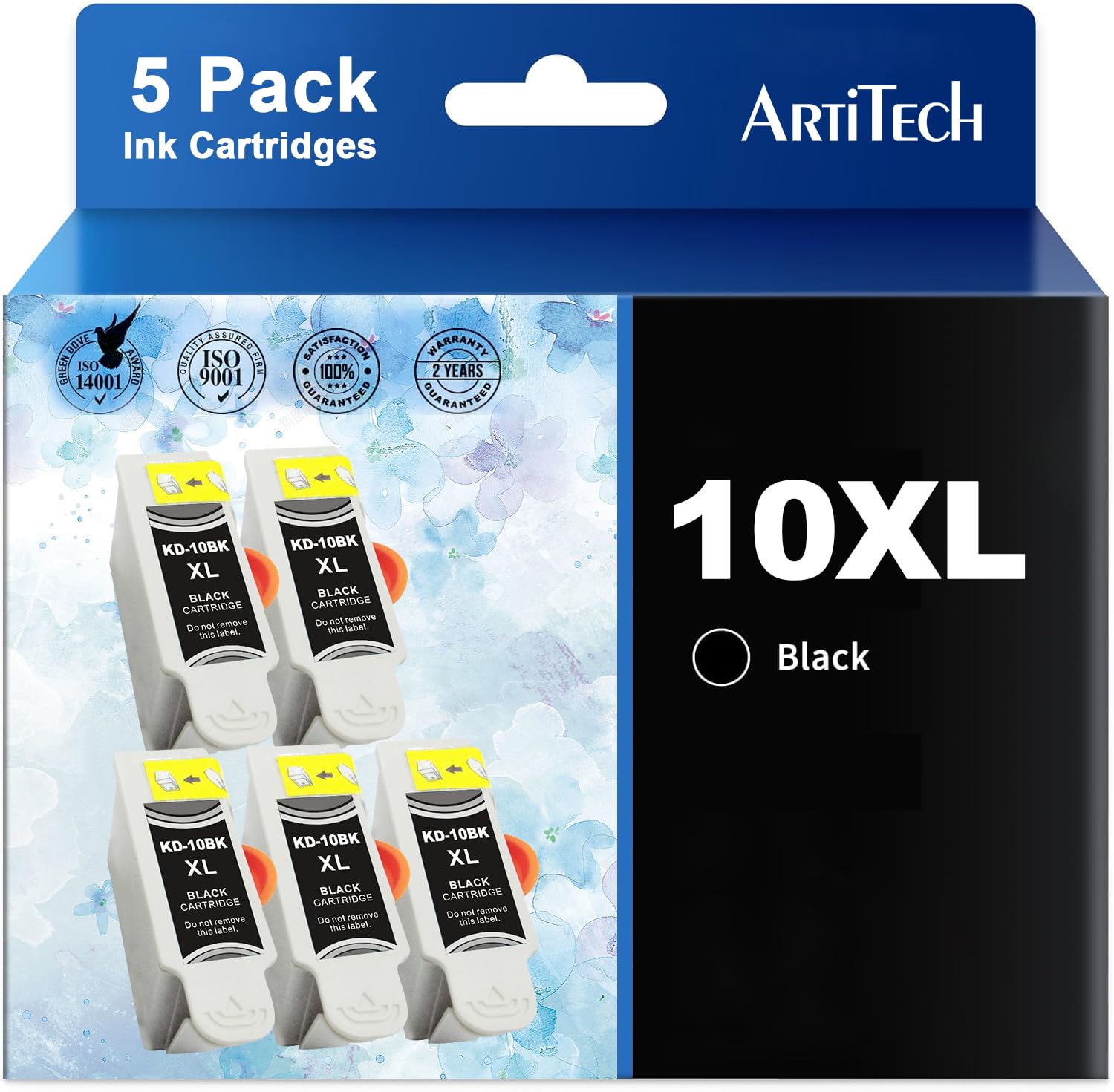



Replacements for Kodak 10XL 10B 10 Black Compatible Ink Cartridge 5 Pack Black Ink Use for Kodak 5100 5300 5500 ESP3250 ESP5250 ESP3 ESP5 ESP7 ESP9

$13.99
by ARTITECH

Shop Now
This package contains: Total 5 Pack ARTITECH Ink cartridge to replace for Kodak 10XL Ink Cartridges, 5 pack for Kodak 10XL black compatible ink cartridge(NON-OEM) For use in the following Kodak printers: ESP 3, ESP 7, ESP 9, ESP3250, ESP5210, ESP 5250, ESP 7250, ESP 9250, ESP Office 6150, EASYSHARE 5100, EASYSHARE 5300, EASYSHARE 5500, Hero 6.1, Hero 7.1, Hero 9.1 High capacity page yield: Black cartridge yields up to 770 pages per cartridge. Color cartridge yields up to 420 pages per cartridge. (Determined by 5% A4 page coverage) Page Yields tested using ISO/IEC 24712 testing standards. Built to ISO9001 and ISO14001 factory standards. Premium quality ink delivers crisp text and graphics Superior Quality: Resists fading, smudging and bleeding with ARTITECH Color technology to allow you to print true-to-life photos and images and laser-quality text which withstand fading for decades. Built to meet or exceed OEM specifications

ARTITECH Compatible ink cartridge replacement for Kodak 10XL series Ink (non-OEM)


WHAT IS INSIDE?


5 x Kodak 10XL Black compatible ink cartridges


Ink Volume: Black is 15ml


Safe Packaging:

All of our ink cartridges are individually sealed to ensure safe transit and spillage. To prolong its shelf life keep the cartridge stored in its bag until it's time to put it to use.


Ink Quality:

Premium Ink delivers crisp text and graphics. Produce clear and colorful printing.


Printer Compatibility


ESP 3, ESP 5, ESP 7, ESP 9, ESP 3250, ESP 5210,ESP 5250, ESP 7250, ESP 9250


ESP Office 6150


EasyShare 5100, EasyShare 5300, EasyShare 5500


Hero 6.1, Hero 7.1, Hero 9.1


​Instructions for use:  


Step 1: Pull the cartridge label off.

Step 2: Turn cartridge upside down and Remove the orange nozzle cap gently. Avoid squeezing the cartridge while removing the cap.

Step 3: Insert the cartridge into the corresponding slot and push down on the cartridge until you hear a click sound. 


Warm Tips.


Do not touch the chip.

The computer would appear error, please click "OK" continuously, then the printer can go on to print.

After new cartridges installed, if streak happens, try realigning your printer heads, then hit your printer clean option and that should take care of this issue.

If the inks do not recognize your printer for the first time, please take them off and install them again.


Customer Reviews

No ratings. Be the first to rate

 customer ratings


How are ratings calculated?
To calculate the overall star rating and percentage breakdown by star, we don’t use a simple average. Instead, our system considers things like how recent a review is and if the reviewer bought the item on Amazon. It also analyzes reviews to verify trustworthiness.

Review This Product

Share your thoughts with other customers