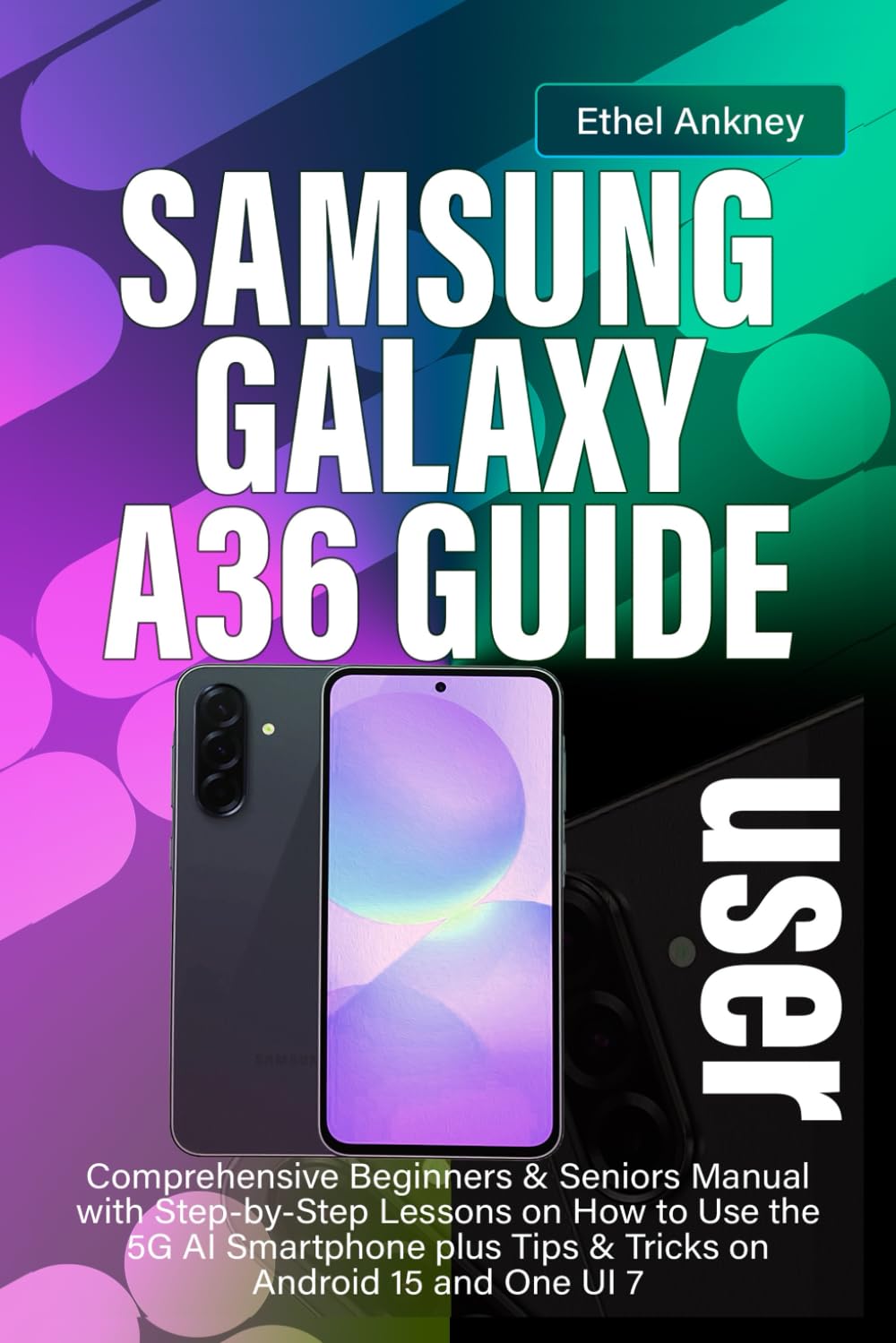
SAMSUNG GALAXY A36 USER GUIDE: Comprehensive Beginners & Seniors Manual with Step-by-Step Lessons on How to Use the 5G AI Smartphone plus Tips &
$14.99
by Ethel Ankney



YOUR EASY GUIDE TO THE SAMSUNG GALAXY A36 Just got your hands on the Samsung Galaxy A36? Congratulations! This guide is here to help you get started and feel confident with your new smartphone. Whether you're new to smartphones or just looking for a simple way to learn all the features, this book will walk you through everything step-by-step — from setting up your phone to using all the cool tools and settings. WHAT’S INSIDE? We’ve broken it all down for you in clear, simple language with easy-to-follow instructions. No confusing tech jargon here — just helpful tips and clear steps to make sure you enjoy every feature your phone has to offer. Chapter 1: Getting to Know Your Galaxy A36 Learn about the phone’s parts, how to connect to the internet, how to use the camera, and how to customize your phone to make it work best for you. Chapters 2–3: Taking Care of Your Phone Learn how to protect your phone from water and dust, and how to set it up properly using Samsung’s simple Setup Wizard. It’s quick and easy! Chapter 4: Transfer Your Info No need to worry about losing your photos, contacts, or messages. This chapter shows you how to transfer everythingfrom your old phone to your new Galaxy A36 with Samsung’s Smart Switch tool. Chapter 5: Using Your Samsung Account Create and manage your Samsung account to keep everything in sync across your devices. It's simple and helpful for accessing apps and services. Chapter 6: Navigating One UI This chapter introduces One UI, the easy-to-use interface that helps you navigate your Galaxy A36. Learn how to access your apps, settings, and more with just a few taps. Chapters 7–9: Getting the Best Photos Learn how to take beautiful photos with your phone’s camera. We’ll walk you through the camera app, explain the icons, and introduce you to the AI Drawing Assist feature. Chapter 10: Using Bixby Meet Bixby, Samsung’s smart assistant! Learn how to use voice commands to ask questions, set reminders, and make your phone even smarter. Chapters 11–13: Keeping Your Phone Secure Set up your lock screen and security settings to protect your personal information. We’ll show you how to set up simple passwords and keep your phone safe from unauthorized access. Chapters 14–16: Customizing Your Phone Personalize your phone’s display and notifications to suit your preferences. Learn how to connect to Wi-Fi and Bluetooth, and adjust your sound and vibration settings. Chapters 17–18: Multitasking Made Easy Learn how to use the split-screen feature to run two apps at once and how to access the Samsung Edge Panel for quick shortcuts. It’s easy and can make your phone more efficient. Chapters 19–20: Typing and Writing Tips Learn how to set up the on-screen keyboard to make typing easier, and how to use Grammarly to help with writing. This chapter makes texting, emailing, and writing more accurate and fun. Chapter 21: Managing Your Files Find and organize your files using the “My Files” app. Learn how to delete unnecessary files, manage your SD card, and back up your important documents to the cloud. BONUS: Explore Other Samsung Devices The Appendix lists other Samsung devices you may be interested in, and the Index helps you quickly find what you're looking for. EASY. CLEAR. NO STRESS. This guide is designed to help you feel comfortable and confident with your Samsung Galaxy A36. Each chapter is full of simple instructions and helpful tips that you can follow at your own pace. No rush — just learn as you go. Order now and start enjoying your new phone today!